 knowledge kit19
To understand the authorization settings on the support portal follow the steps mentioned below:
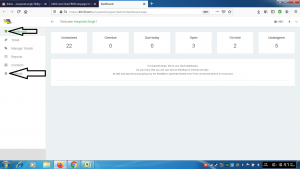
- Go to the link https://kit19.com/(your_username)/support/admindashboard.aspx
- Click the Dashboard button
- Click the Settings button
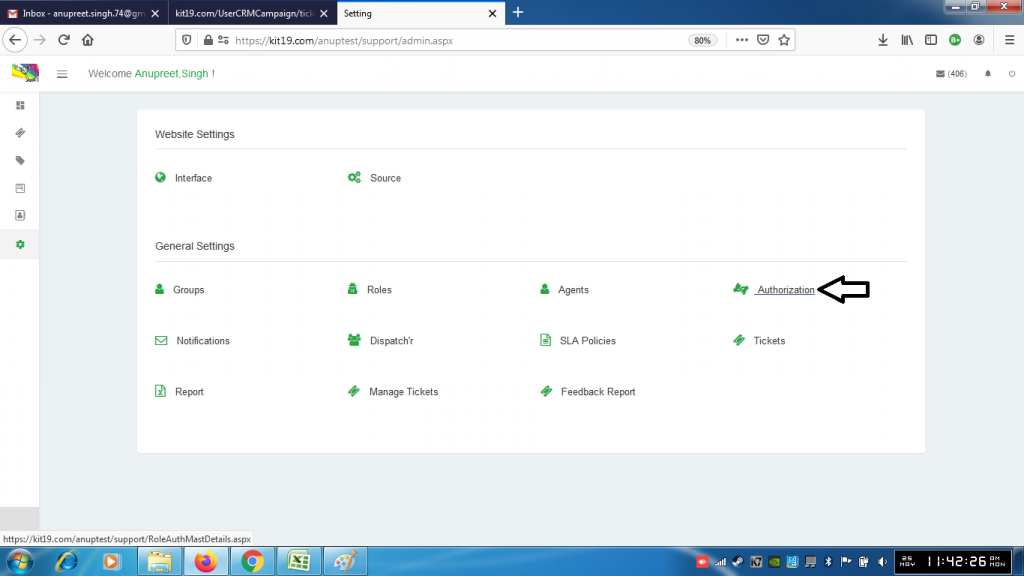
- Click the Authorization button
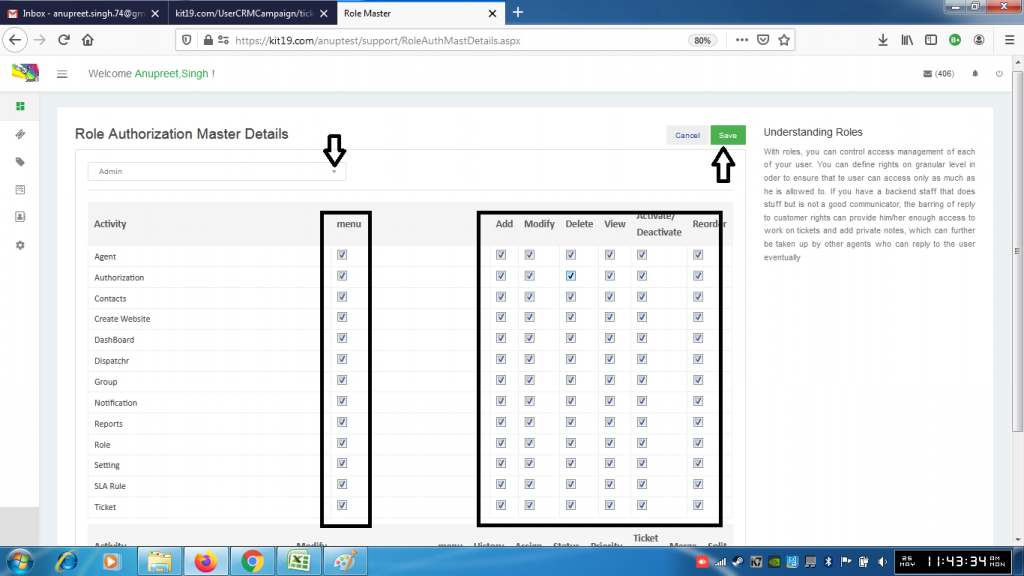
- Change the settings do you want
- Click Save
Note: Authorization settings are used to give different rights to users. By changing these settings you are actually changing rights of a user or you are giving new rights to a user.
