Home / Support Portal / Understanding the source settings on the Support Portal

Understanding the source settings on the Support Portal

To understand the source settings on the support portal follow the steps mentioned below:
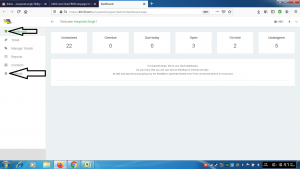
  • Go to the link https://kit19.com/(your_username)/support/admindashboard.aspx
  • Click the Dashboard button
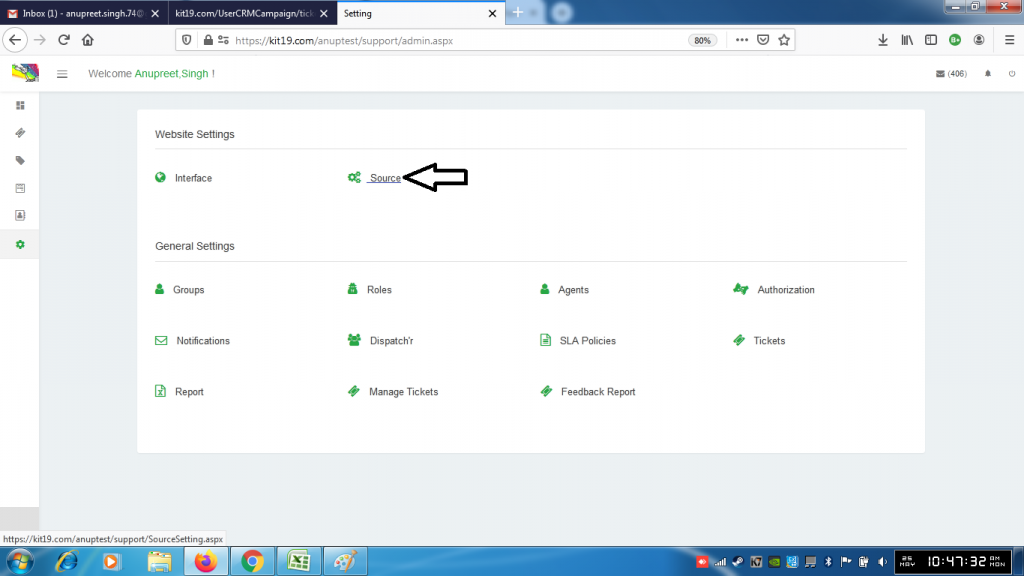
  • Click the Settings button

  • Click the Source button

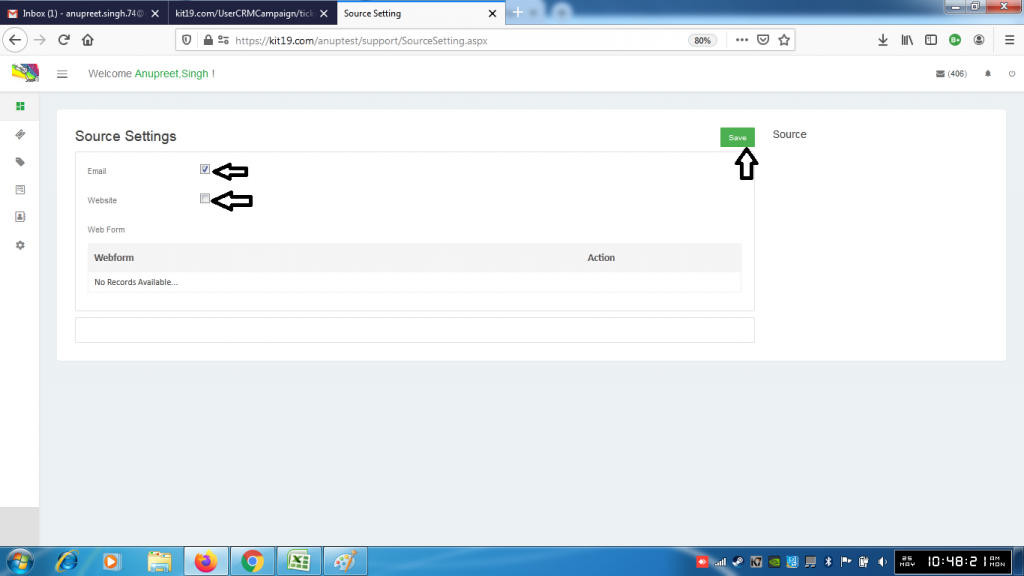
  • Change the settings you want
  • Click Save

About Anupreet Singh

Check Also

Understanding the Dispatch’r settings on the Support Portal

To understand the dispatch’r settings on the support portal follow the steps mentioned below: Go …

Leave a Reply

Your email address will not be published. Required fields are marked *