 knowledge kit19
To automate the process of capturing the lead using the TradeIndia API follow the steps mentioned below:
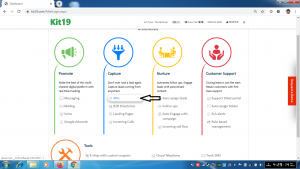
- Click the link API
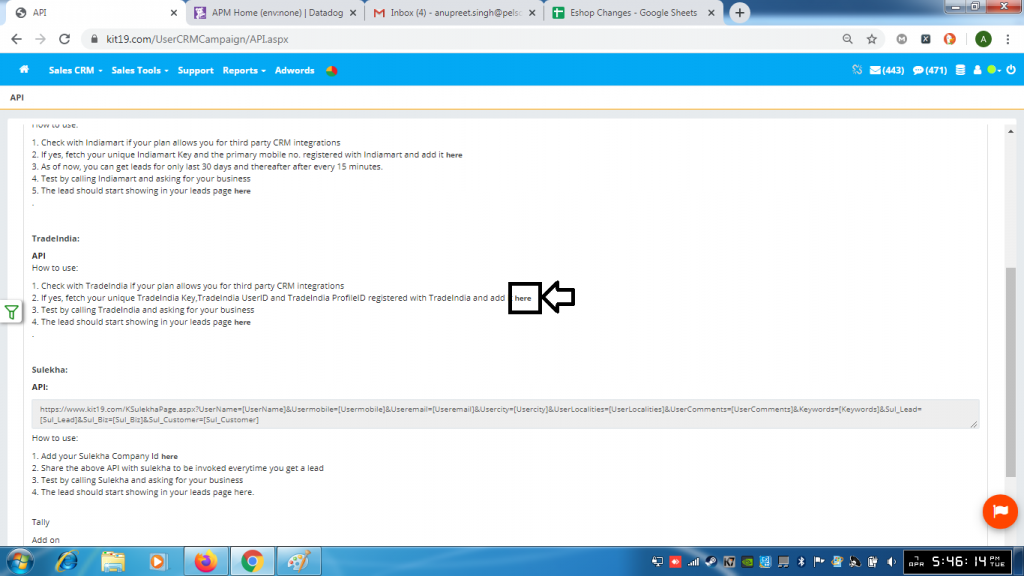
- Click the link here
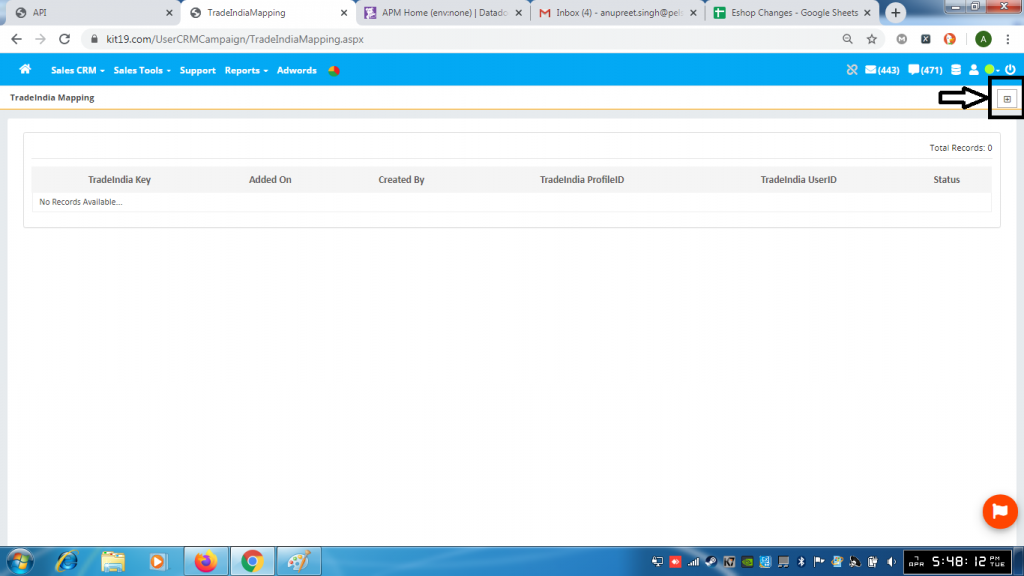
- Click the + button
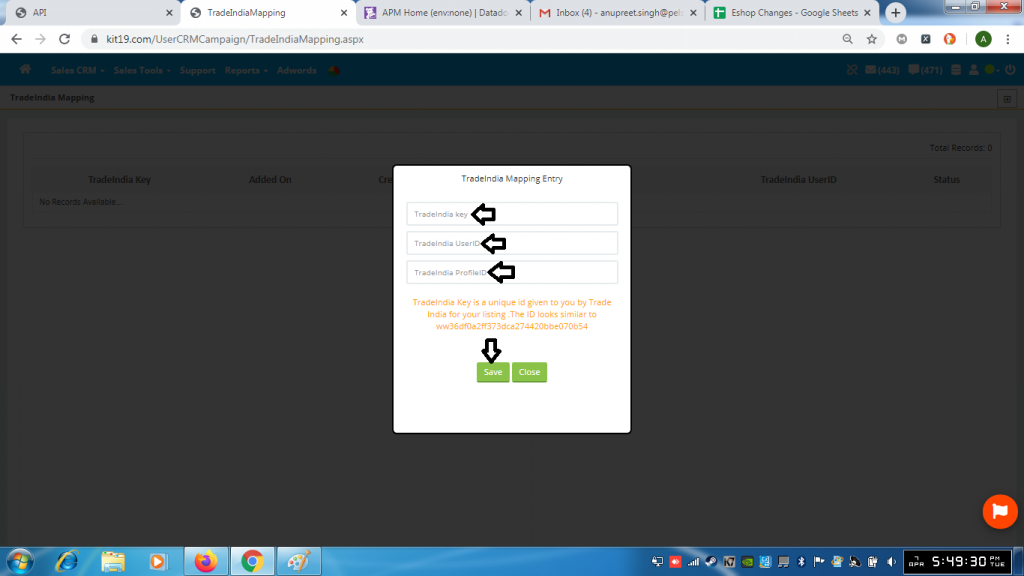
- Enter your TradeIndia Key
- Enter your TradeIndia UserID
- Enter your TradeIndia Profile ID
- Click Save
Once this done all the leads coming to you from TradeIndia would be captured by Kit19. And the leads would displayed on the page https://kit19.com/UserCRMCampaign/Enquiry.aspx
Note: You need to have your TradeIndia Key, TradeIndia UserID and TradeIndia ProfileID. If you don’t have these IDs and the Key then please contact TradeIndia to get the IDs and the Key.
