 knowledge kit19
To access the support portal dashboard follow the steps mentioned below:
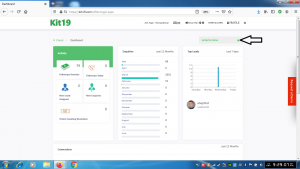
- Go the link https://kit19.com/AfterLogin.aspx
- Click on Jump to Menu
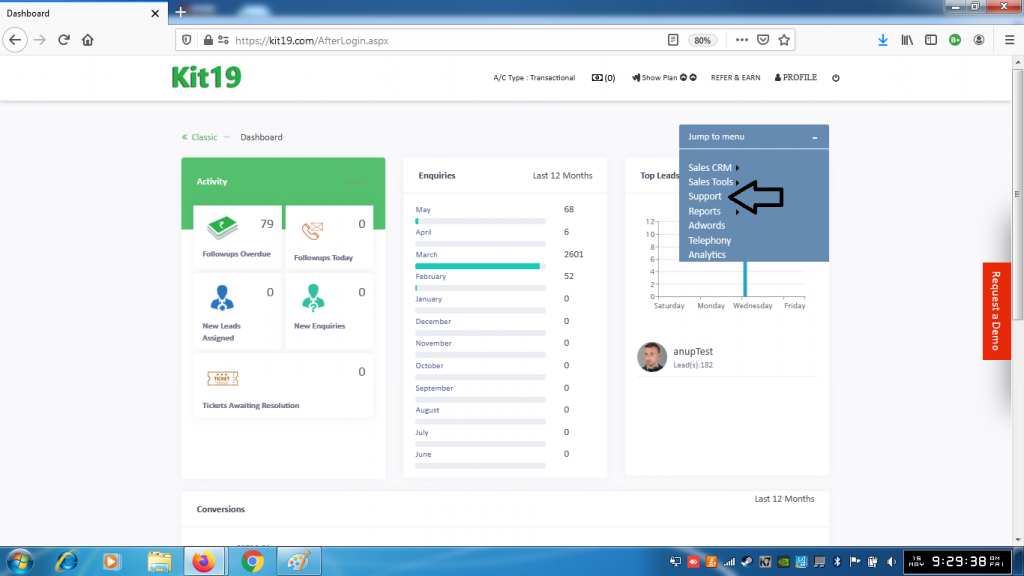
- Click Support
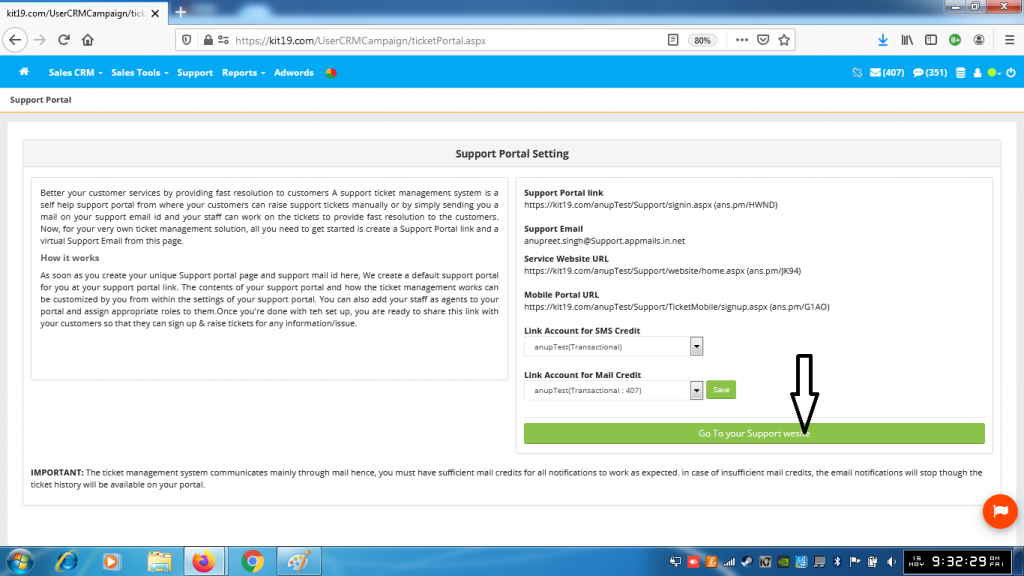
- Click Go to Your Support Website
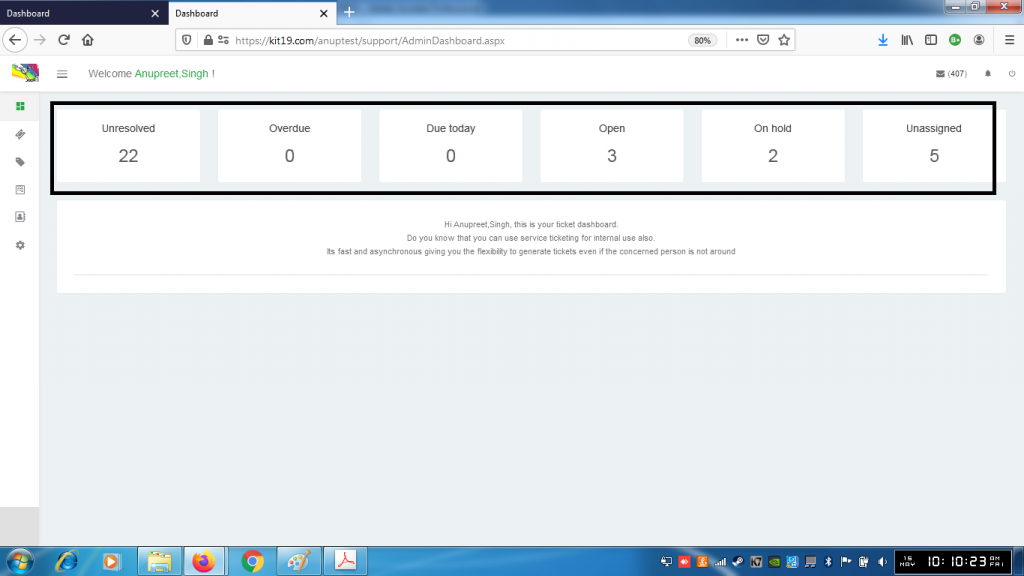
- Dashboard will show
- the number of unresolved tickets
- the number of overdue tickets
- the number of tickets Due today
- the number of open tickets
- the number of tickets on hold
- the number of unassigned tickets
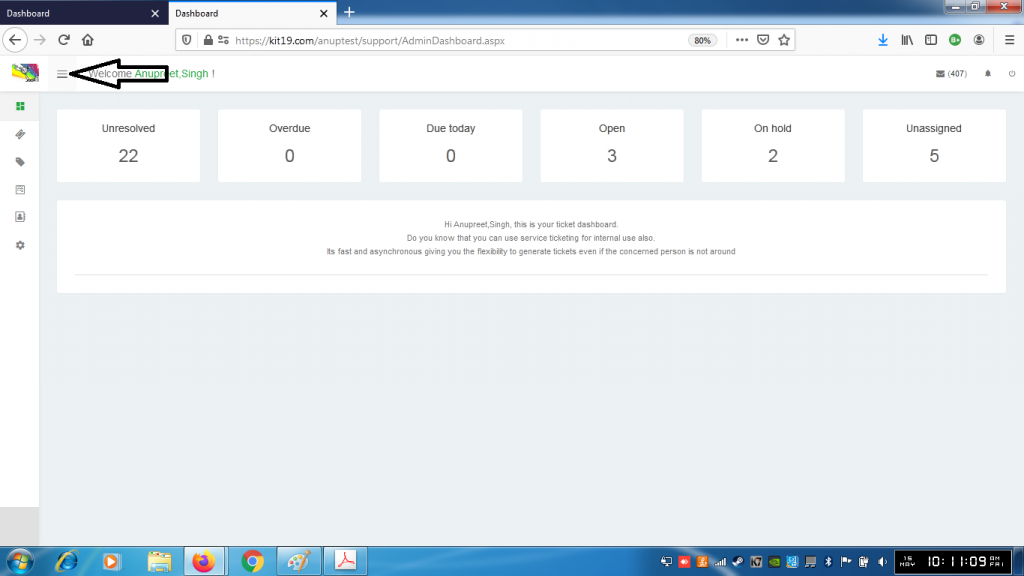
- To access the menu on the dashboard click the menu button
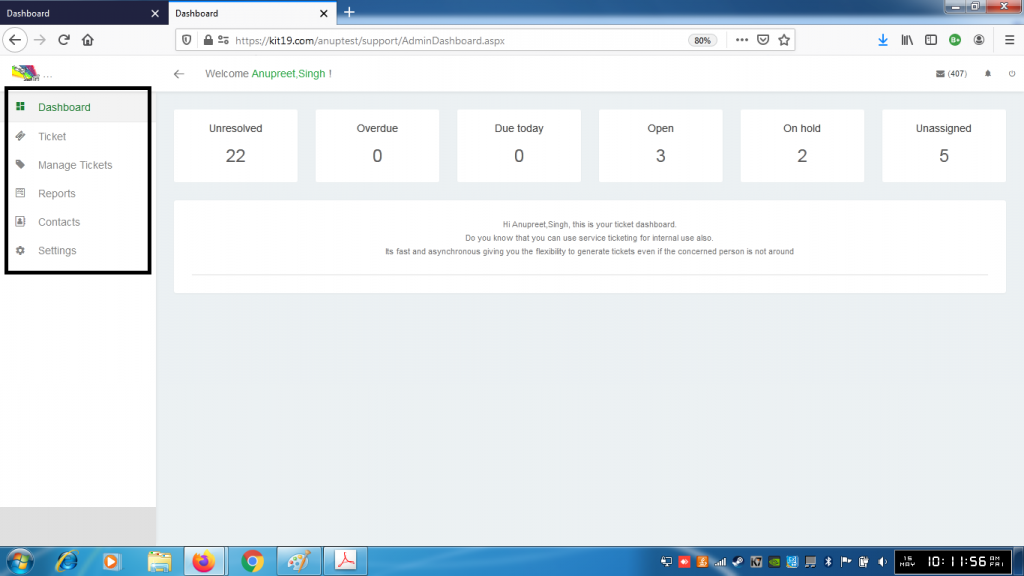
- The menu will have the following options:
- Ticket
- Manage Tickets
- Reports
- Contacts
- Settings
