 knowledge kit19
To automate the process of capturing the lead using the Justdail API follow the steps mentioned below:
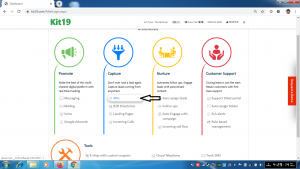
- Click on the API link
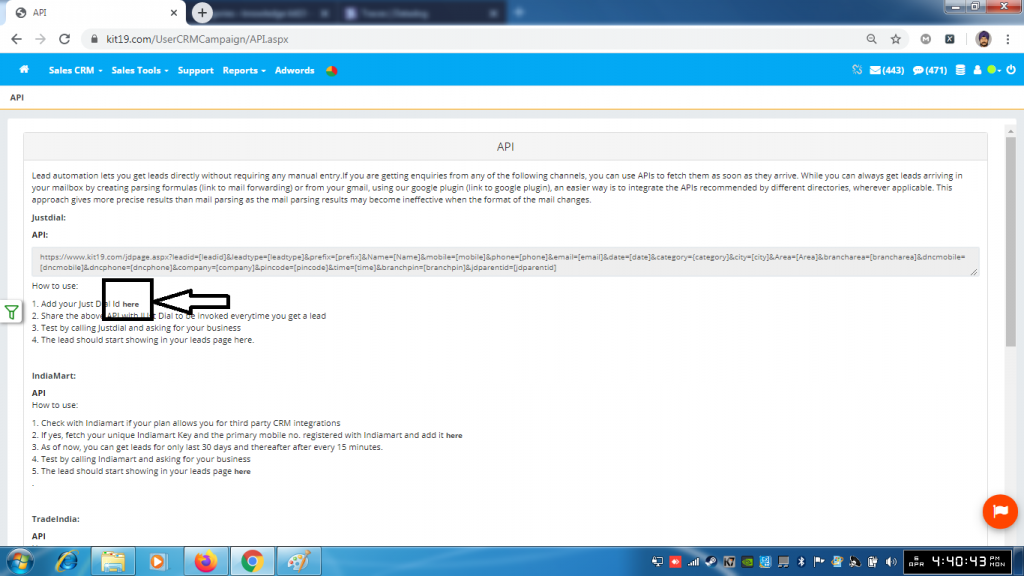
- Click the text here
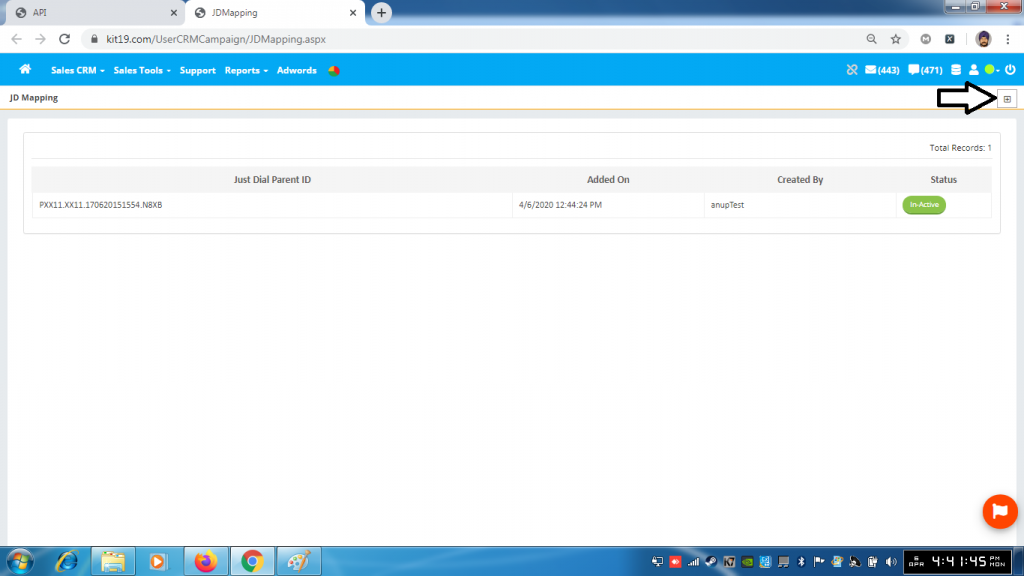
- Click the + button
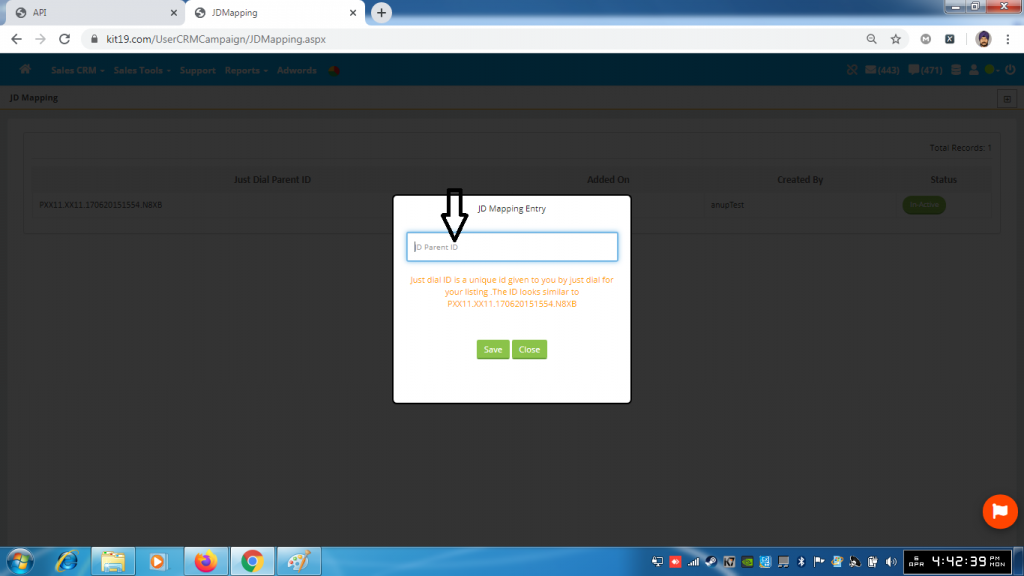
- Enter your Justdial ID
- Click Save
Once this done all the leads coming to you from JustDial would be captured by Kit19. And the leads would displayed on the page https://kit19.com/UserCRMCampaign/Enquiry.aspx
Note: You need to have your Just Dail Unique ID. If you don’t have this ID then please contact Just Dial to get this ID.
