 knowledge kit19
To understand the details of various elements of landing page follow the steps mentioned below:
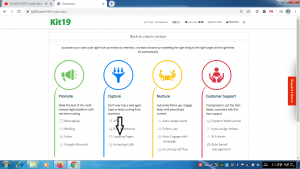
- Click landing page
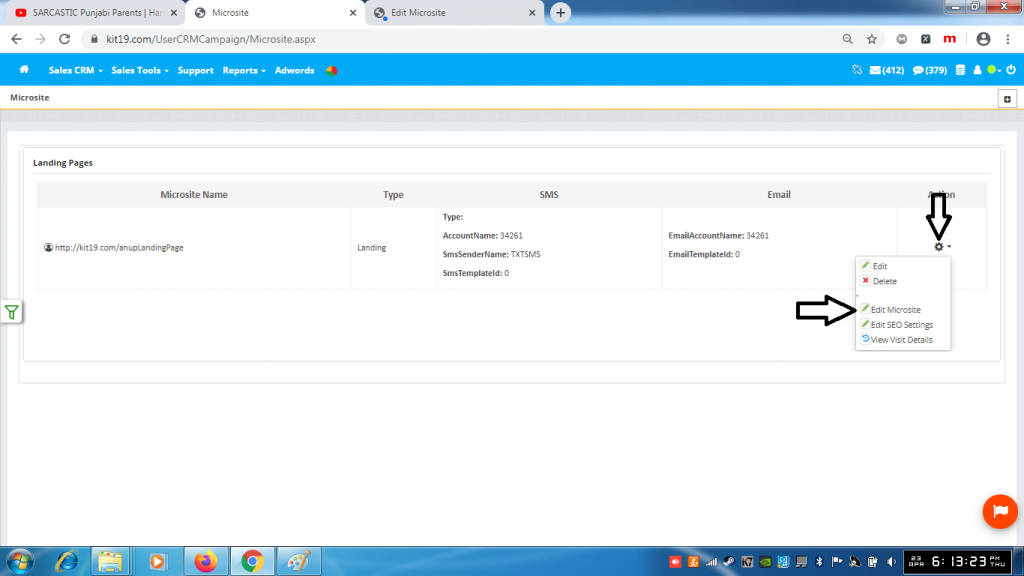
- Click the Edit icon
- Click Edit Microsite
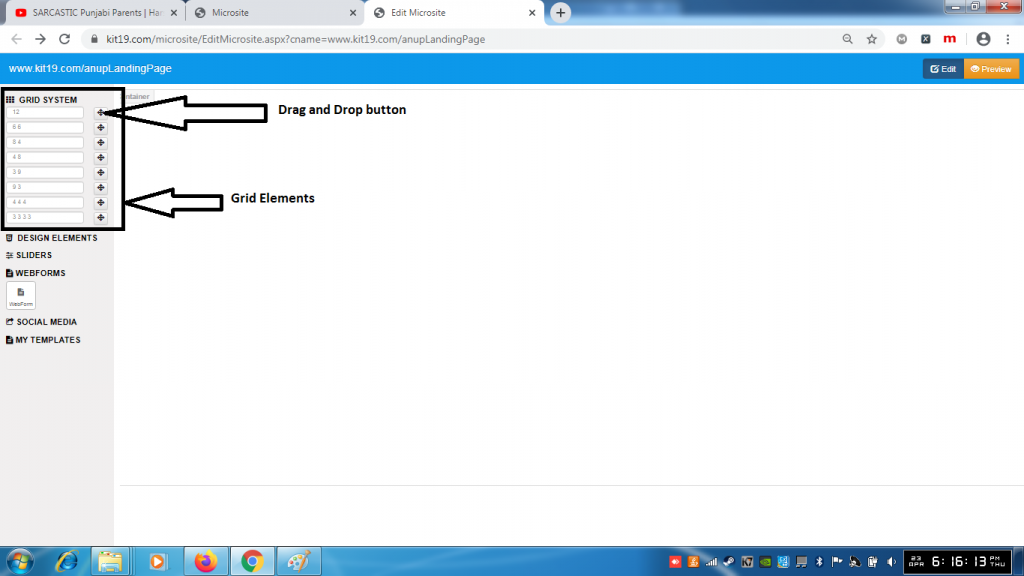
- There are eight grid elements
- Each grid element has it’s own individual drag and drop button
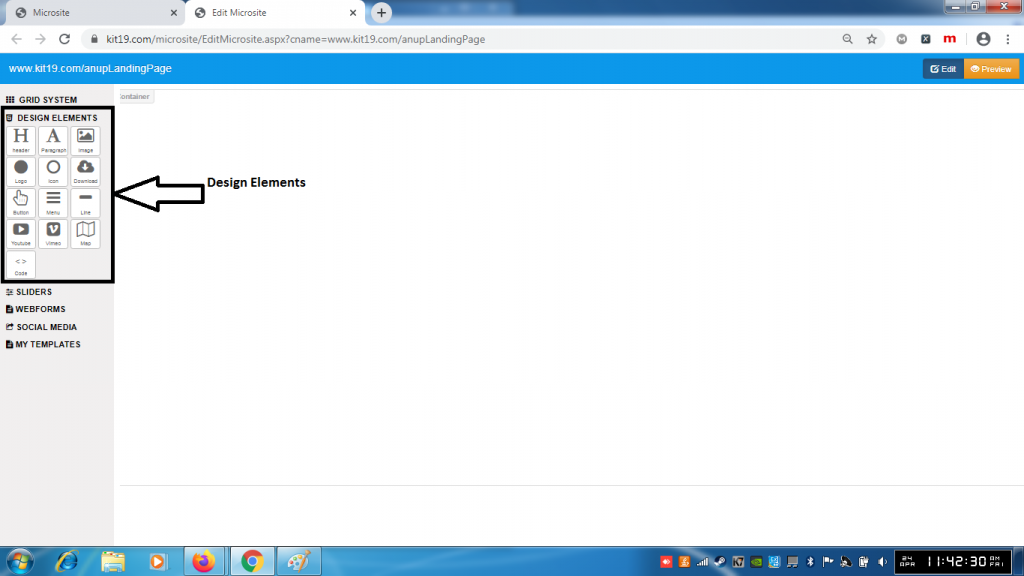
- There are thirteen design elements
- Header
- Paragraph
- Image
- Logo
- Icon
- Download
- Button
- Menu
- Line
- Youtube
- Vimeo
- Map
- Code
Each of these design elements can be dragged and dropped on to the landing page
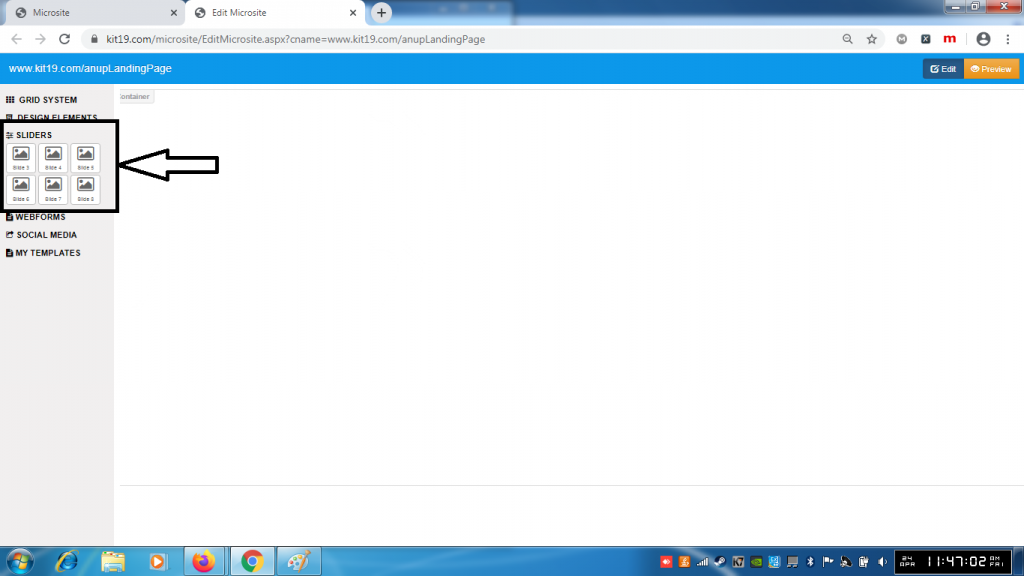
- There are six slider elements
- These elements could be dragged and dropped on the landing page
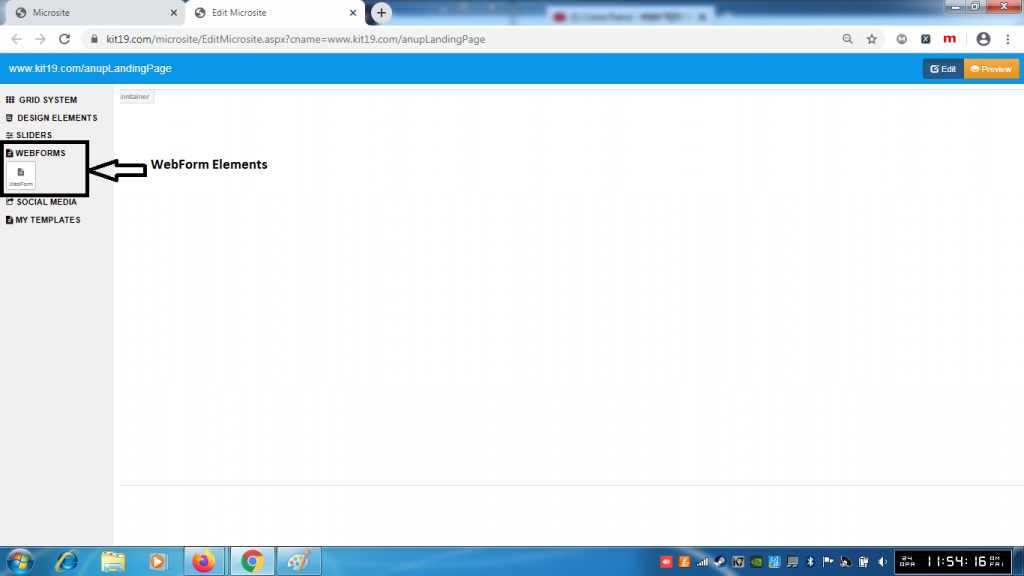
- There is only one element under WebForm section
- This element can be dragged and dropped on the landing page
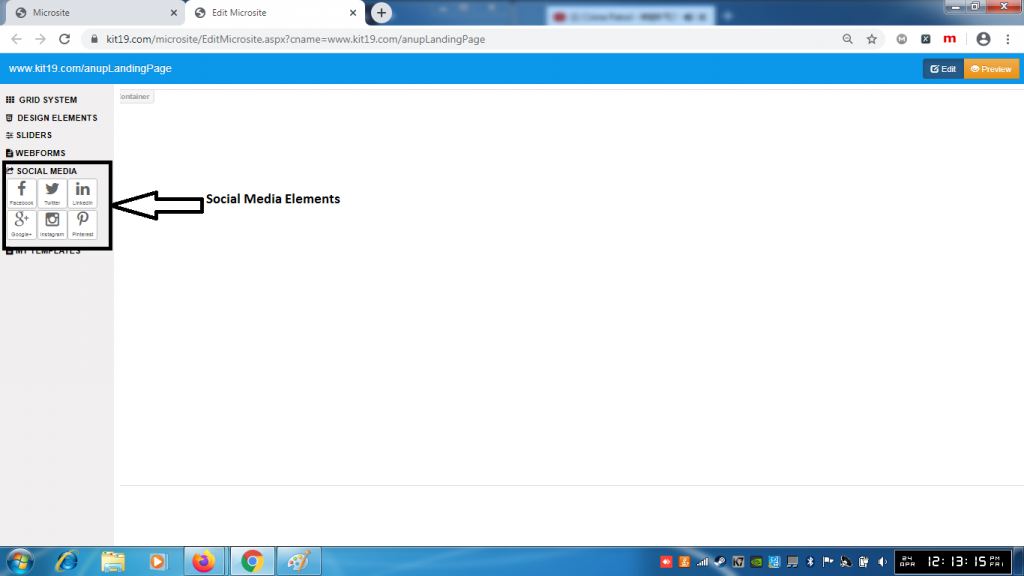
- There are six social media elements
- Google+
- Each of these elements can be dragged and dropped on the landing page
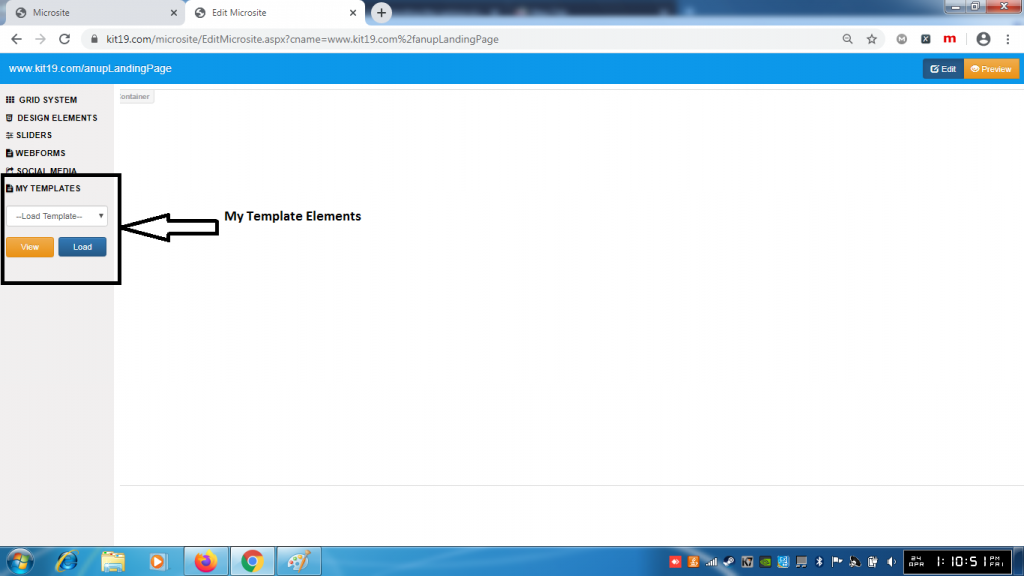
- My template has
- Template drop down list
- View button to view the selected template
- Load button to load the select template as the landing page
