 knowledge kit19
Grid elements will help in building the framework of the landing page. Grid elements add columns to the landing page, these columns are the framework of your landing page.
You first have to add grid elements of your choice to the landing page and only then you will be able to add other elements to the landing page.
Grid elements work as containers for the other elements of the landing page.
Adding a grid element:
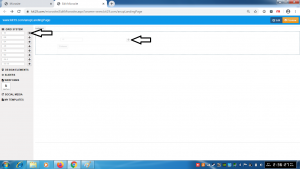
- Drag and drop the grid element of your choice on to the landing page
Understanding the 12 grid element:
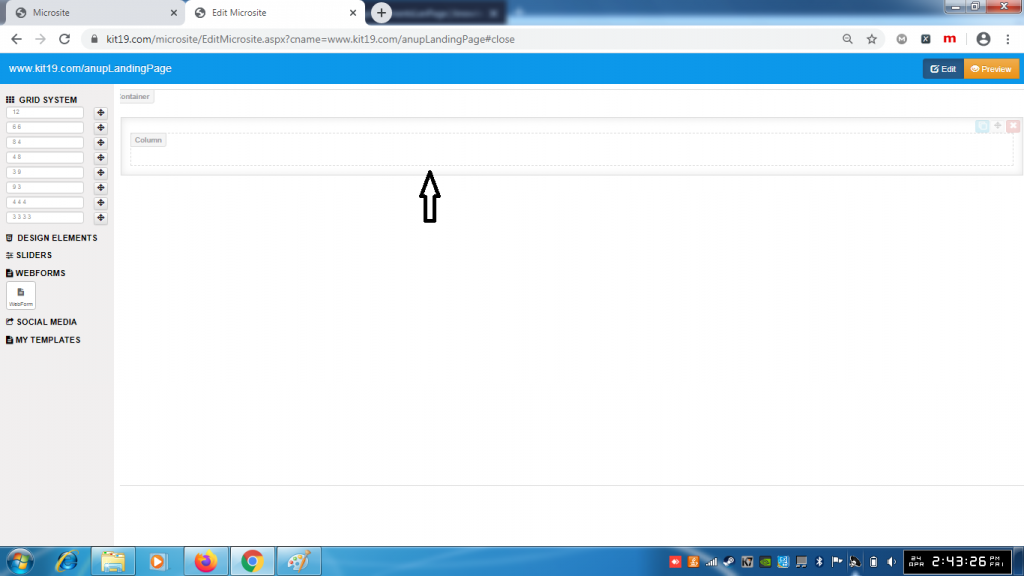
- The 12 grid element will add a single column
- This single would take up the entire the width of the landing page
Understanding the 6 6 grid element:
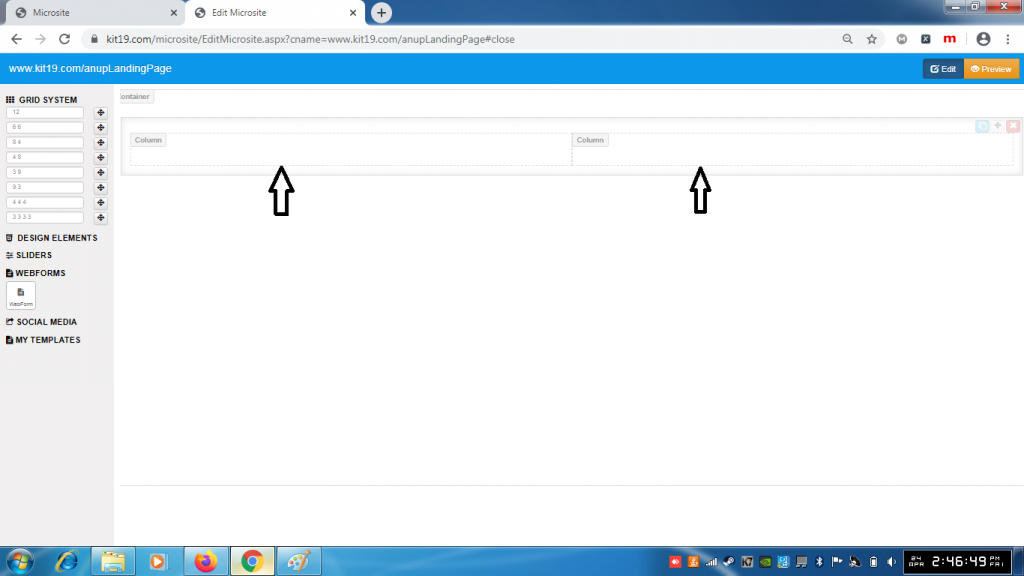
- The 6 6 grid element would add two columns of equal width
- These two columns would take up the entire width of the landing page
Understanding the 8 4 grid element:
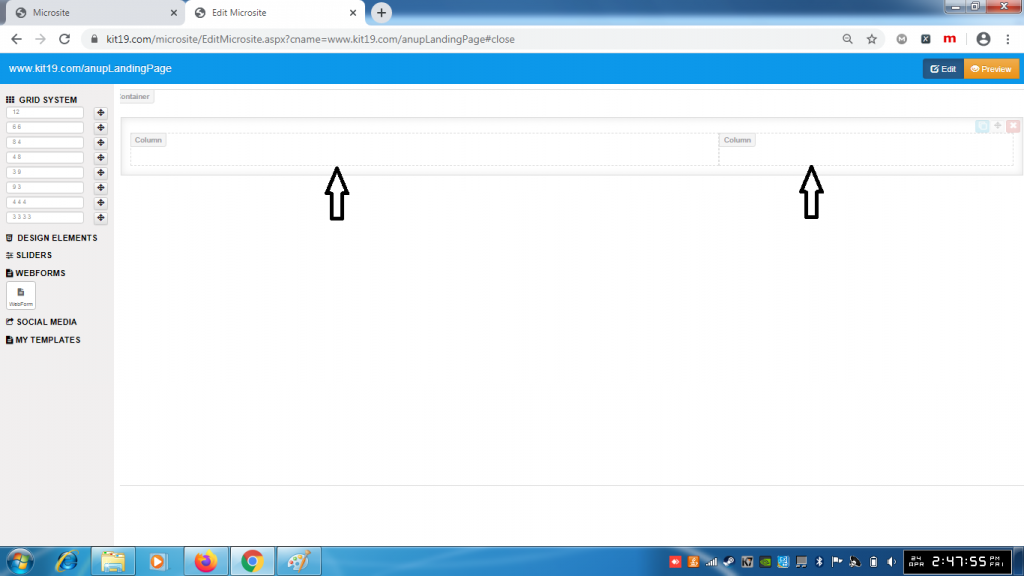
- The 8 4 grid element would add two columns of different width
- The width of the column on the left would be greater than the width of column on the right
- These two columns would take up the entire width of the landing page
Understanding the 4 8 grid element:
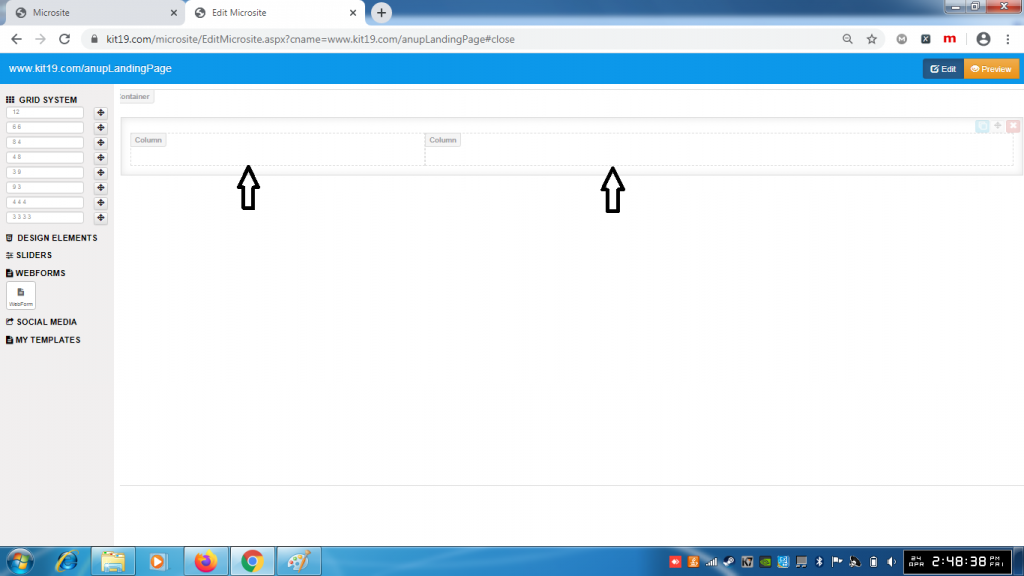
- The 4 8 grid element would add two columns of different width
- The width of the column on the left would be lesser than the width of column on the right
- These two columns would take up the entire width of the landing page
Understanding the 3 9 grid element:
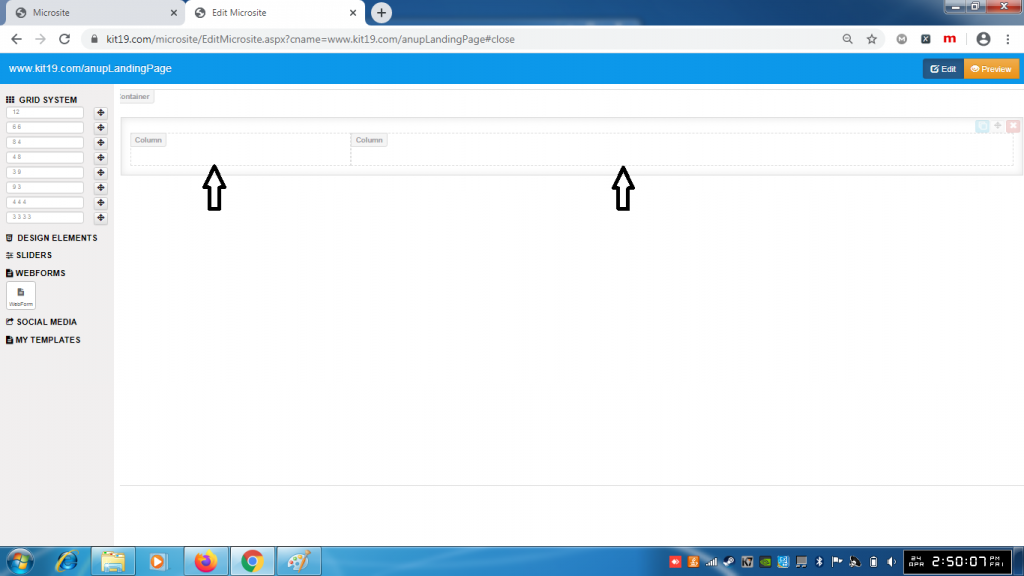
- The 3 9 grid element would add two columns of different width
- The width of the column on the left would be much lesser than the width of column on the right
- These two columns would take up the entire width of the landing page
Understanding the 9 3 grid element:
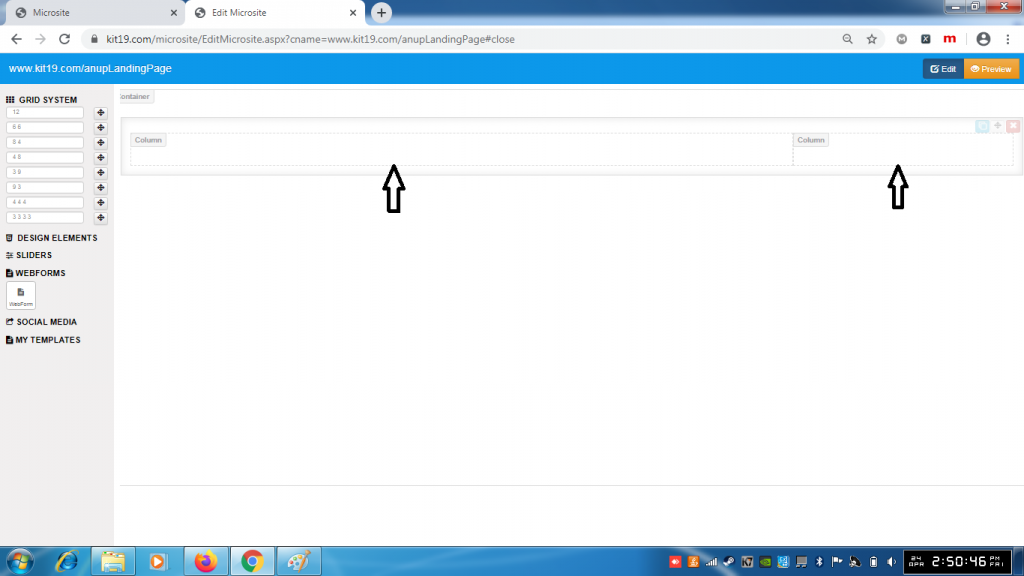
- The 9 3 grid element would add two columns of different width
- The width of the column on the left would be much greater than the width of column on the right
- These two columns would take up the entire width of the landing page
Understanding the 4 4 4 grid element:
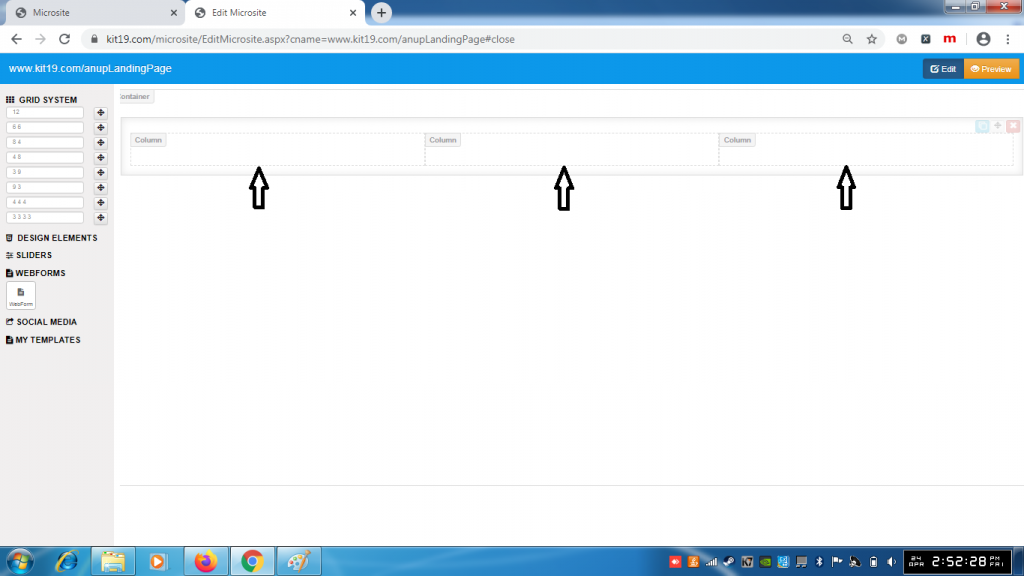
- The 4 4 4 grid element would add three columns of equal width
- These three columns would take up the entire width of the landing page
Understanding the 3 3 3 3 grid element:
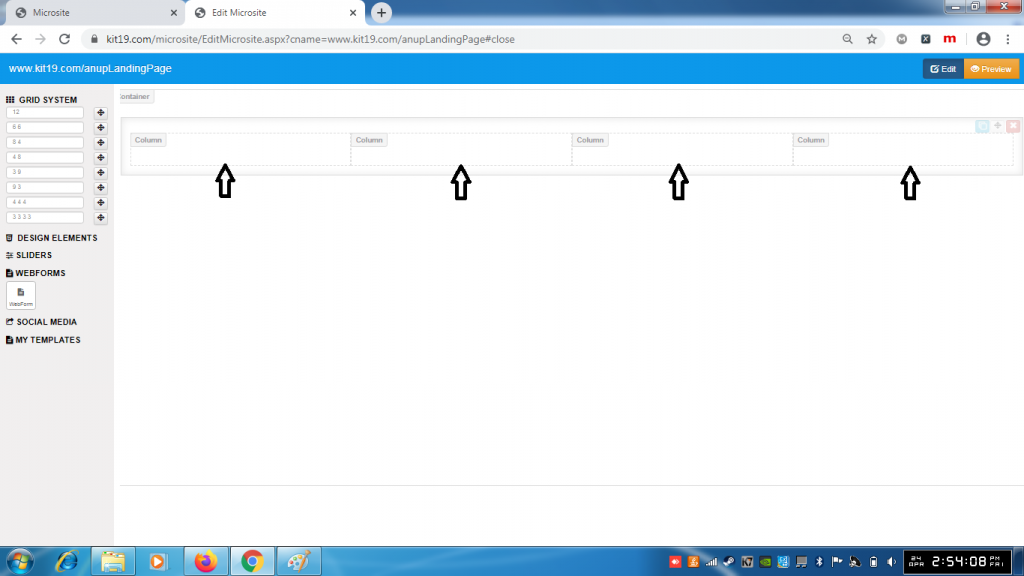
- The 3 3 3 3 grid element would add four columns of equal width
- These four columns would take up the entire width of the landing page
Note:
- You can add as many grid elements as you want
- You can select the grid element type as per your designing needs
- To add any element to the landing page you have the grid element first to the landing page
