 knowledge kit19
Adding a webform to a landing page serves the following purposes:
- Collects the data for your potential customers
- When the a visitor fills up and submits the form a lead is created in the system
Adding a webform to the landing page:
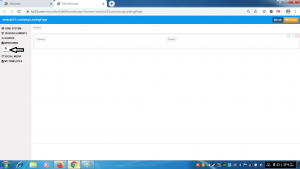
- Click and hold the webform button
- Drag the webform to the desired location
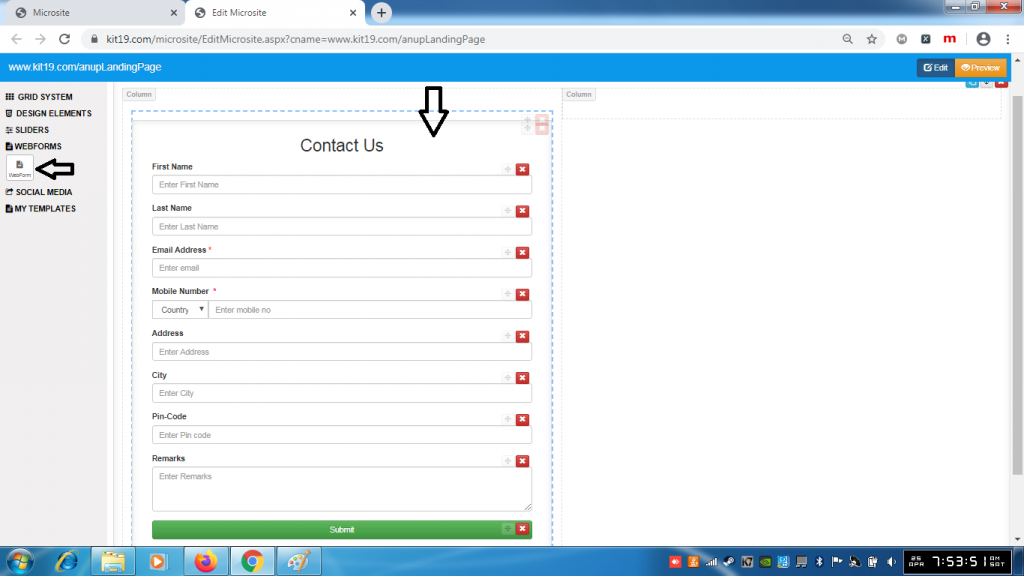
- Release the webform button
- Webform would be added to the grid element
Note: You can add as many forms to your landing page as you want. However it is strongly recommended to add only one webform to the landing page.
