 knowledge kit19
To Merge a ticket from the manage ticket panel follow the steps mentioned below:
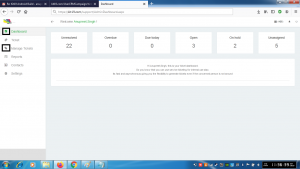
- Go to the link https://kit19.com/(your_username)/support/AdminDashboard.aspx
- Click the Dashboard button
- Click the Manage Tickets button

- Click the Merge ticket icon
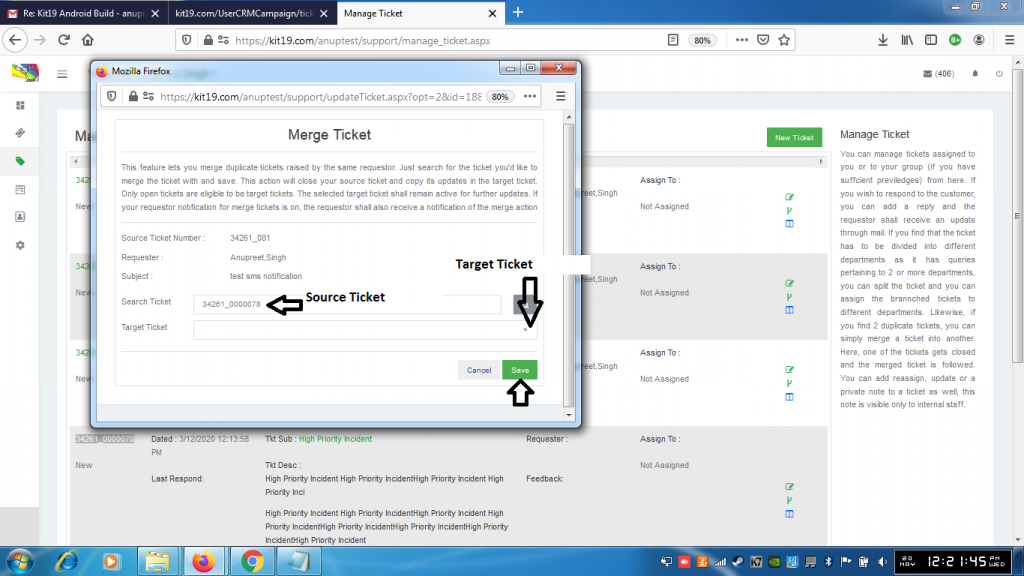
- Enter the Source ticket number
- Select the Target ticket
- Click Save
The source would close and all the details of the source ticket would be copied to target ticket. Merge ticket is required when you have duplicate tickets and you want merge the tickets into one single ticket.
