 knowledge kit19
To merge tickets from the Manage ticket panel follow the steps mentioned below:
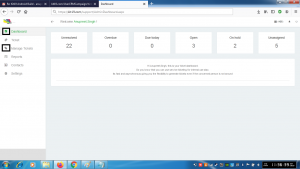
- Go to the link https://kit19.com/(your_username)/support/AdminDashboard.aspx
- Click the Dashboard button
- Click the Manage tickets button
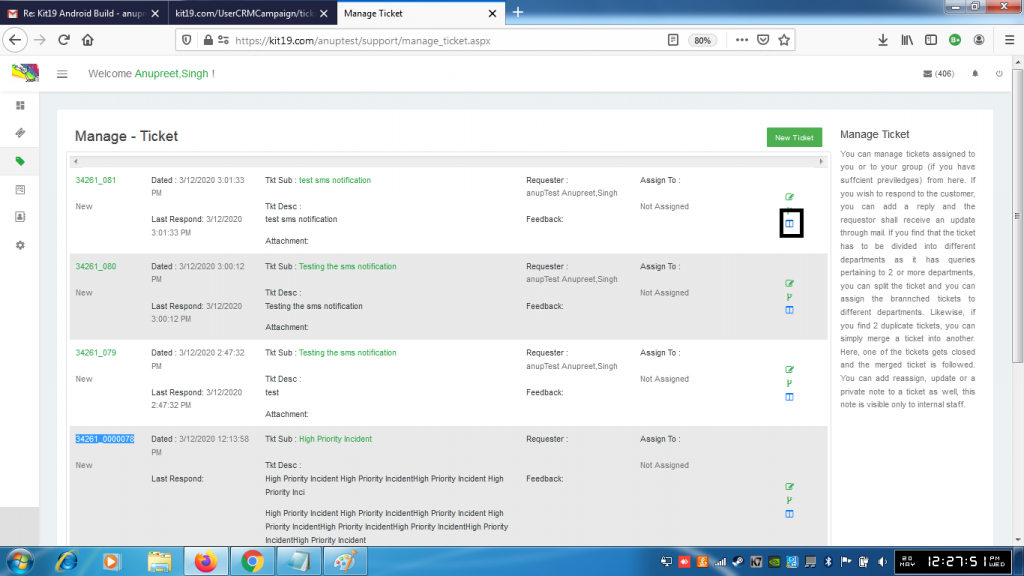
- Click the Split ticket icon
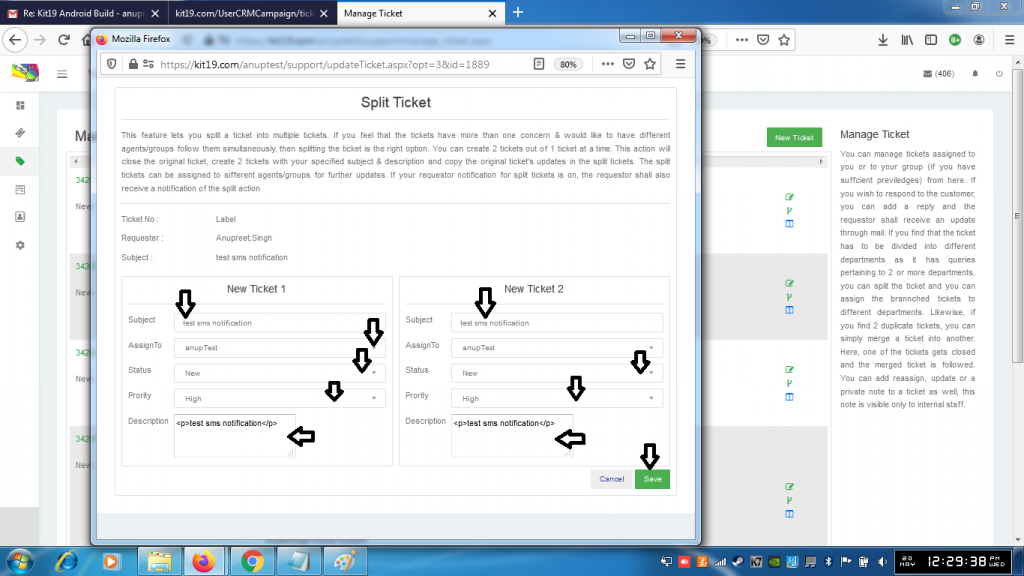
- Enter the subject of each ticket
- Select the assignee of each ticket
- Select status of each ticket
- Select the priority of each ticket
- Enter description of each ticket
- Click the Save button.
The ticket would be split into two tickets and the original ticket would close. When a ticket has more than one concern and these concerns have to handled by the same or different departments, it is advisable to split the ticket.
