 knowledge kit19
To view the common reports in the support portal follow the steps mentioned below:
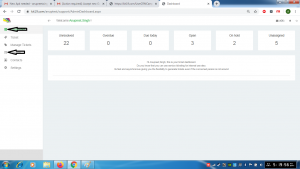
- Go to the link https://kit19.com/(your_username)/support/AdminDashboard.aspx
- Click on the Dashboard button
- Click the Reports button
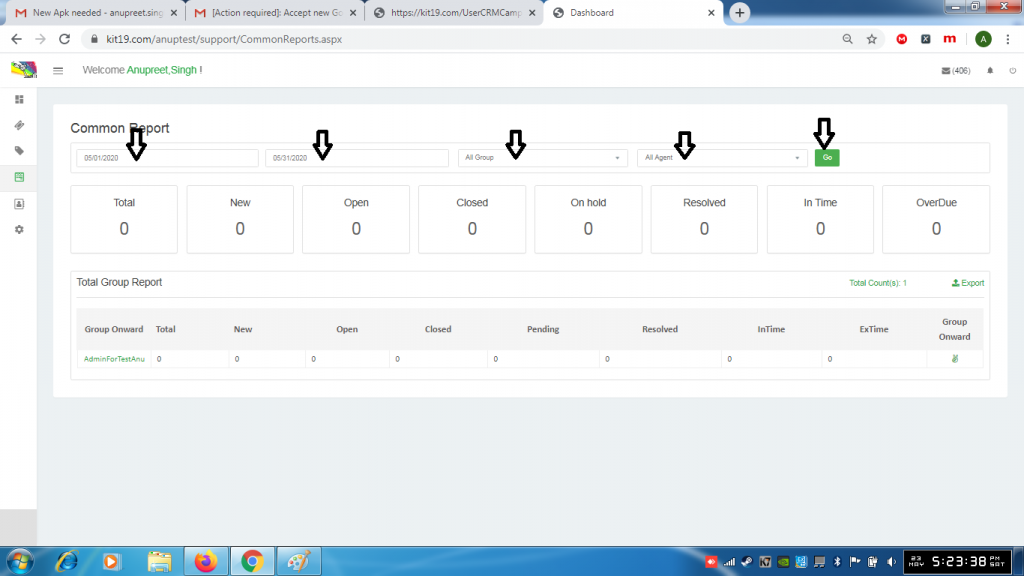
- Select a start date
- Select an end date
- Select All Group or select a group that you want
- Select All Agent or select an agent that you want
- Click Go
Reports would be displayed.
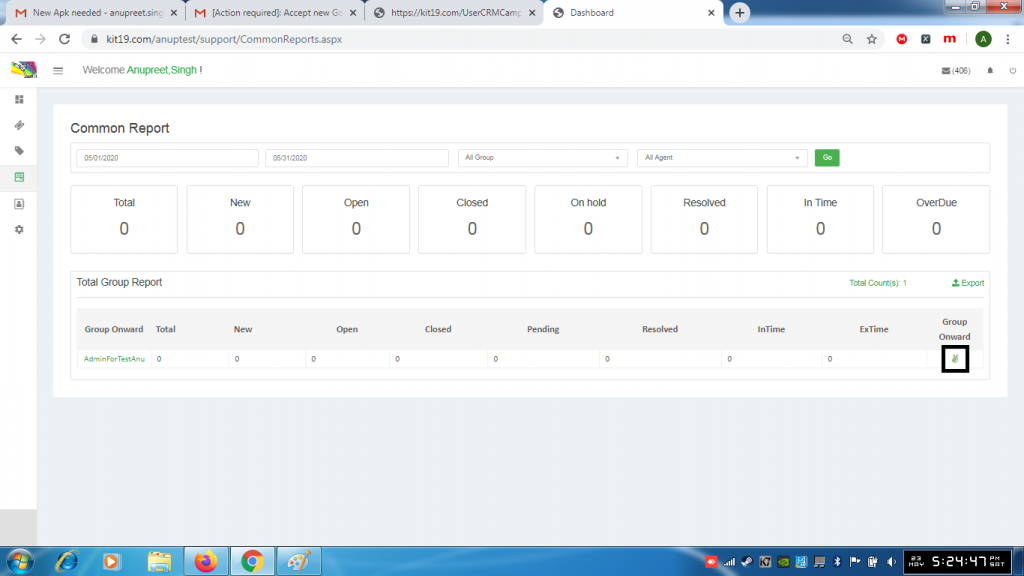
- To go deeper into the report click on the hand icon as shown in the picture
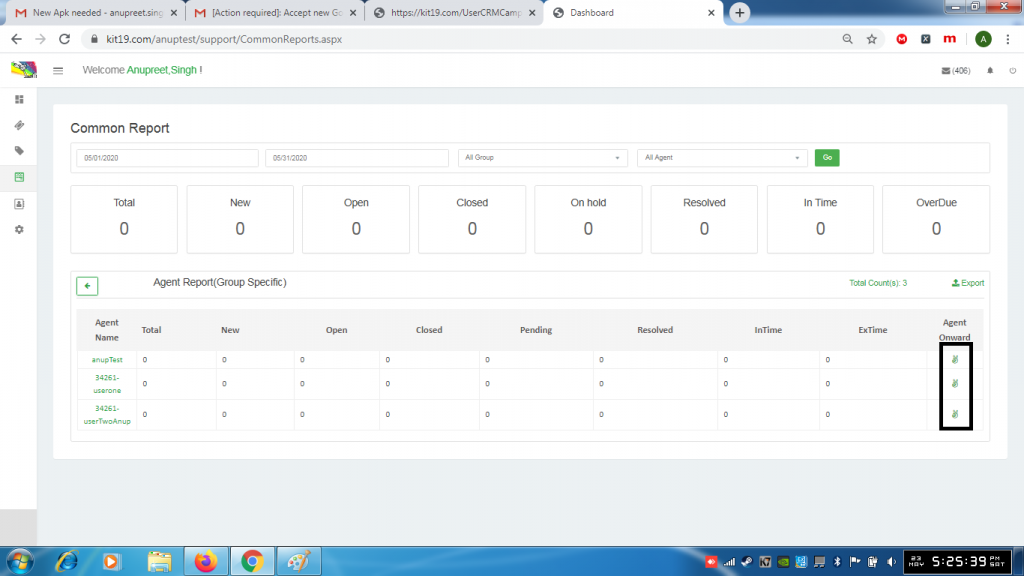
- For going deeper into reports keep click the hand icon as shown in the picture
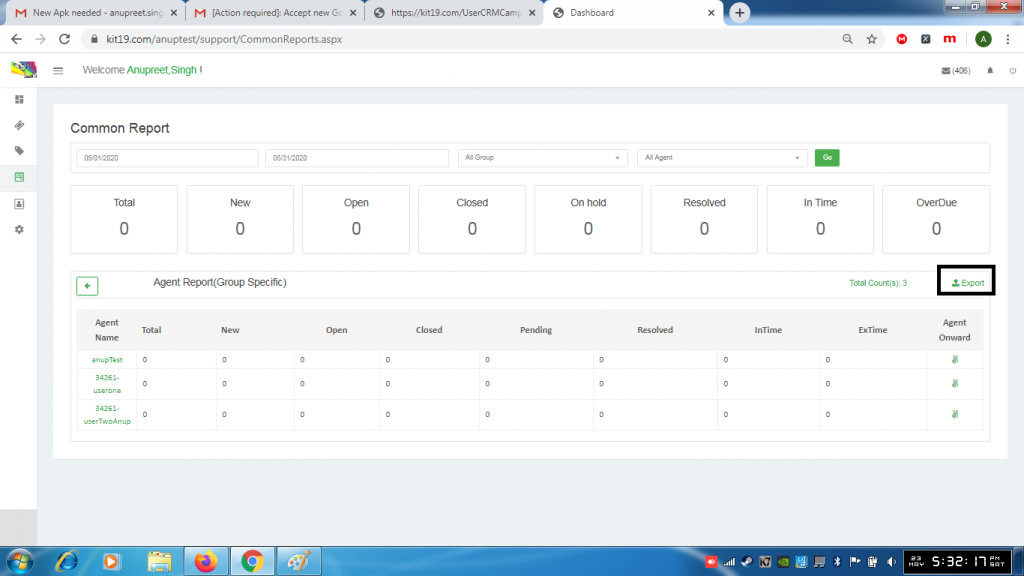
- Click the export button to export the reports
