 knowledge kit19
To view the contact details in support portal follow the steps mentioned below:
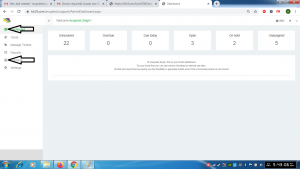
- Go to the link https://kit19.com/(your_username)/support/AdminDashboard.aspx
- Click on the Dashboard button
- Click the Contacts button
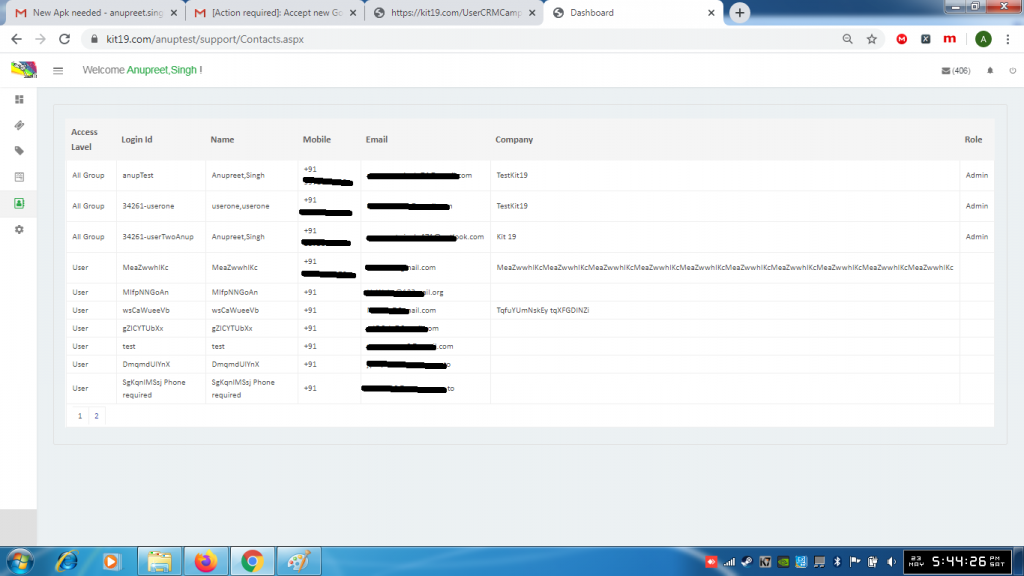
- Details of the contacts would be displayed
Note: Email addresses and Phone numbers have been kept hidden for security purposes
