 knowledge kit19
To view the settings on the support portal panel follow the steps mentioned below:
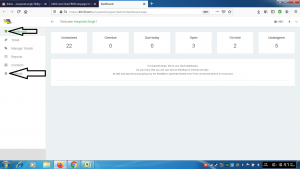
- Click the dashboard icon
- Click the settings icon
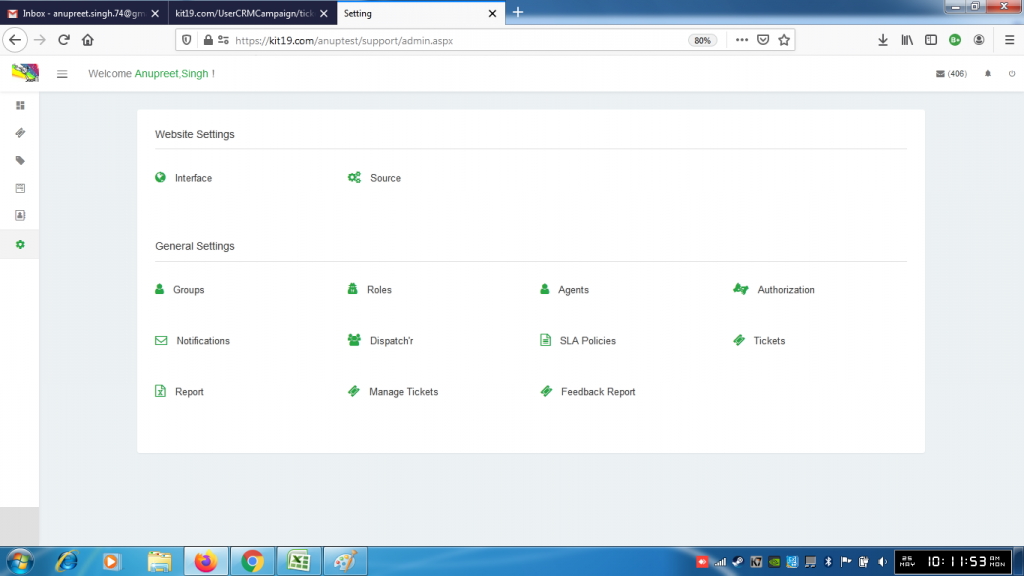
The settings would be displayed
To view the settings on the support portal panel follow the steps mentioned below:
The settings would be displayed
Tags Support Portal

To understand the dispatch’r settings on the support portal follow the steps mentioned below: Go …