Home / Support Portal / Understanding tickets settings on the support portal

Understanding tickets settings on the support portal

To understand the ticket settings on the support portal follow the steps mentioned below:
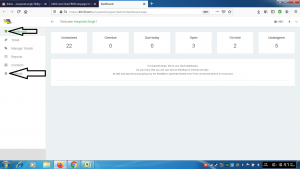
  • Go to the link https://kit19.com/(your_username)/support/admindashboard.aspx
  • Click the Dashboard button
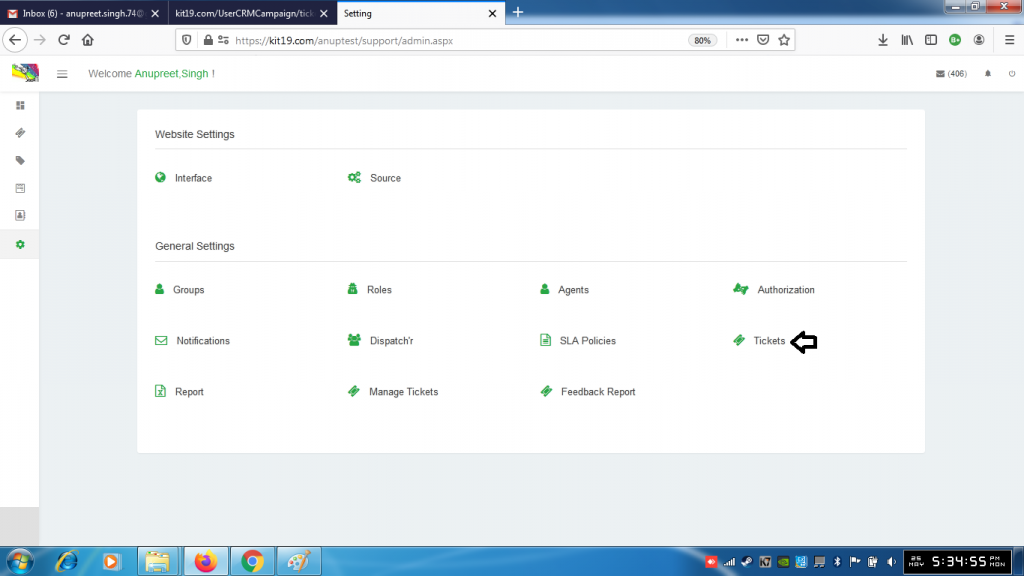
  • Click the Settings button

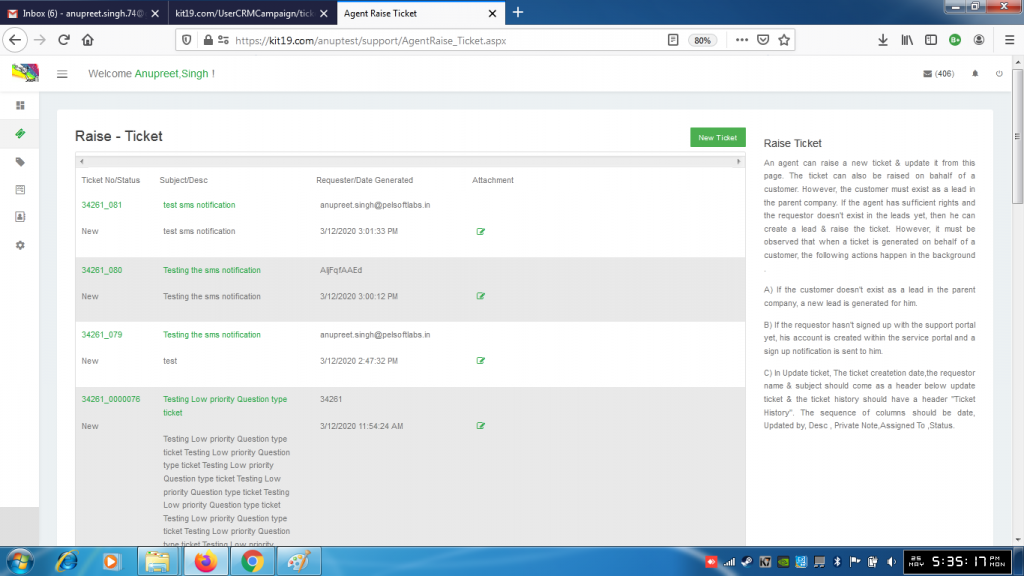
  • Click the Tickets button

  • For further details on the ticket section refer to the Ticket articles of Support Panel

About Anupreet Singh

Check Also

Understanding the Dispatch’r settings on the Support Portal

To understand the dispatch’r settings on the support portal follow the steps mentioned below: Go …

Leave a Reply

Your email address will not be published. Required fields are marked *