 knowledge kit19
To delete a design element follow the steps mentioned below:
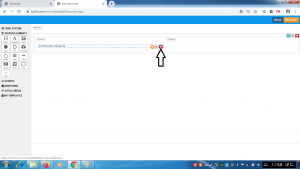
- Click the Delete Icon on the design element which has to be deleted
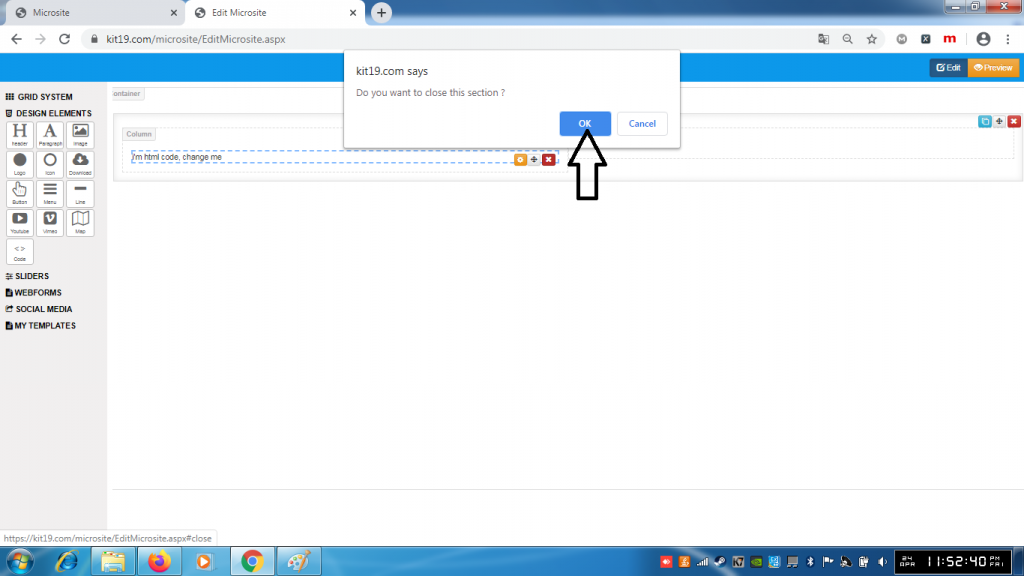
- Click OK on the pop up
- The element would be deleted
To delete a design element follow the steps mentioned below:
Tags beautiful landing pages landing page

To delete a social media element follow the steps mentioned below: Click the delete icon …