 knowledge kit19
My template has preloaded templates. You can use these templates as your landing page.
To view a template follow the steps mentioned below:
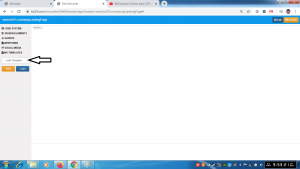
- Click the template drop down list
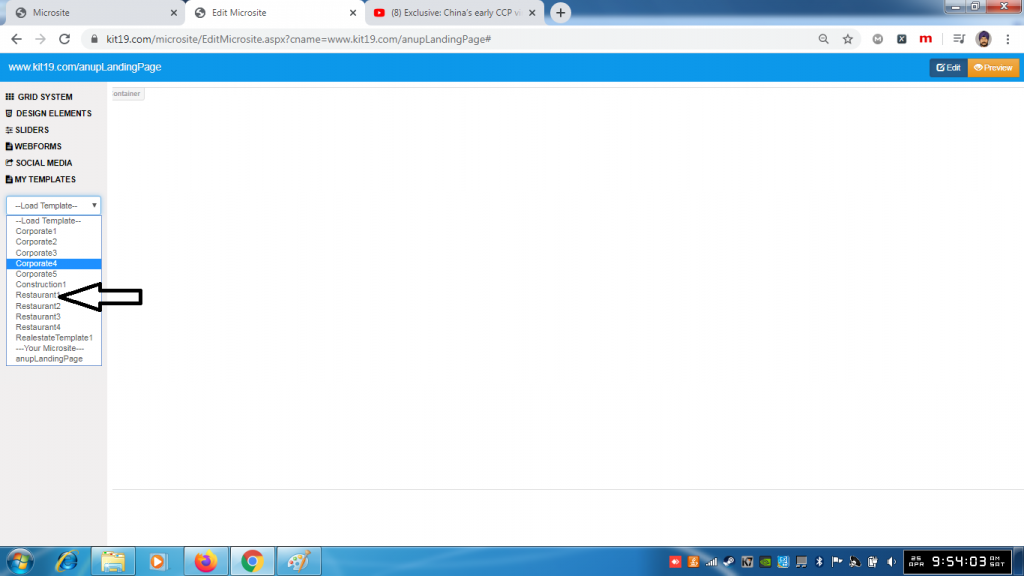
- Select a template from the drop down list
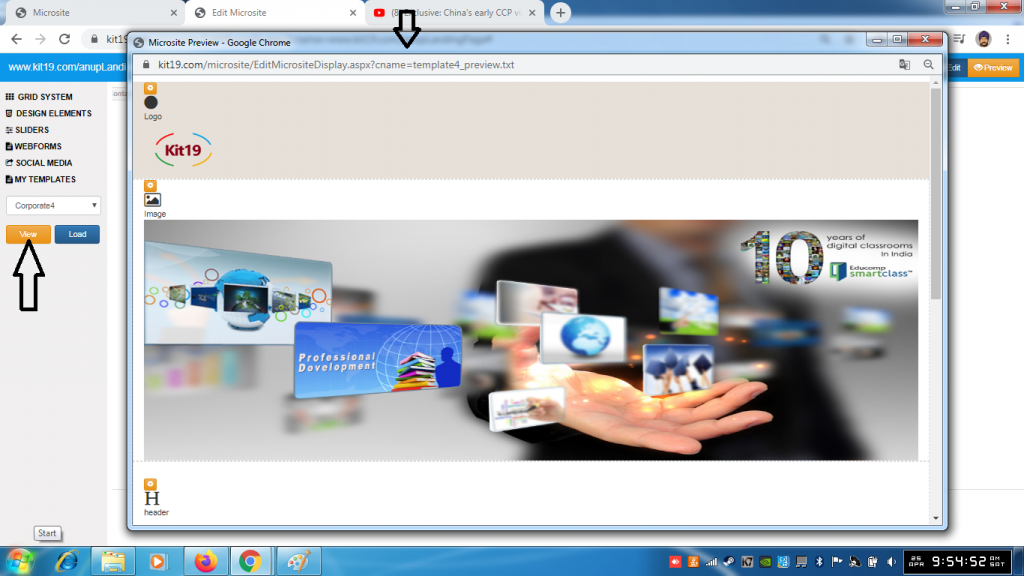
- Click the View button
- You can view the template.
To load a template as a framework for your landing page follow the steps mentioned below:
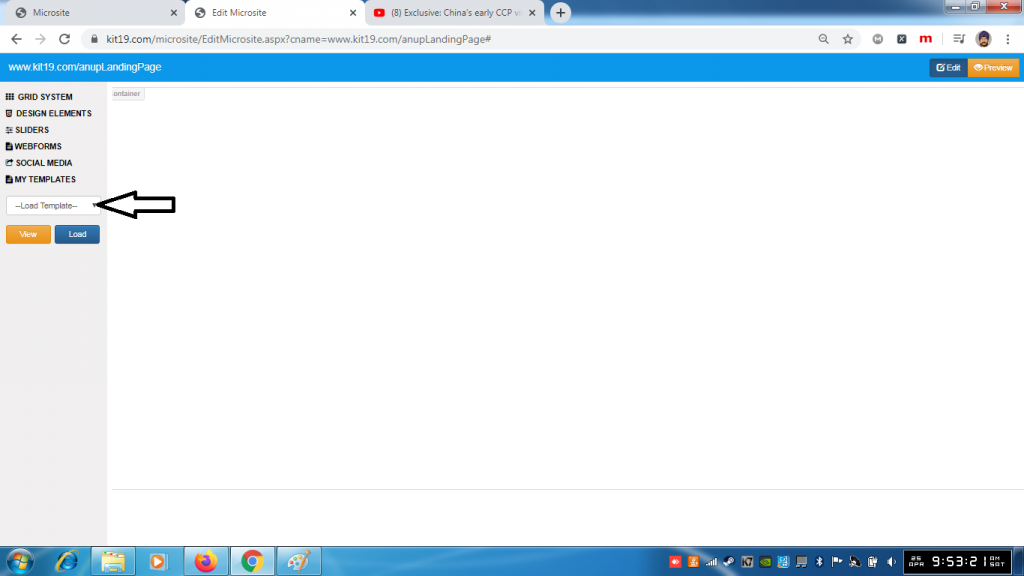
- Click the template drop down list
- Select a template from the drop down list
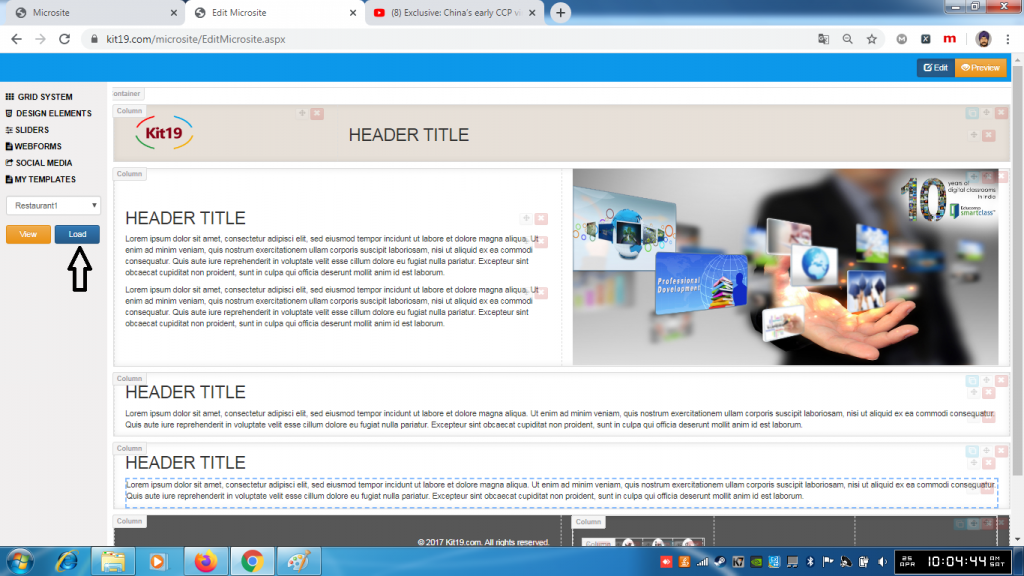
- Click the Load button
- The template would be loaded
Once the template is loaded then you can customize the template as per your needs. To learn about customizing the template refer to the following blogs:
- Understanding the Grid Element
- Understanding the Design Element
- Understanding the Slider Element
- Understanding the Social Media Element
- Understanding the Webform Element
