
Home / LandingPage / Moving a social media element

Moving a social media element

To move a social media element follow the steps mentioned below:
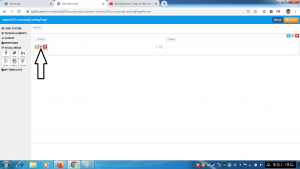
  • Click and hold the move icon
  • Move the social media element to the desired location
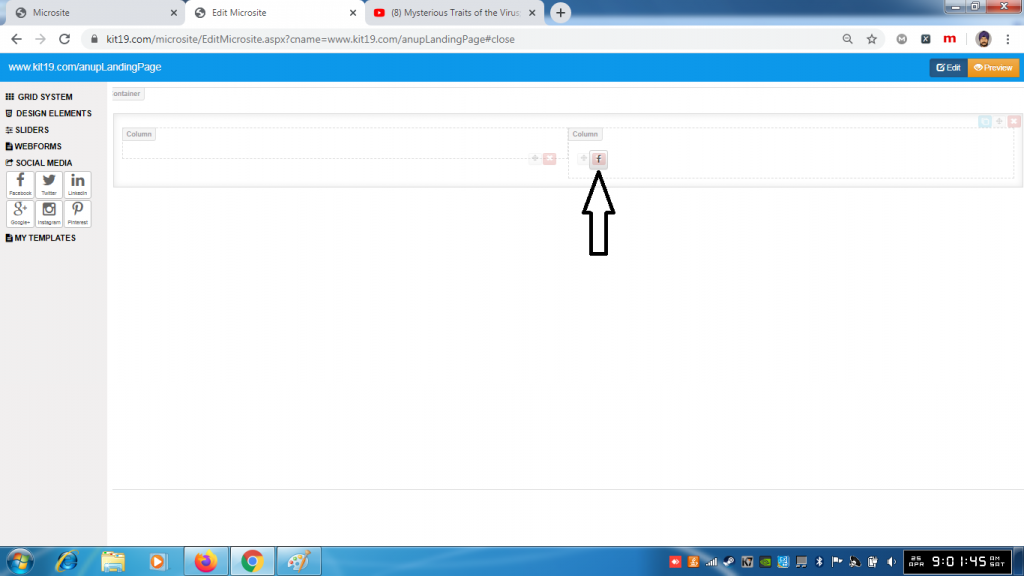
  • Release the social media move icon
  • The social media element would be moved to the desired grid element

About Anupreet Singh

Check Also

Deleting a social media element

To delete a social media element follow the steps mentioned below: Click the delete icon …

Leave a Reply

Your email address will not be published. Required fields are marked *