 knowledge kit19
With the social media element you can add your business’s social media pages to your landing page. Thereby increasing the presence of your business on the social media platform.
Following social media accounts can be added to your landing page:
- Google+
To add a social media account to your landing page follow the steps mentioned below:
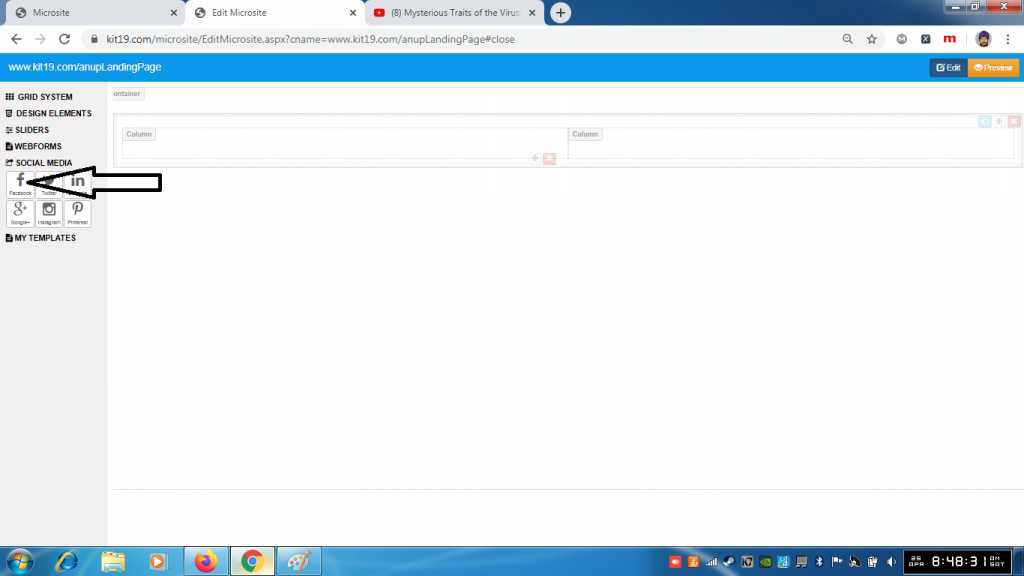
- Click and hold the social media icon
- Drag the icon to the desired location
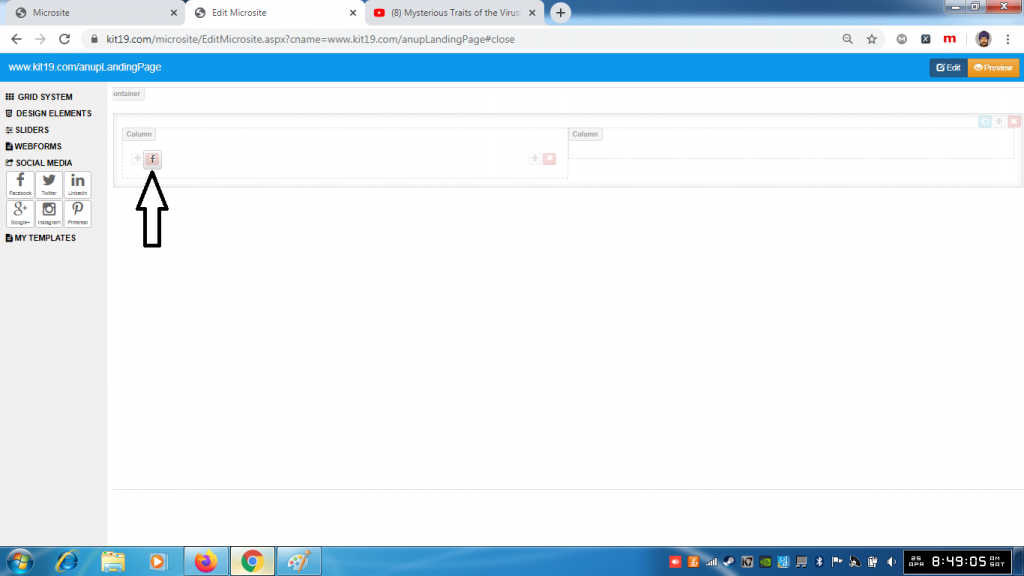
- Social media account would be added to the desired grid element
Note: You can add all of the your social media pages you want or any one that you want.
