 knowledge kit19
To view the Visit details of your webform follow the steps mentioned below:
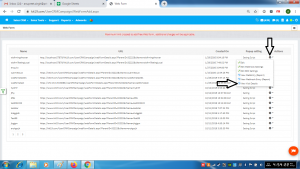
- Go to the page https://kit19.com/UserCRMCampaign/WebFormAdd.aspx
- Click the edit icon
- Click View Visit Details
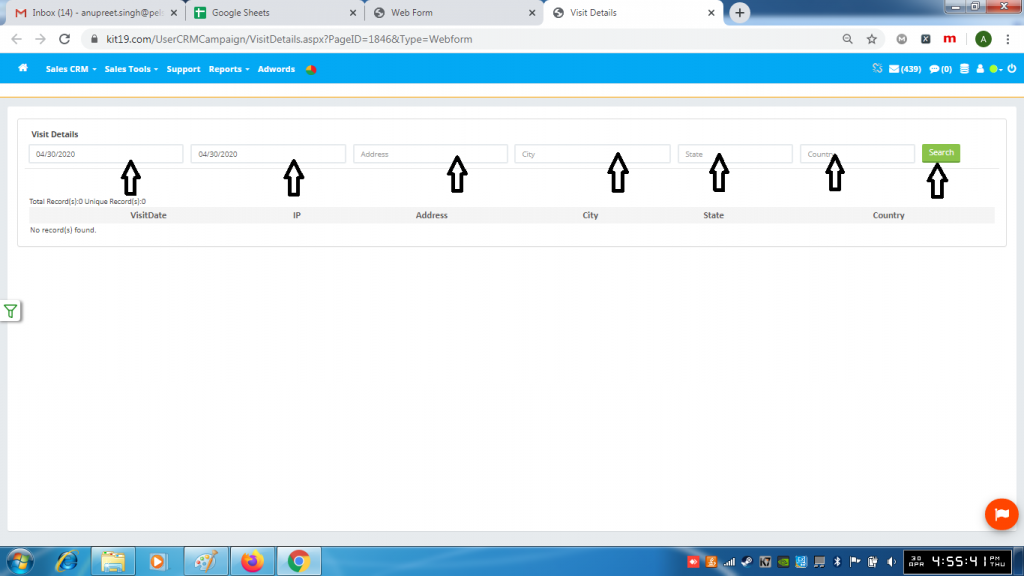
- Enter a date range
- Enter Address
- Or Enter Enter City
- Or Enter State
- Or Enter Country
- Click Search
