 knowledge kit19
Webhook entry report gives the details of customers who have submitted the form. To view the Webhook entry report of your webform follow the steps mentioned below:
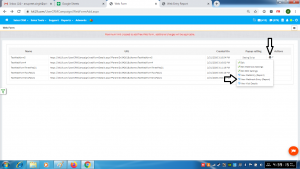
- Go to the page https://kit19.com/UserCRMCampaign/WebFormAdd.aspx
- Click the Edit icon
- Click Webhook Entry (Report)
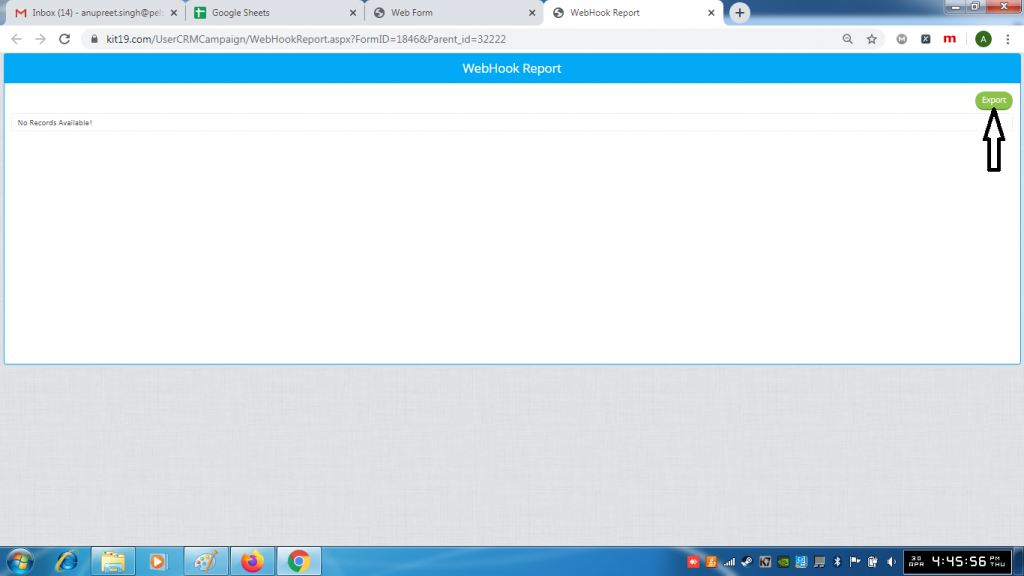
- Click the Export button to download the report
