 knowledge kit19
Related Articles
Web entry report gives the details of customers who have submitted the form. To view the web entry report of your webform follow the steps mentioned below:
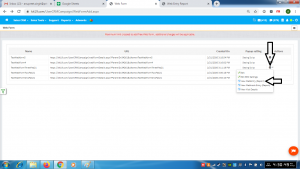
- Go to the page https://kit19.com/UserCRMCampaign/WebFormAdd.aspx
- Click the Edit icon
- Click View WebEntry (report)
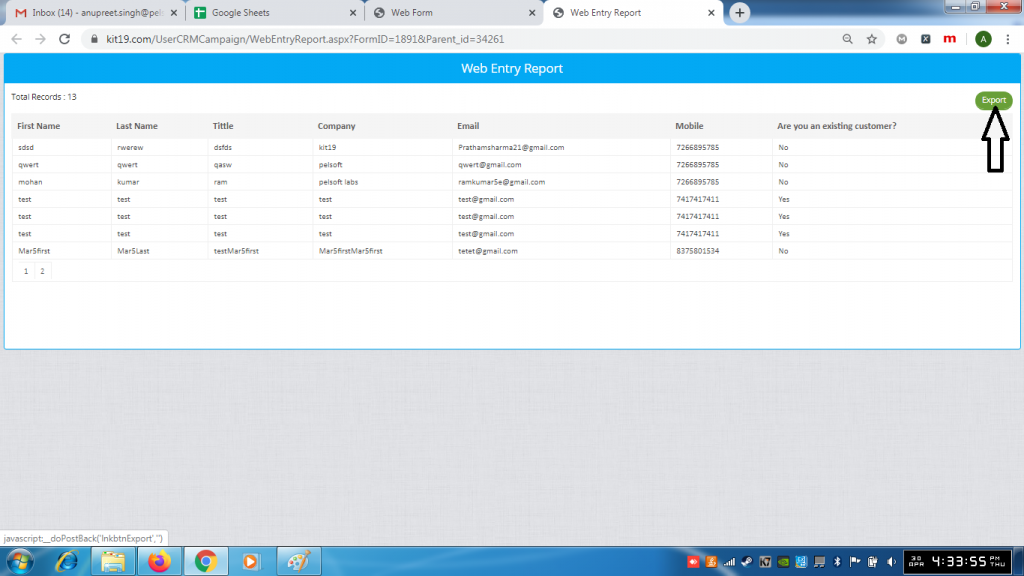
- Click the export button to download the report
