 knowledge kit19
Related Articles
To add a user to a telephony group follow the steps mentioned below:
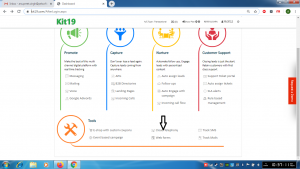
- Go to the page https://kit19.com/AfterLogin.aspx
- Click Cloud Telephony
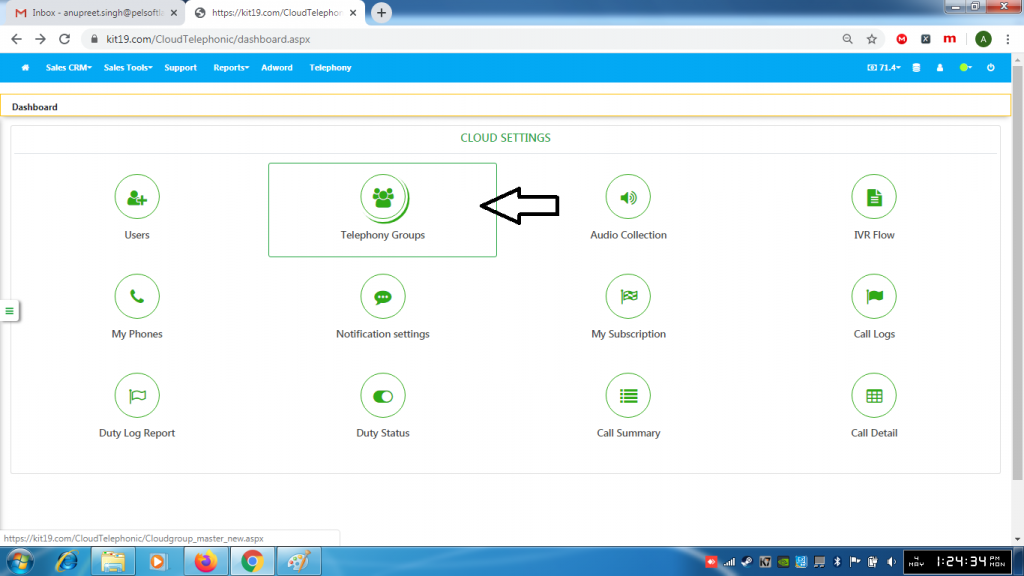
- Click Telephony Groups
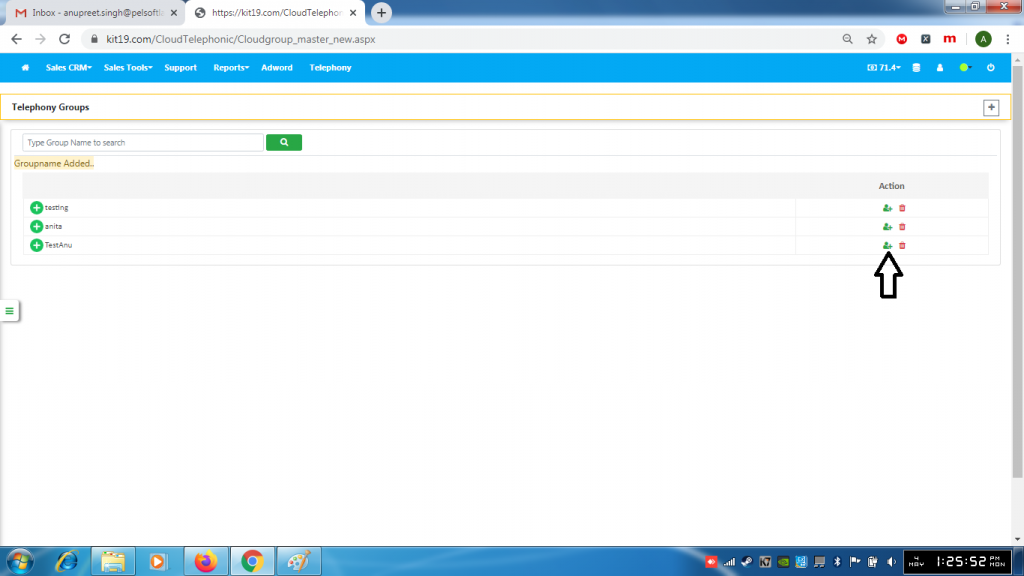
- Click the Add User button
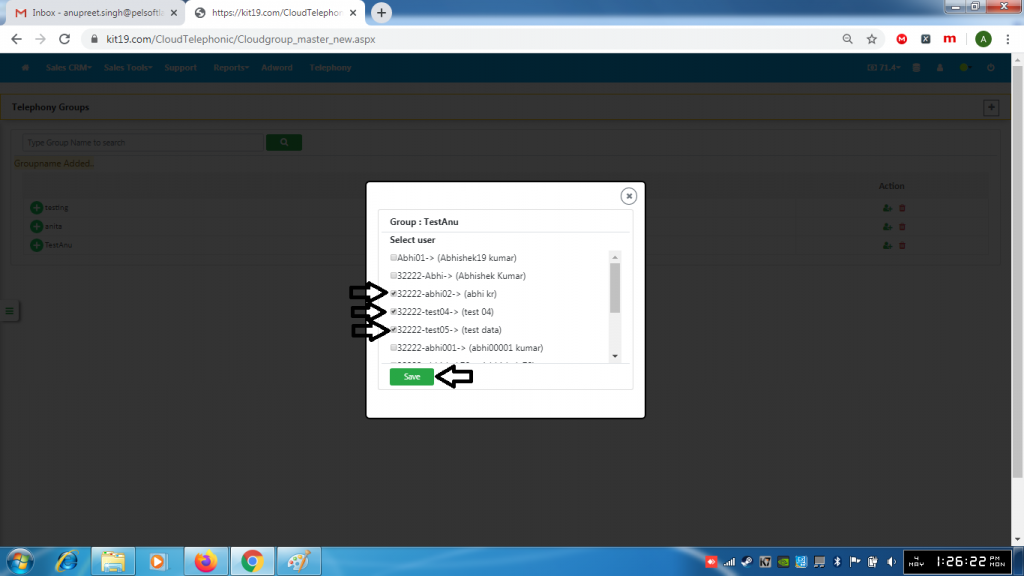
- Select User(s)
- Click Save
Note: To remove a user untick the box next to the User and click Save. The user would be removed from the group.
