 knowledge kit19
Cloud Telephony notification settings allows you to customize the notification settings. For example you might like to receive your daily analytics only via SMS, you can set this from the notification settings.
To change the notification settings follow the steps mentioned below:
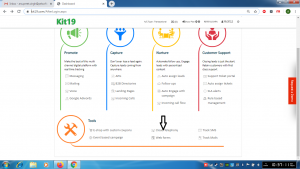
- Go to page https://kit19.com/AfterLogin.aspx
- Click Cloud Telephony
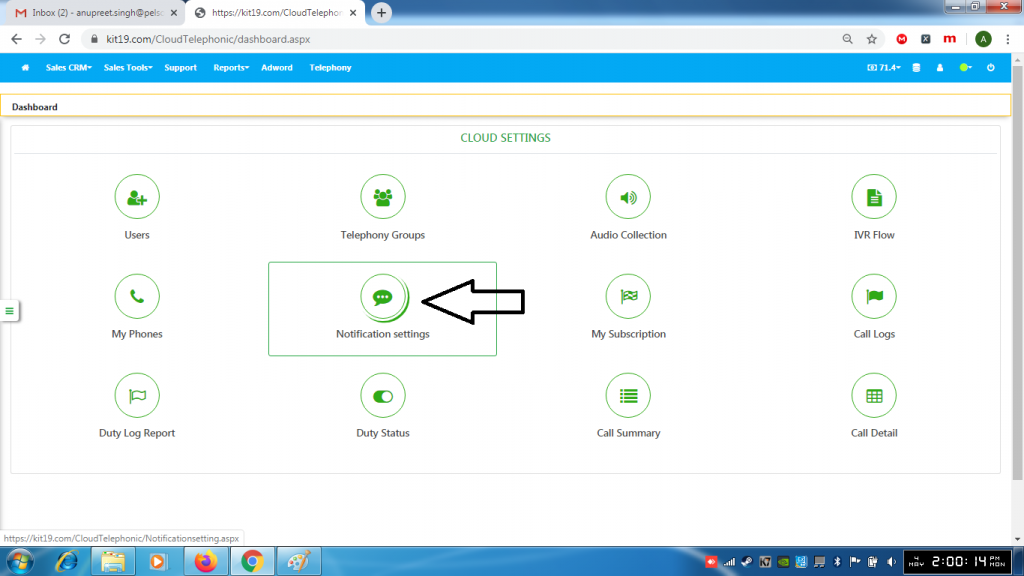
- Click Notification Settings
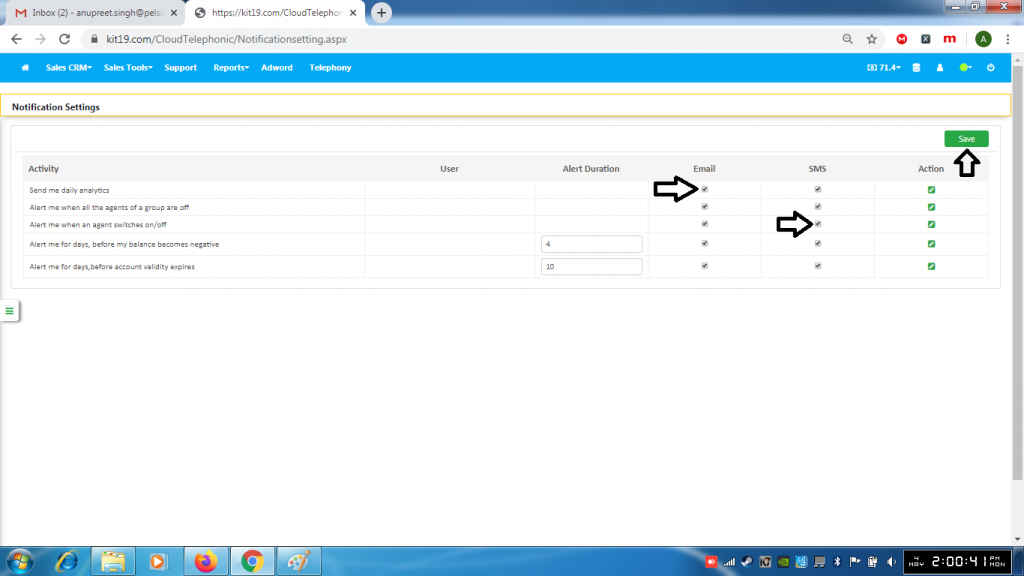
- Make changes to the settings
- Click Save
