 knowledge kit19
Webform popup settings allows you to change the following settings:
- Time interval after which the popup would be displayed
- Change the height of the popup
- Change the width of the popup
To change the pop up settings follow the steps mentioned below:
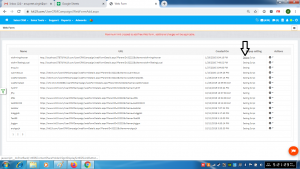
- Go to the page https://kit19.com/UserCRMCampaign/WebFormAdd.aspx
- Click Setting
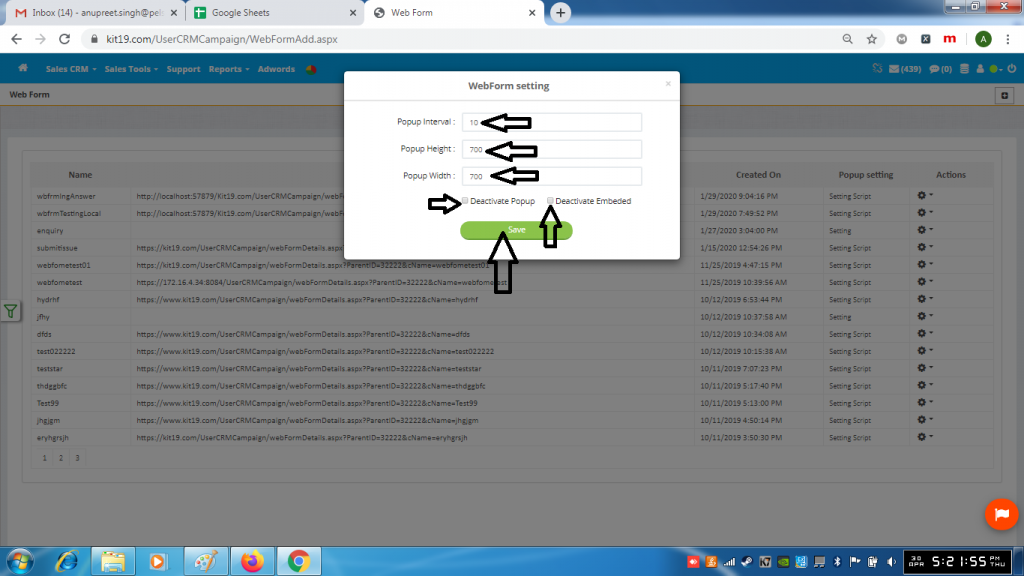
- Enter the desired Popup Interval
- Enter the desired Popup Height
- Enter the desired Popup Width
- Tick the checkbox Deactivate Popup (if you want to deactivate the popup)
- Tick the checkbox Deactivate Embedded Popup (if you want to deactivate an embeded popup)
- Click the Save button
