 knowledge kit19
You can add following types of phones:
- Normal phone numbers
- VIP phone
- VVIP Phone
To add a phone follow the steps mentioned below:
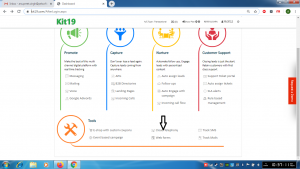
- Go the page https://kit19.com/AfterLogin.aspx
- Click Cloud Telephony
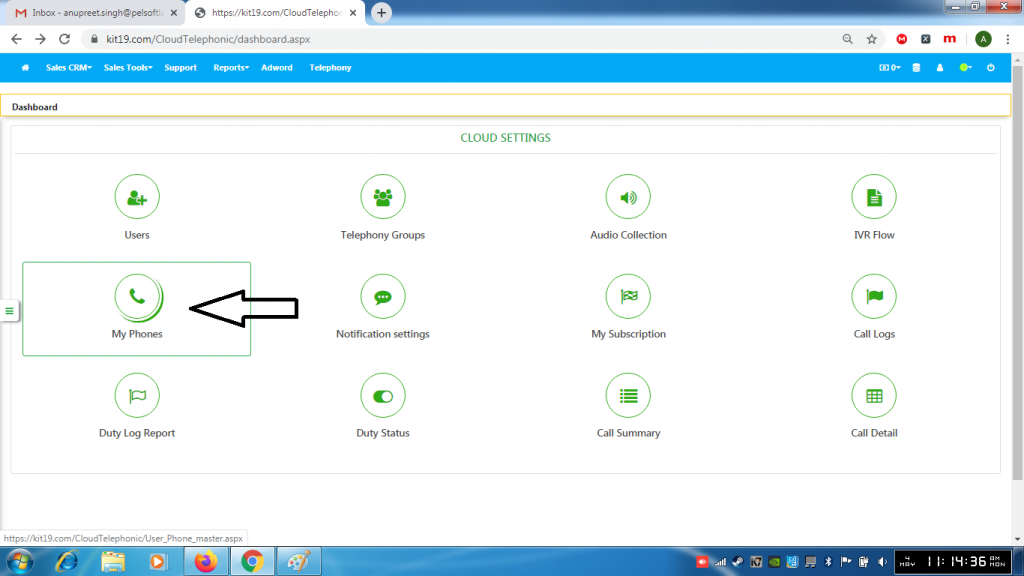
- Click My Phones

- Click Addon Phone
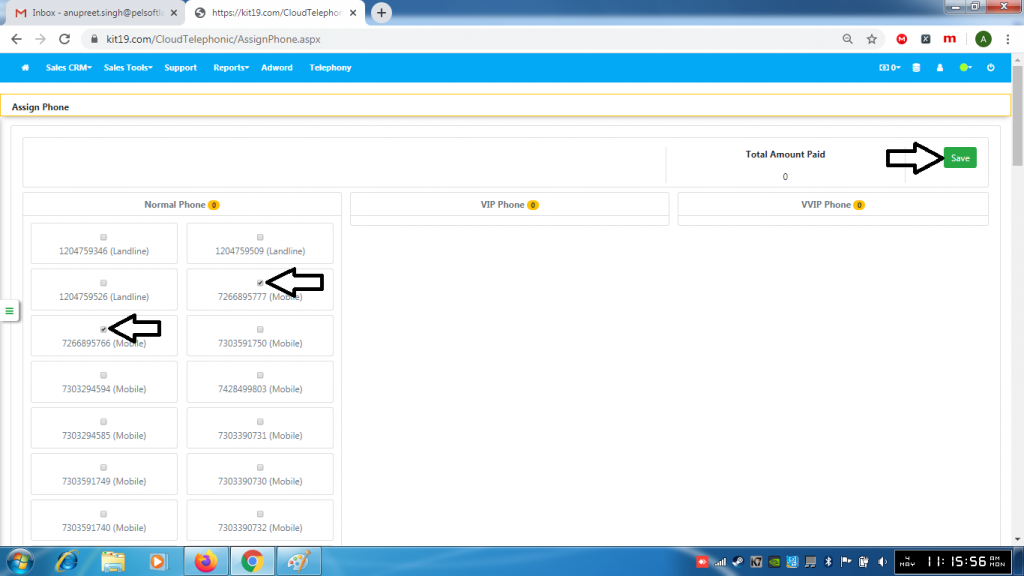
- Select the phone numbers you want to add
- Click Save
To add VIP numbers and VVIP numbers please contact the customer service
