 knowledge kit19
You can map your phone to any of your projects. To map a phone number to a project follow the steps mentioned below:
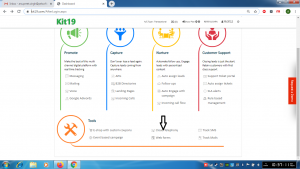
- Go the page https://kit19.com/AfterLogin.aspx
- Click Cloud Telephony
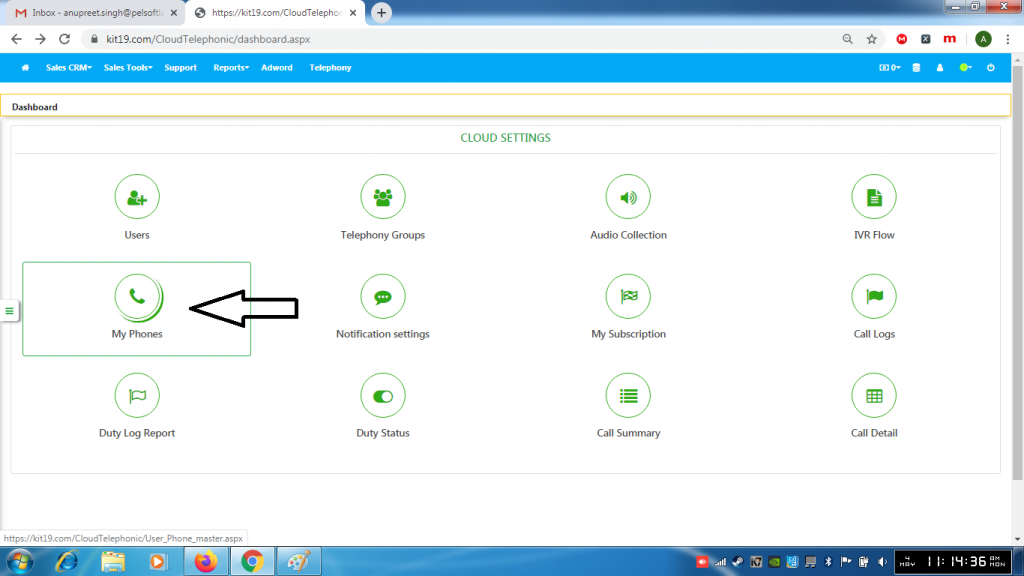
- Click My Phones
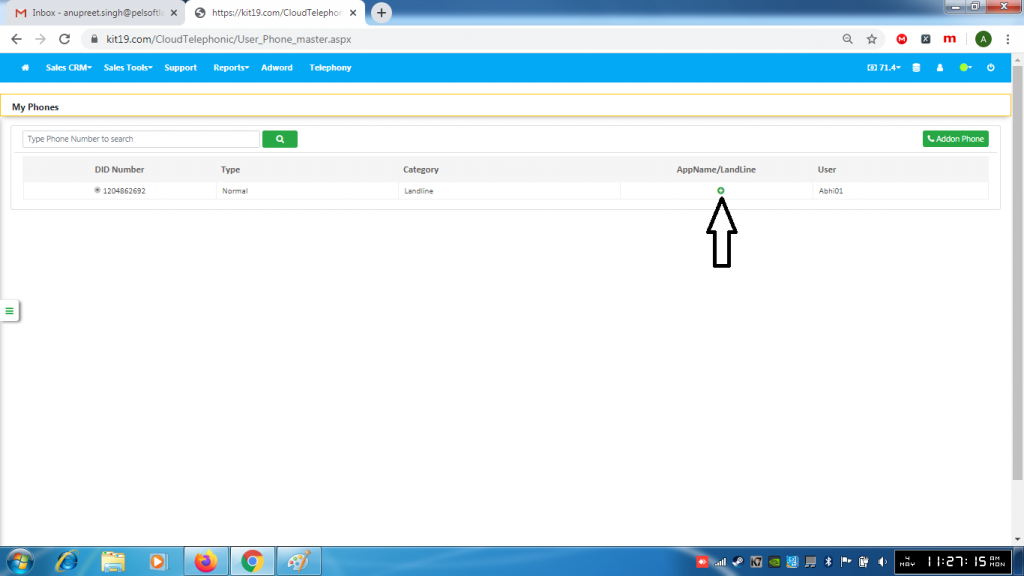
- Click the + button
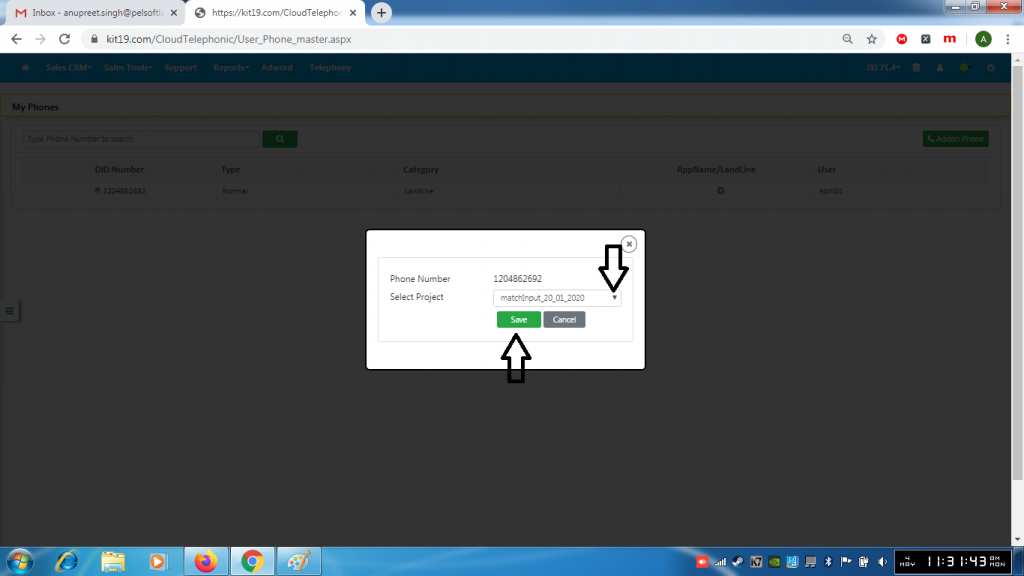
- Select a project
- Click Save
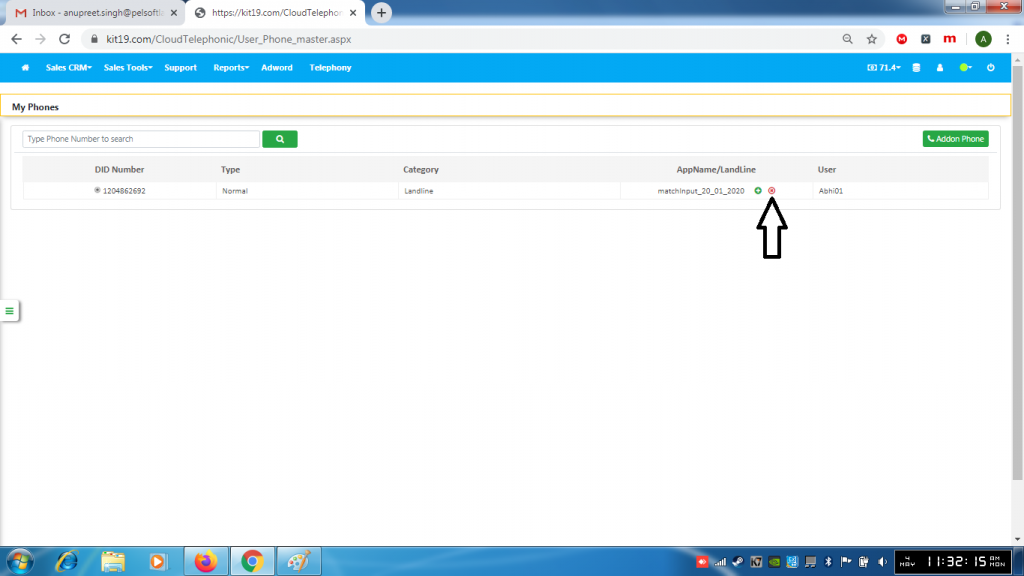
- To un-map a phone number
- Click the red (x) button
