 knowledge kit19
To create a lead from the manage ticket panel follow the steps mentioned below:
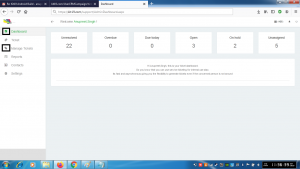
- Go to the link https://kit19.com/(your_username)/support/AdminDashboard.aspx
- Click on the Dashboard button
- Click on the Manage Tickets button
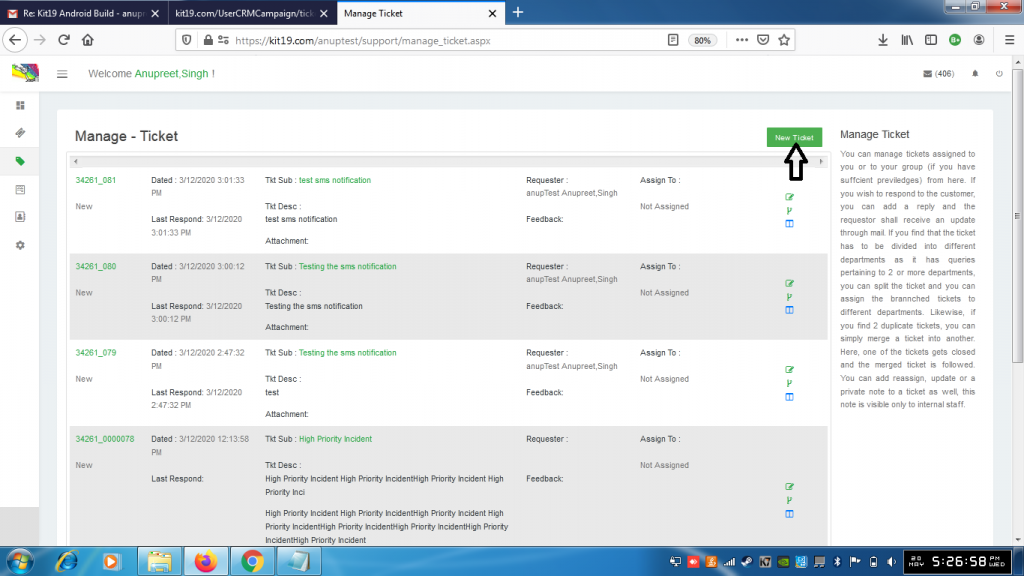
- Click the New Ticket button
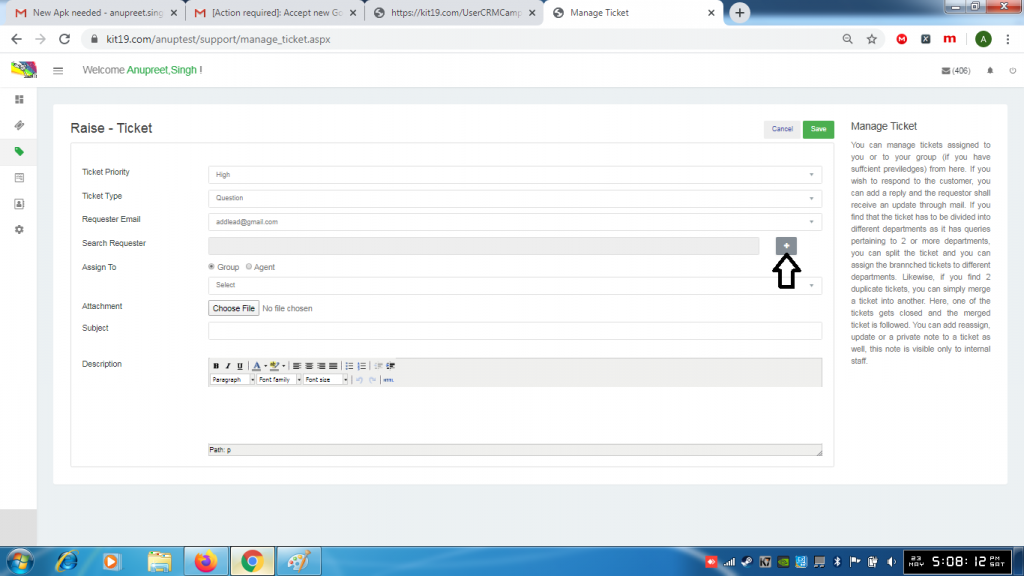
- Click the + button
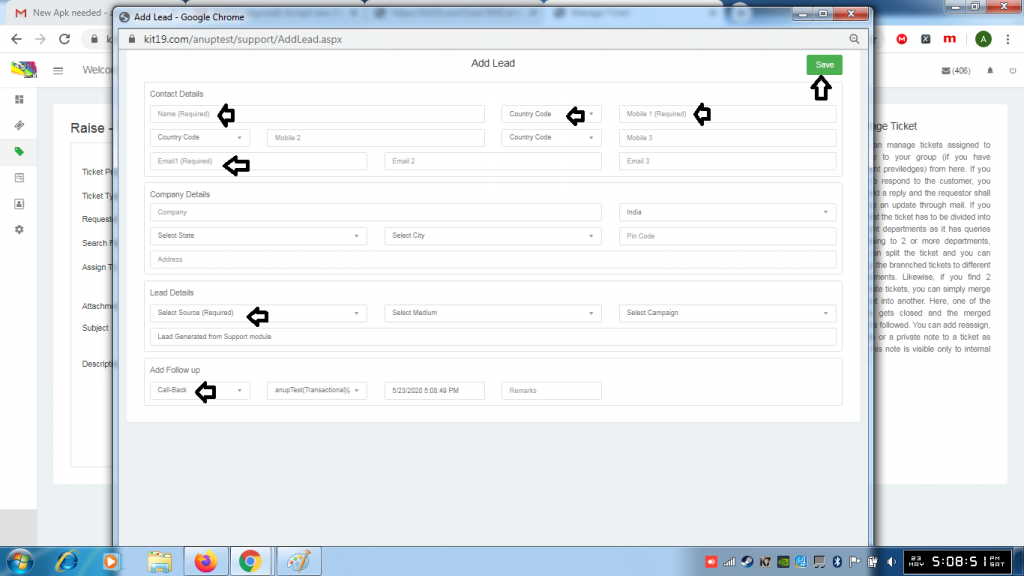
- Fill out the name field (Mandatory)
- Select the country code (Mandatory)
- Fill the Mobile1 field (Mandatory)
- Or Fill out the Email1 field (Mandatory)
- Or Fill our both Mobile1 field and Email1 field
- Select a Source from the source drop down list (Mandatory)
- Click Save
Following fields are optional:
- Mobile 2 with country code
- Mobile 3 with country code
- Email2 field
- Email3 field
- Company Name
- Country
- State
- City
- Pin Code
- Company Address
- Medium
- Campaign
