 knowledge kit19
To create a lead with the follow up status Dead Lead follow the steps mentioned below:
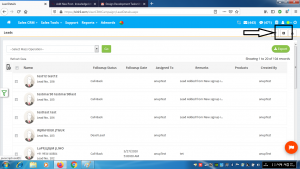
- Click the add lead button
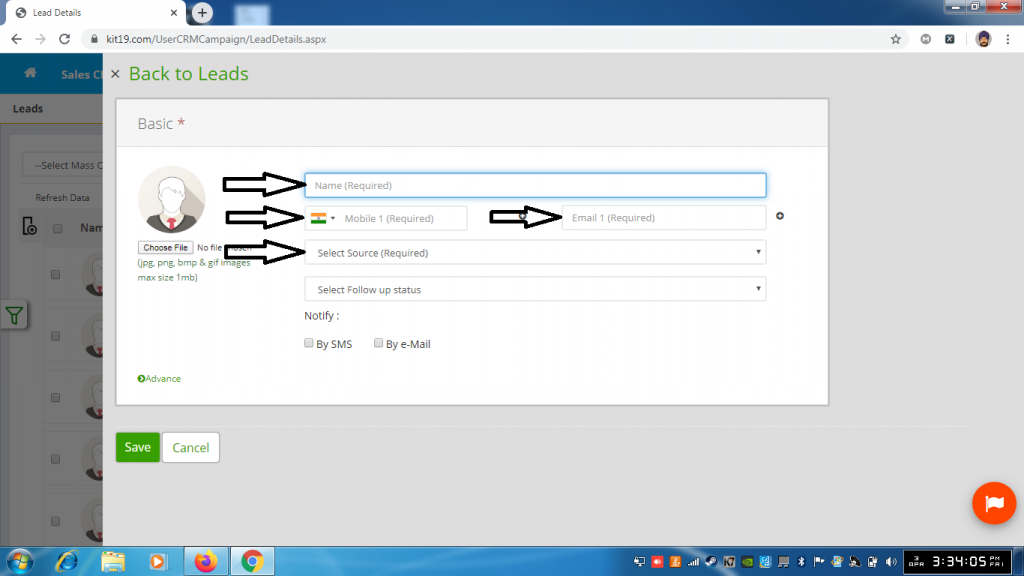
- Fill out person name field
- Fill out mobile 1 field or email 1 field or both
- Select source
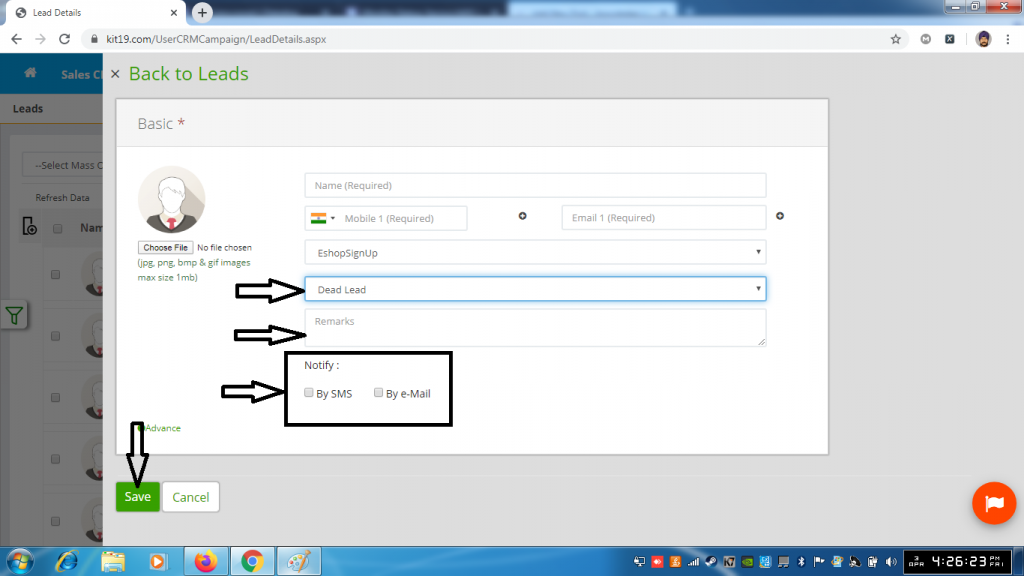
- Select follow up status Dead Lead
- Enter Remarks (Remarks are mandatory)
- Select Notify By SMS (Optional. If you select this option the customer would be notified via SMS)
- Select Notify By Email (Optional. If you select this option the customer would be notified via Email)
- Click Save
Lead with the follow us status Dead Lead would be created
