 knowledge kit19
To send an SMS to a lead follow the steps mentioned below:
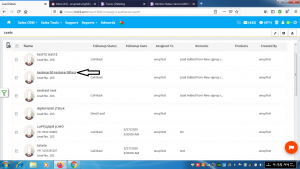
- Click on the name of the lead to which SMS has to be sent
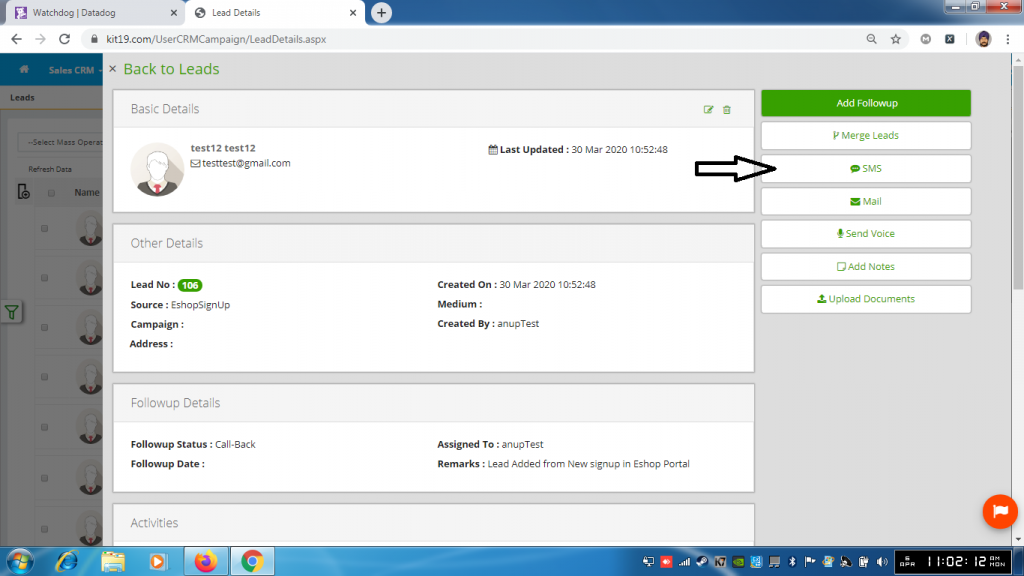
- Click on the SMS button
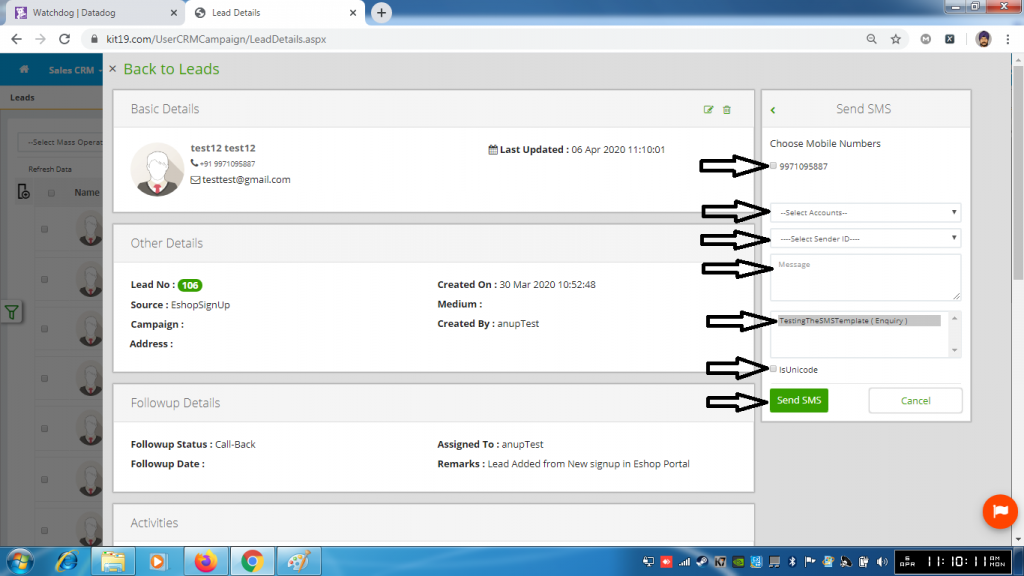
- Select a mobile number (Mandatory) to which SMS has to be sent
- Select Account (Mandatory)
- Select Sender ID (Mandatory)
- Enter Message (Mandatory) or Select a Message Template (Mandatory)
- If the message is any other language such as Hindi, Tamil etc. Tick the box isunicode (Mandatory)
- Click Send SMS
SMS would be sent to the Lead.
