 knowledge kit19
To add a document to a lead follow the steps mentioned below:
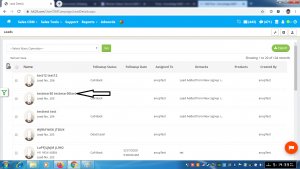
- Click on the name of the lead to which document has to be uploaded
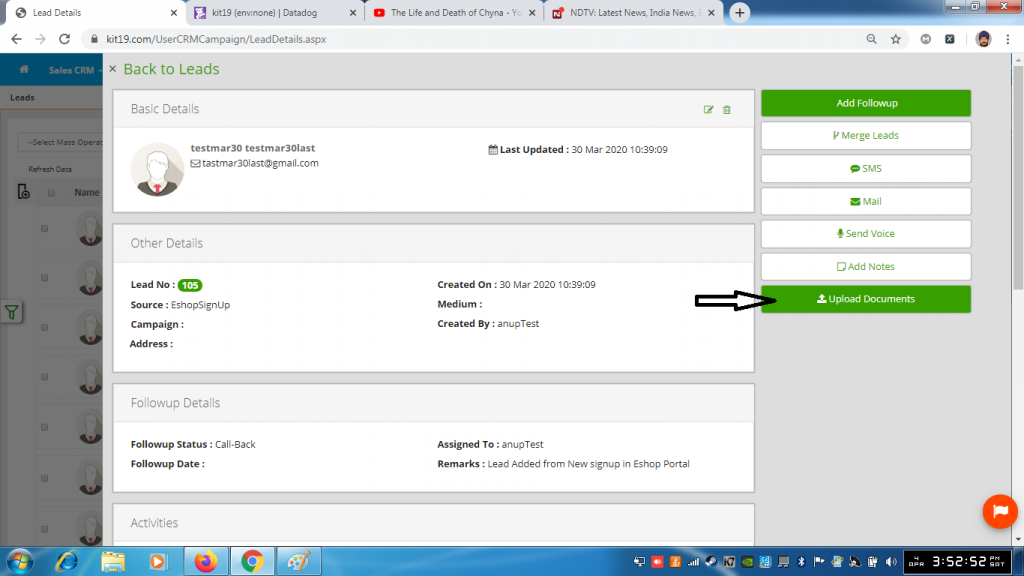
- Click the Upload Documents button
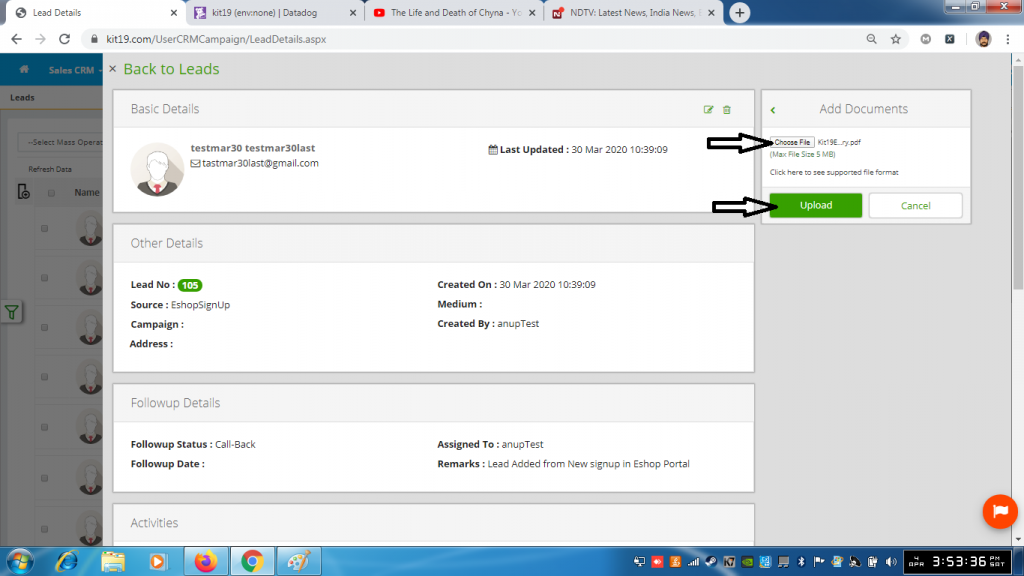
- Click the choose file button
- Select the file that you want to upload
- Click the Upload button
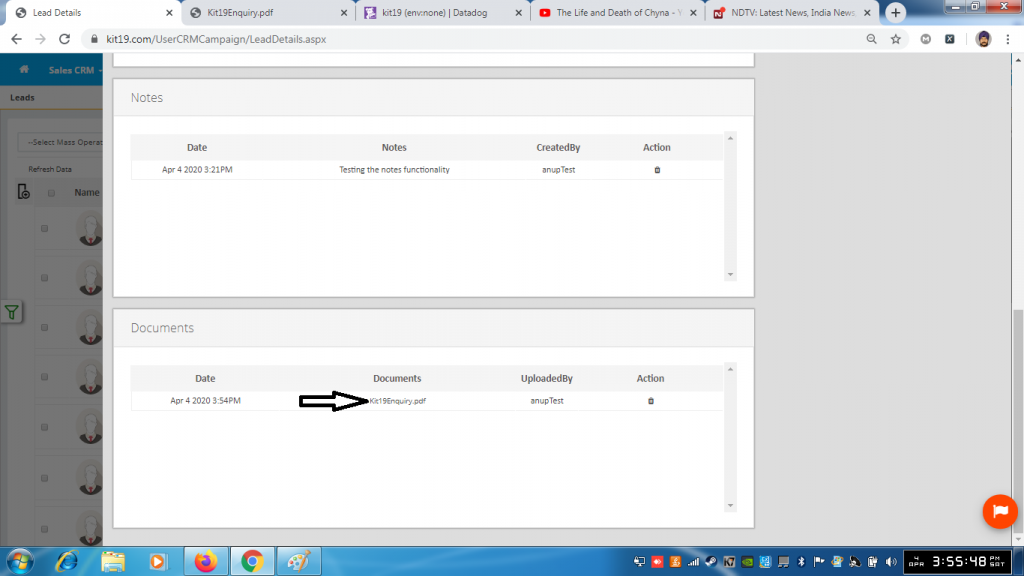
- The uploaded document would be visible under the documents section of the Lead
