 knowledge kit19
To send voice to a lead follow the steps mentioned below:
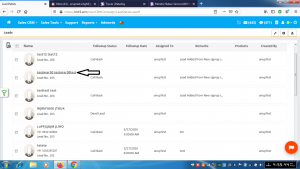
- Click on the name of the lead to which voice has to be sent
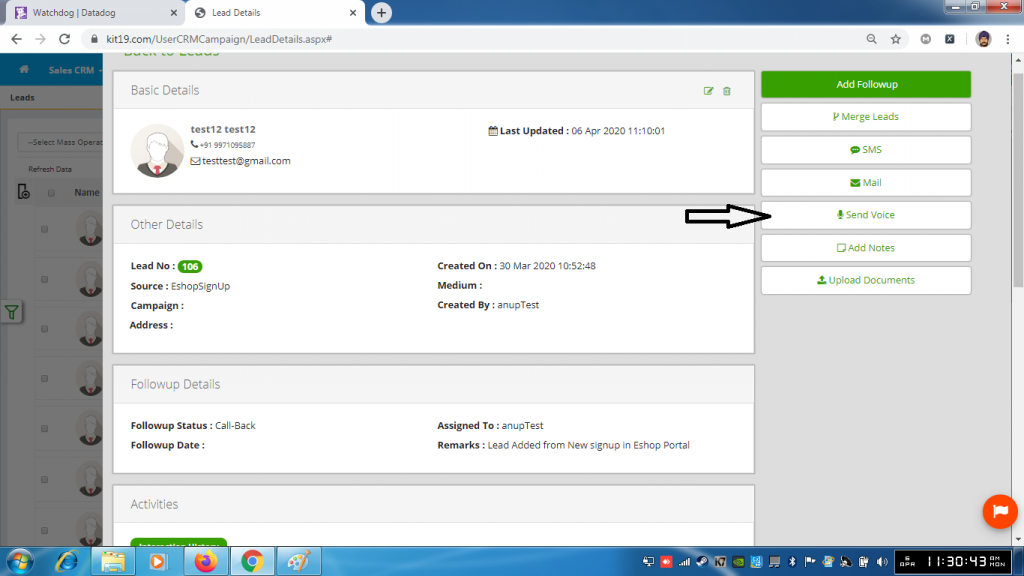
- Click the button send voice
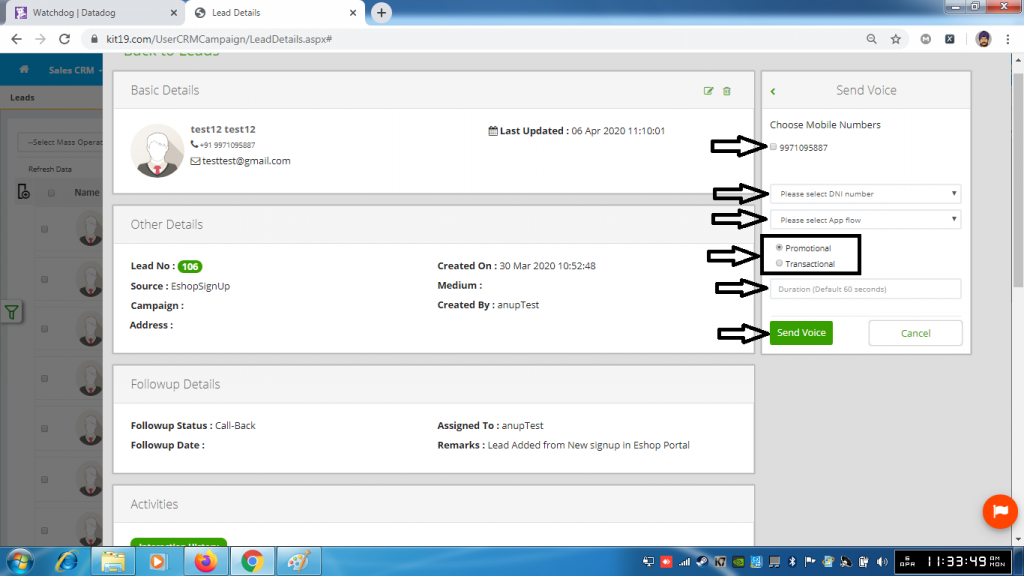
- Select Phone number (Mandatory)
- Select a DNI number (Mandatory)
- Select an App Flow (Mandatory)
- Select Promotional (Mandatory) or Transactional (Mandatory)
- Enter Duration (Optional). If left blank duration would be 60 Seconds
- Click Send Voice
