 knowledge kit19
To Send a notification to a customer via SMS follow the steps mentioned below:
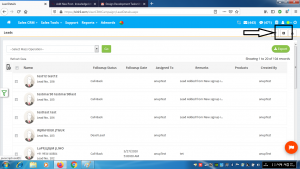
- Click the Add Lead button
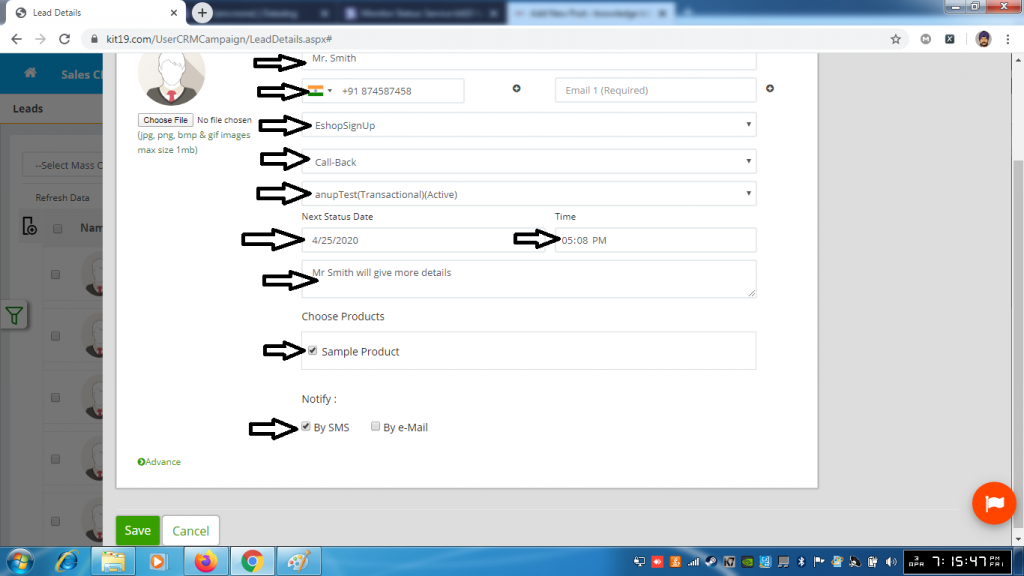
- Fill out the name field
- Fill out the mobile 1 field or email 1 field or both
- Select a source
- Select a follow up status
- Fill out the mandatory fields (if required optional fields as well) of the follow up status
- Check the box By SMS
- Click Save
The lead would be created and the customer would be notified via SMS
