 knowledge kit19
To create a webform using a customized template follow the steps mentioned below:
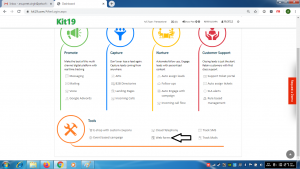
- Go to https://kit19.com/AfterLogin.aspx
- Click Web form
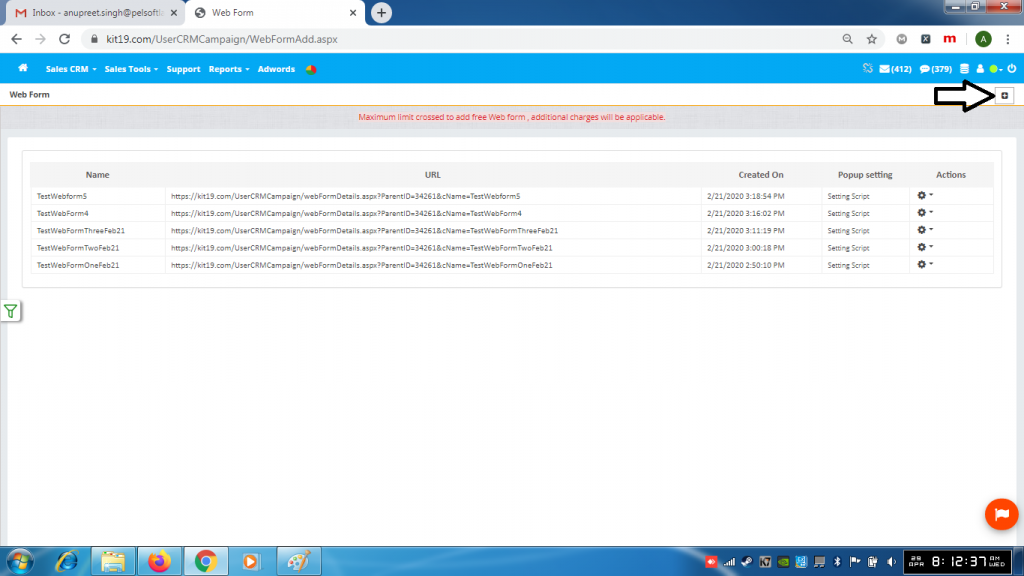
- Click the + button
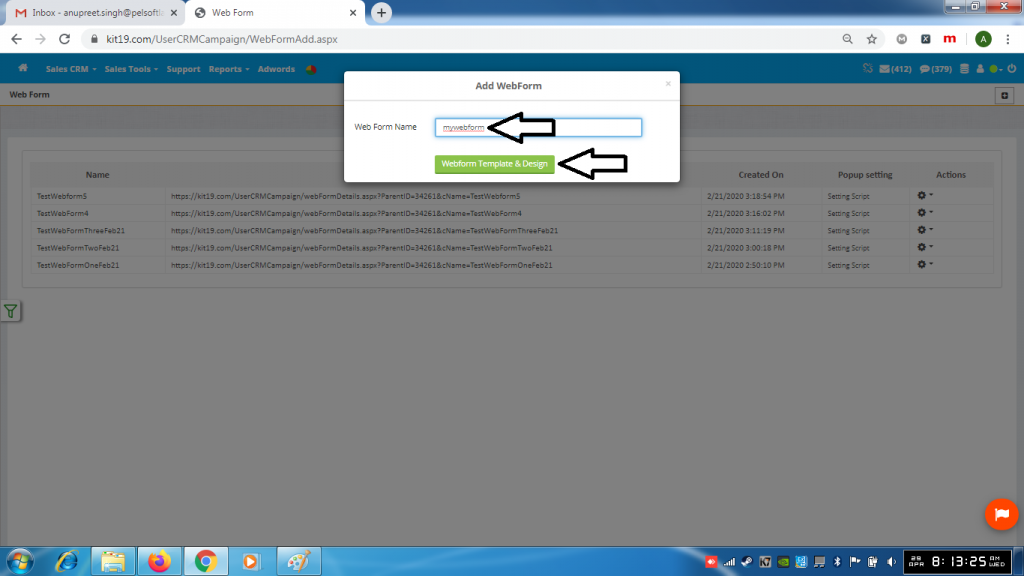
- Enter a name for your webform
- Click the Webform template & Design button
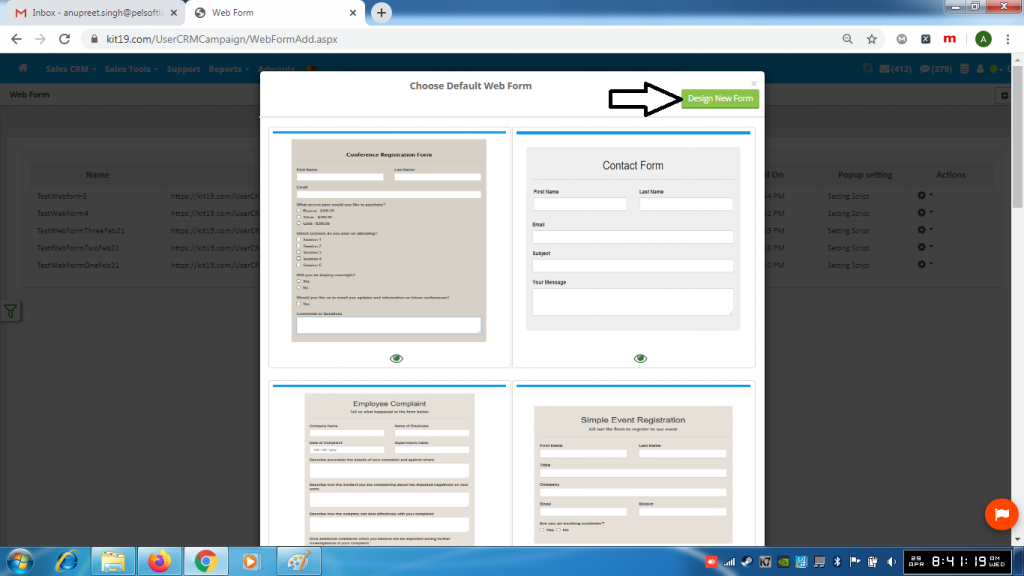
- Click Design New Form button
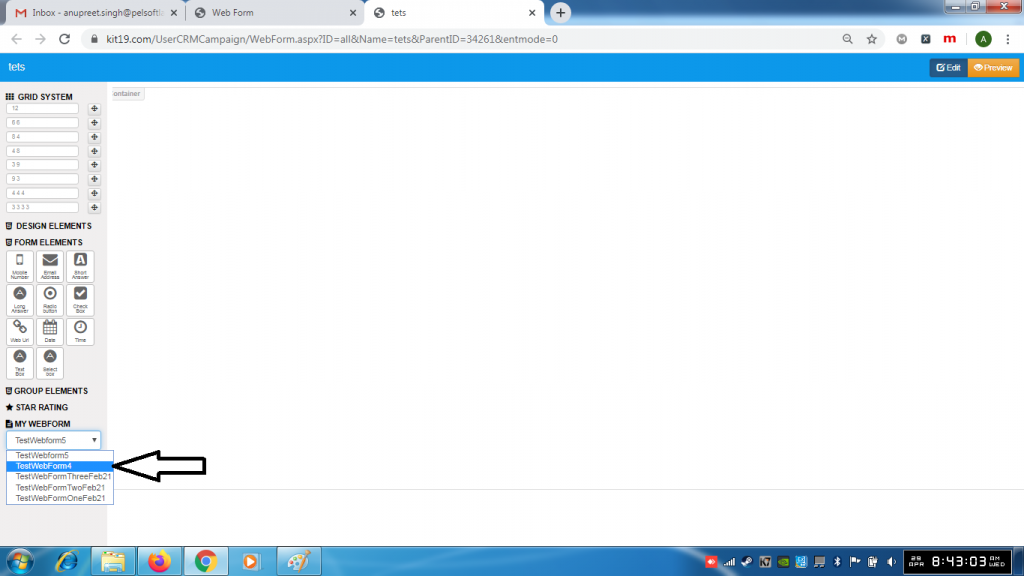
- Select a template from the MY WEBFORM drop down list
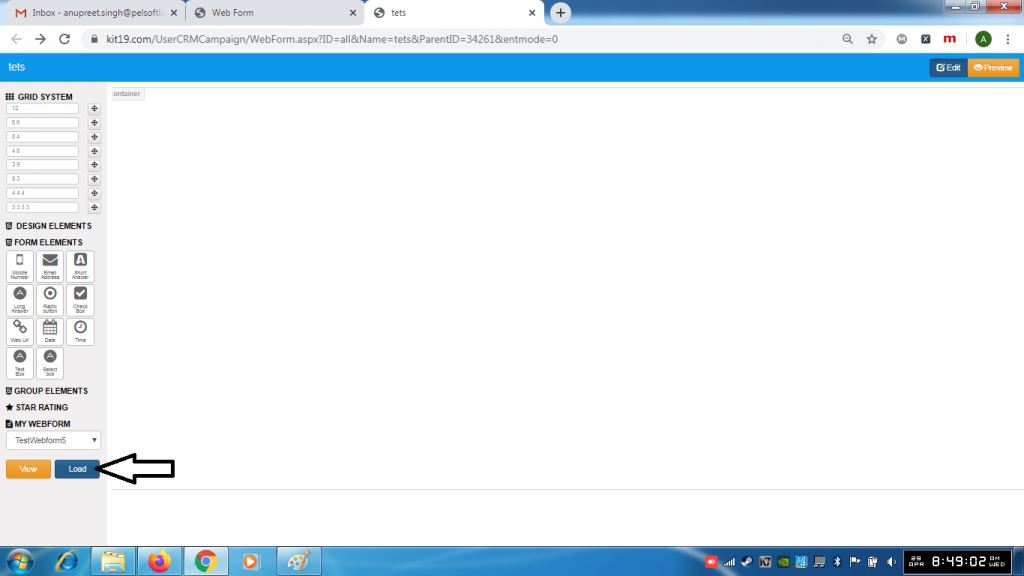
- Click the Load button
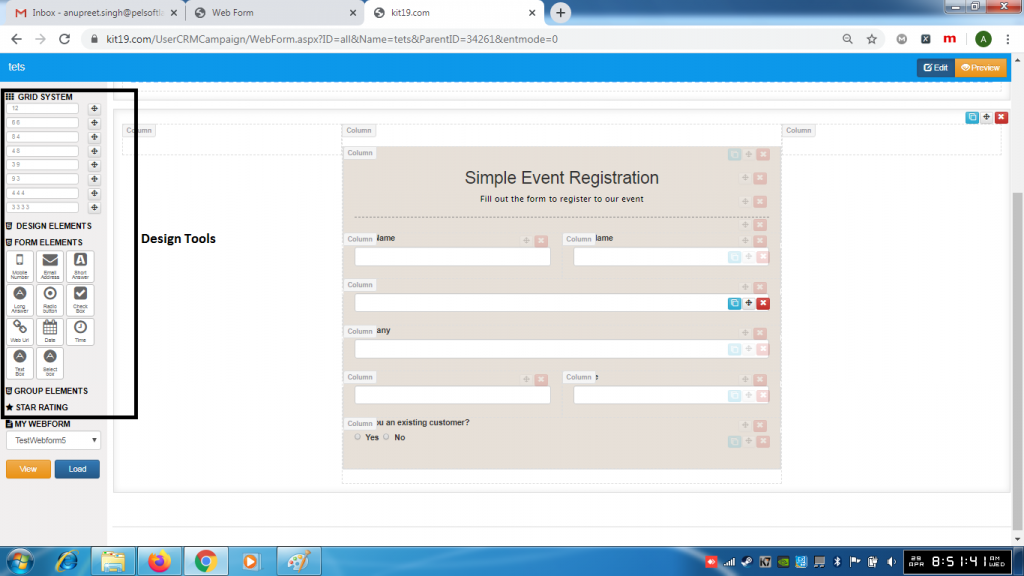
- Using the Design Tools design your webform
Note: To learn more about designing in detail refer to the Landing page section of the knowledge base.
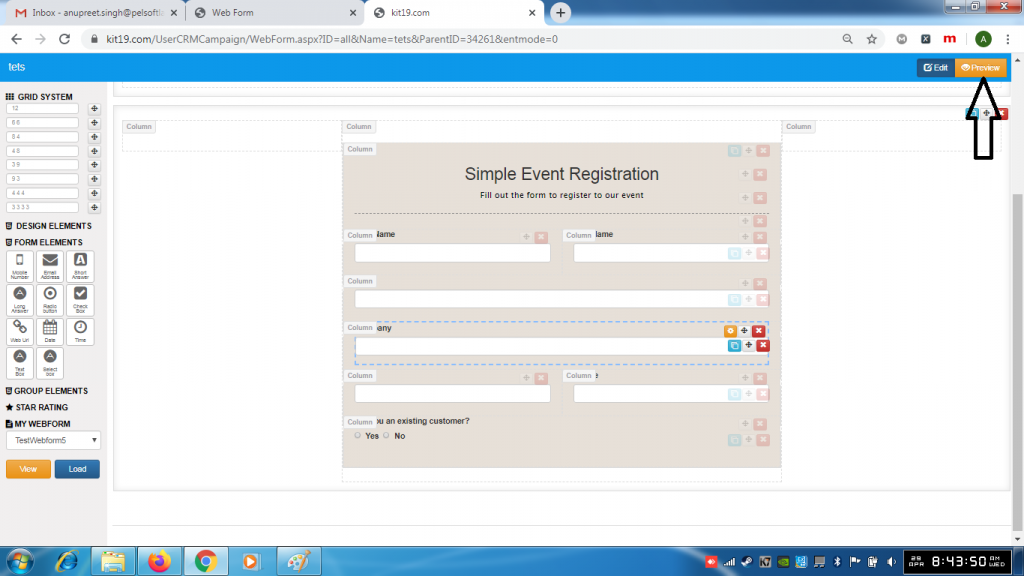
- Click the Preview button
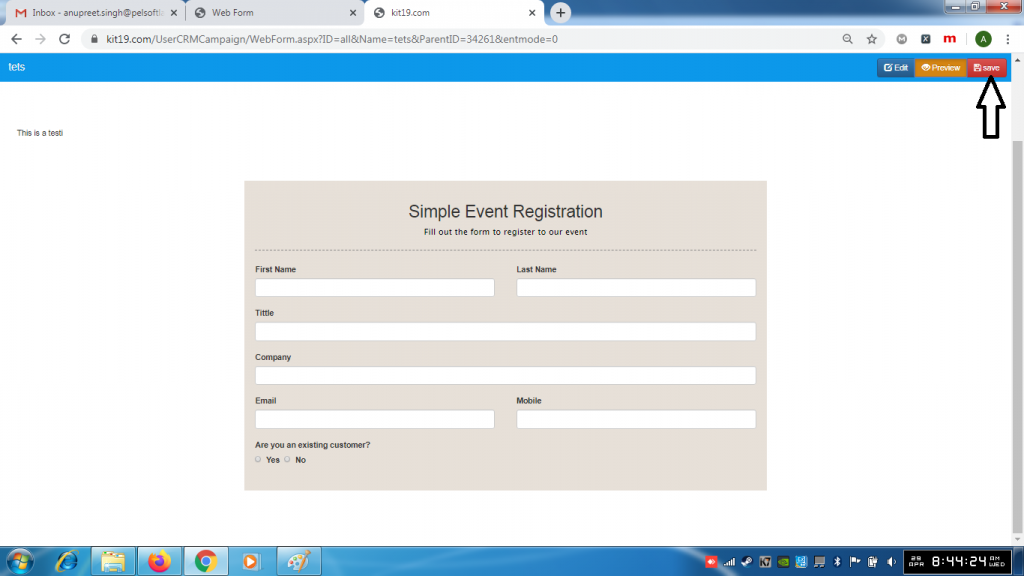
- Click the Save button
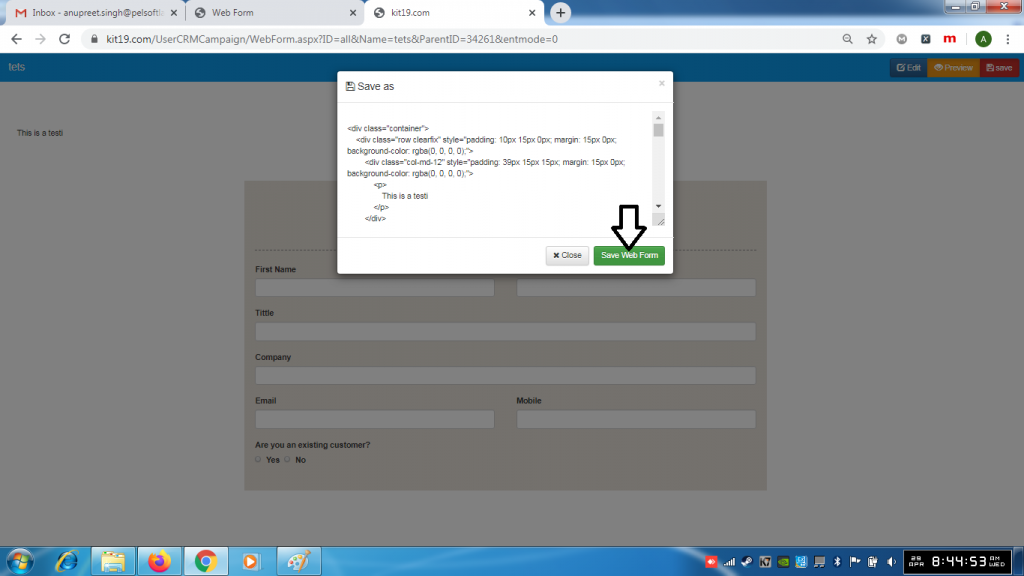
- Click the Save Web Form button
Note: Do not change the code on the pop up.
