 knowledge kit19
To edit a webform follow the steps mentioned below:
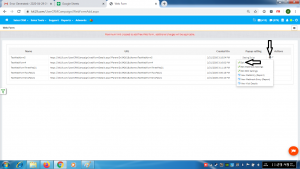
- Go the link https://kit19.com/UserCRMCampaign/WebFormAdd.aspx
- Click on the setting icon
- Click on Edit
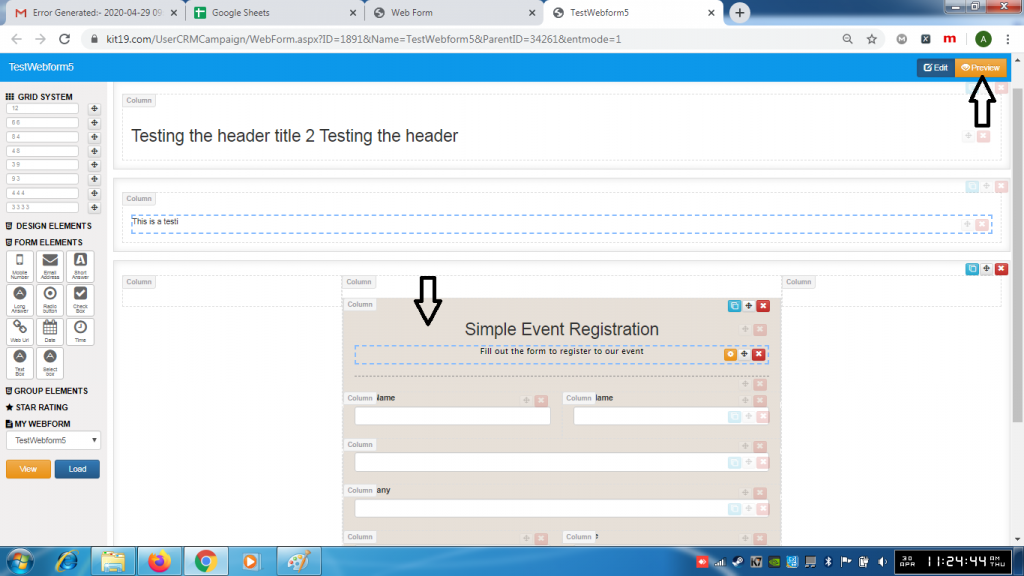
- Make changes to the webform
- Click Preview
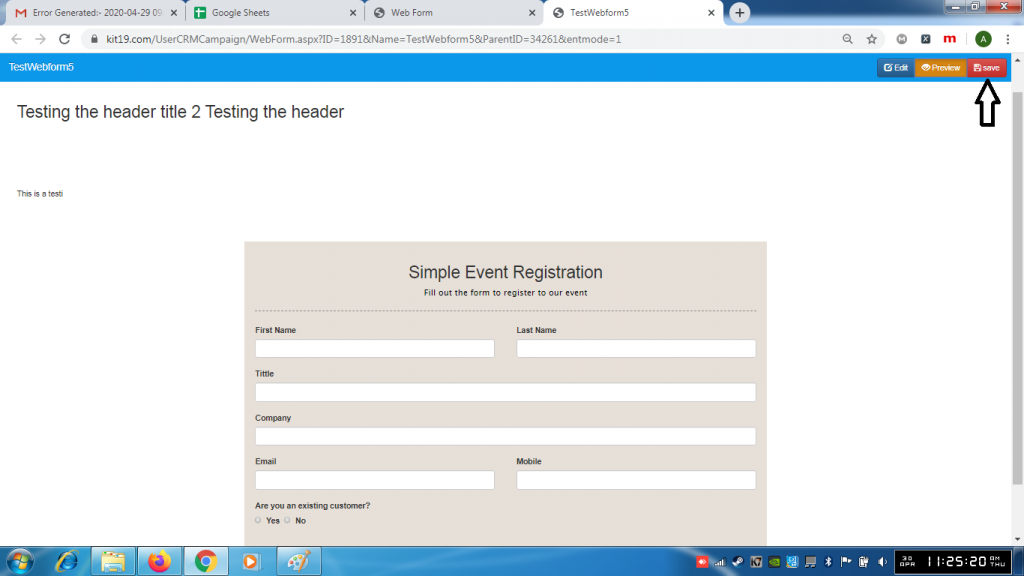
- Click Save
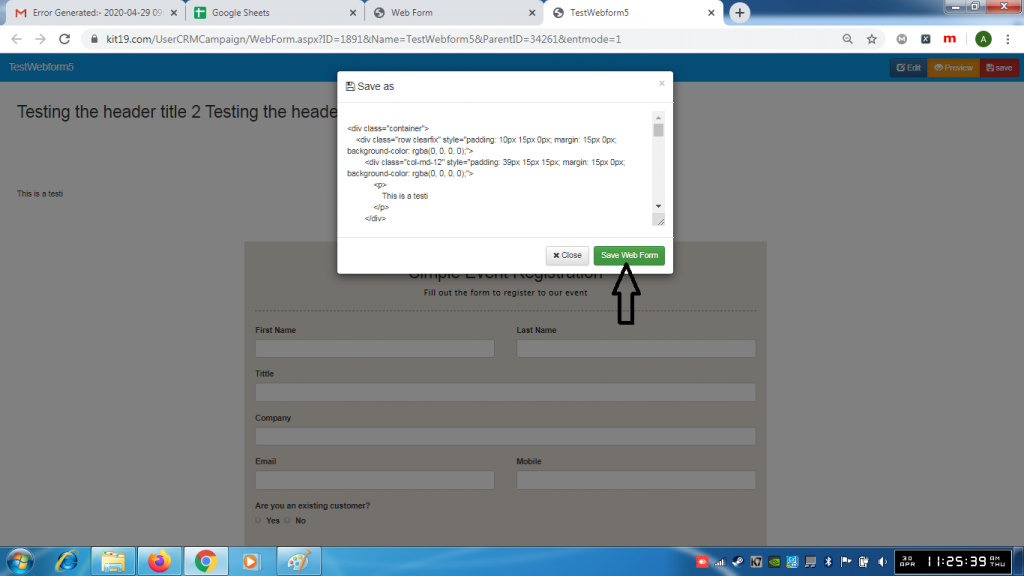
- Click the button Save Web Form
Note: Do not change the code on the popup.
