 knowledge kit19
To add or edit the Notify setting to a webform follow the steps mentioned below:
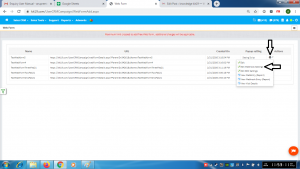
- Go the page https://kit19.com/UserCRMCampaign/WebFormAdd.aspx
- Click the edit icon
- Click Edit WebHook Settings
To receive an SMS when the customer submits the webform:
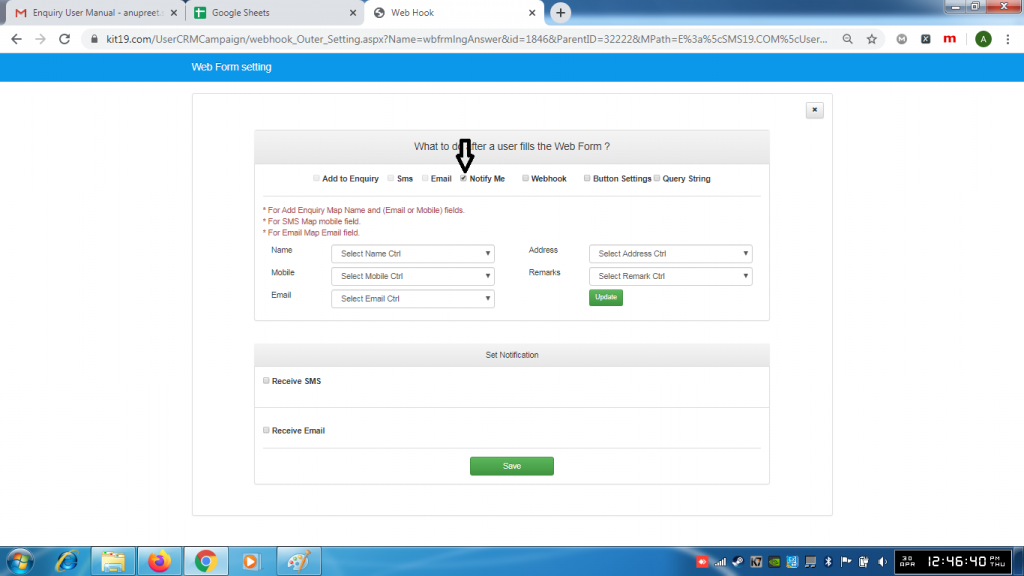
- Tick the checkbox Notify me
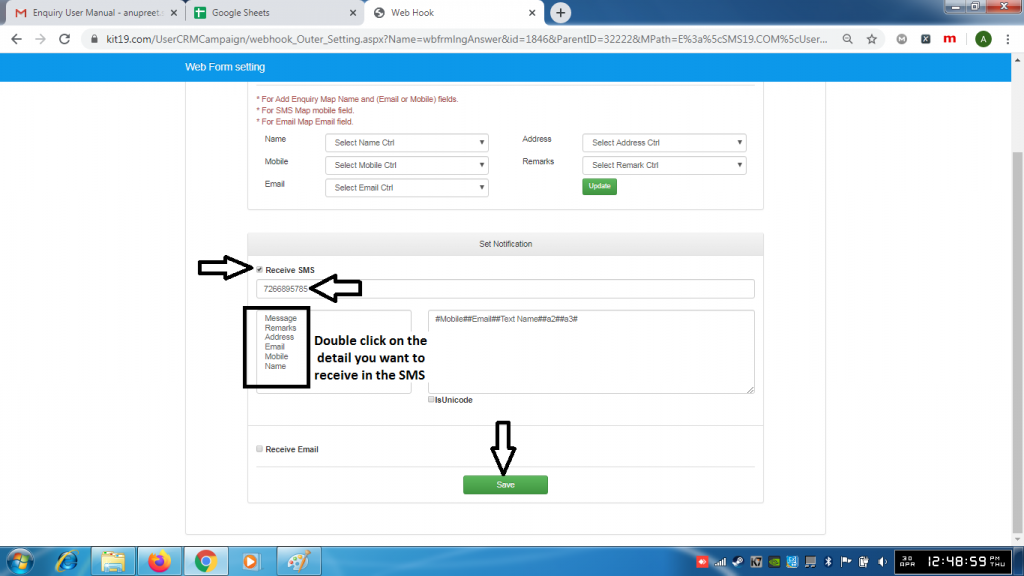
- Tick the checkbox Receive SMS
- Enter the mobile number on which you want to receive the SMS
- Double click on the detail(s) you want to capture
- Click Save
To receive an Email when the customer submits the webform:
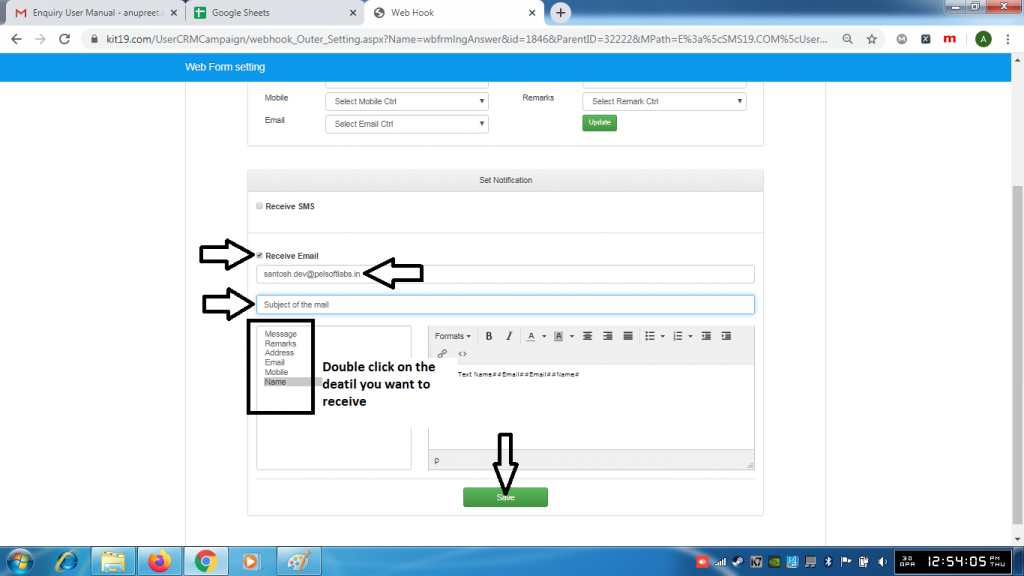
- Tick the checkbox Receive Email
- Enter the email address on which you want to receive the emails
- Double click on the detail(s) you want to capture in the email
- Click Save
Note: You can add both receive SMS and receive Email or any one depending on your choice.
