 knowledge kit19
You might require to have different telephony groups to perform different actions for example to call back client you might want to create a call back group, for complaints you might want to create a complaints handling group and so on. With the telephony group you can easily create a group.
To create or add a group follow the steps mentioned below:
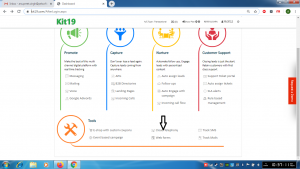
- Go the page https://kit19.com/AfterLogin.aspx
- Click Cloud Telephony
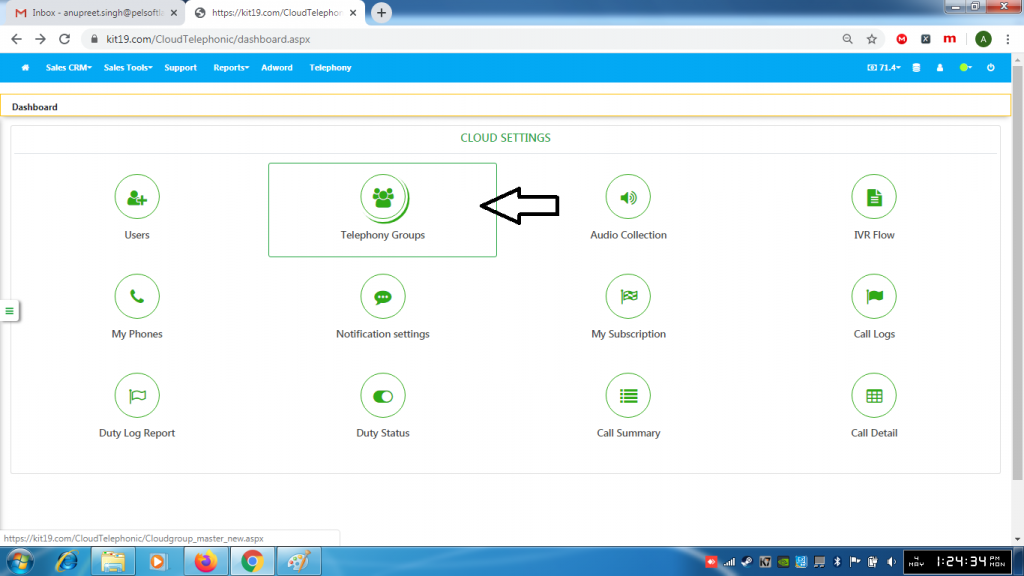
- Click Telephony Groups
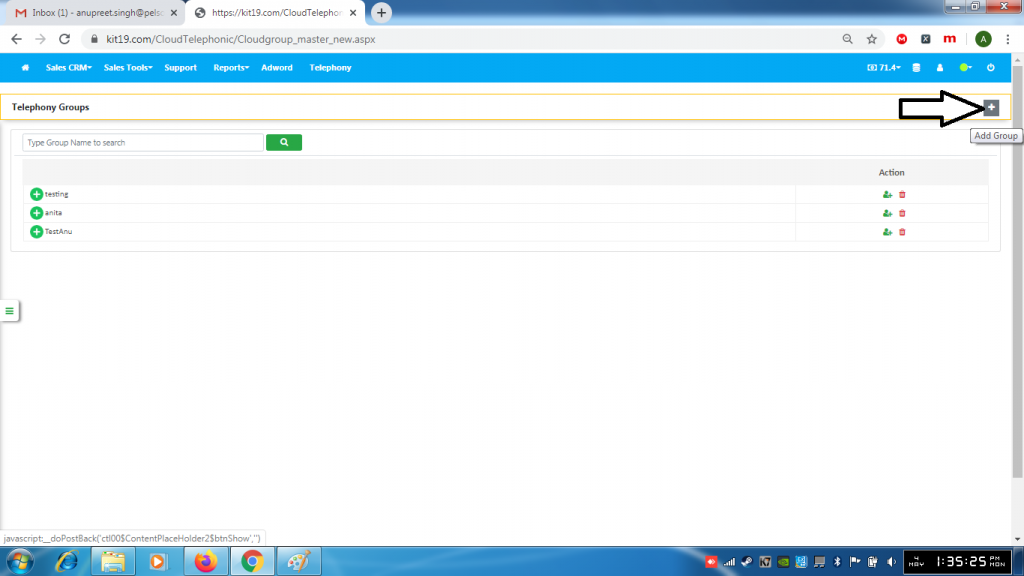
- Click the + (Add) button
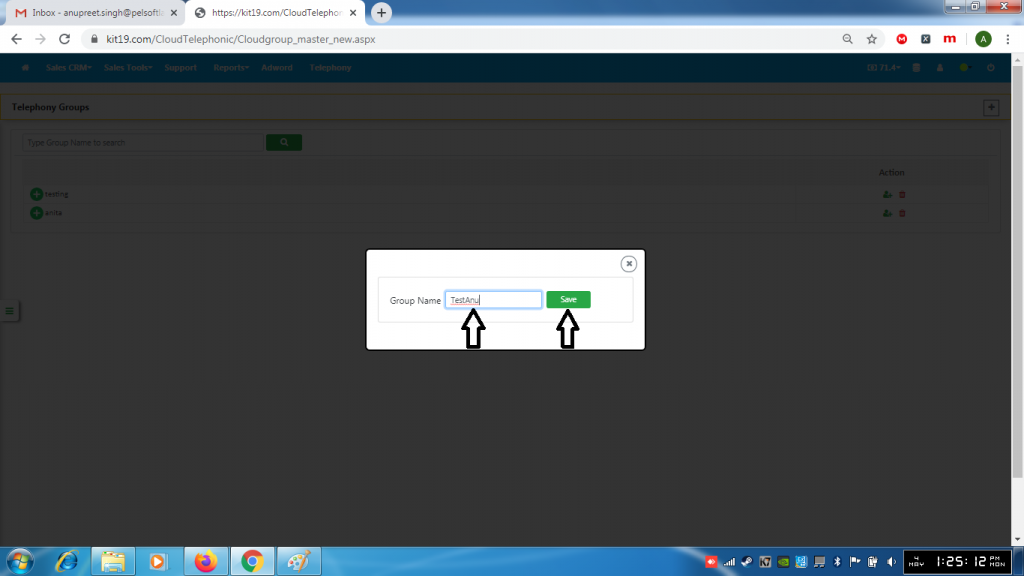
- Enter the name of the group
- Click Save
