 knowledge kit19
To send mail to a lead follow the steps mentioned below:
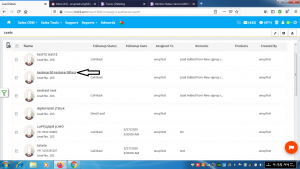
- Click on the name of the lead to which Mail has to be sent
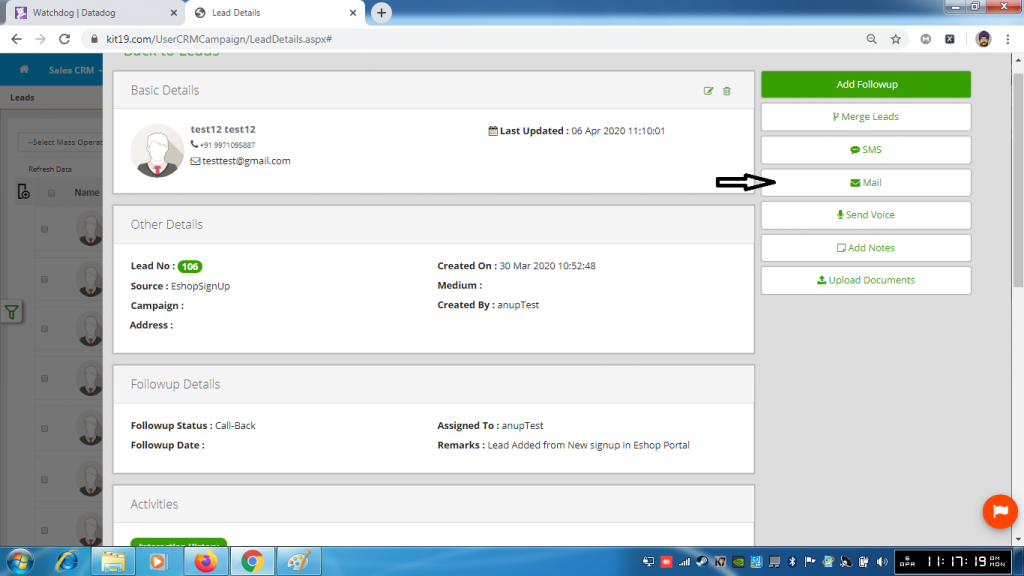
- Click on the button Mail
Case One : Send Mail Using Template
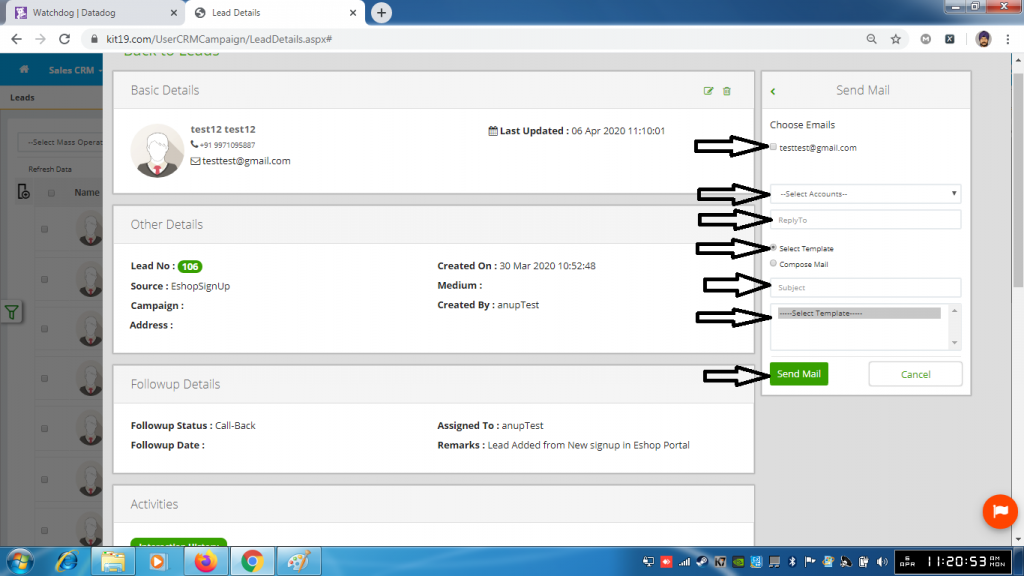
- Select Email (Mandatory)
- Select Account (Mandatory)
- Enter a ReplyTo Email (Mandatory)
- Check the Radio button Select Template (Mandatory)
- Enter a Subject (Mandatory)
- Select a Template (Mandatory)
- Click the Send Mail
Case Two: Send Mail Using Compose Mail
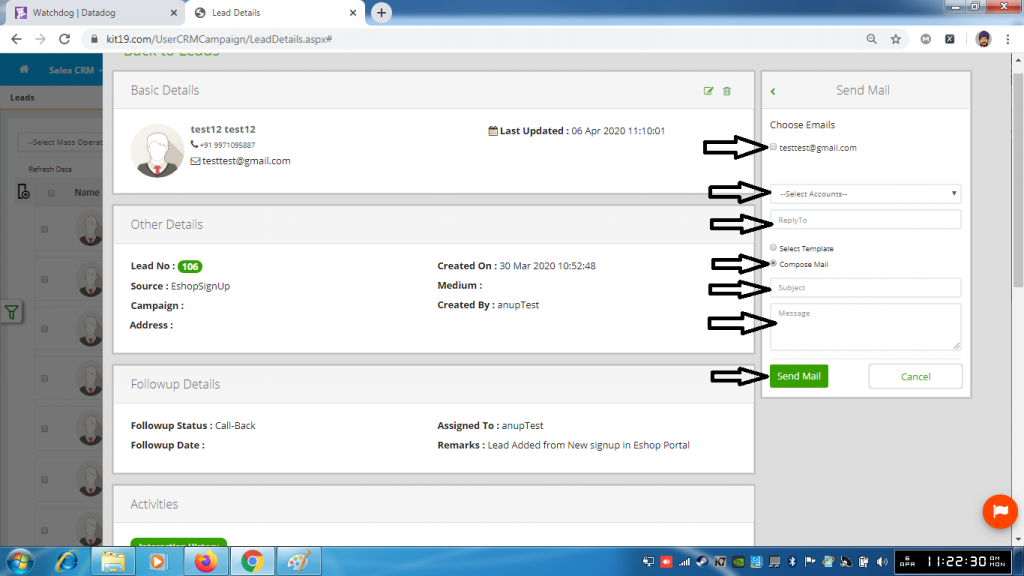
- Select an email (Mandatory)
- Select an account (Mandatory)
- Enter a reply to email (Mandatory)
- Check the radio button Compose Mail (Mandatory)
- Enter a subject (Mandatory)
- Enter a message (Mandatory)
- Click the button Send Mail
