 knowledge kit19
To edit SEO settings of your webpage follow the steps mentioned below:
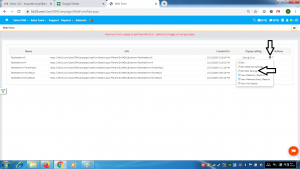
- Go the page https://kit19.com/UserCRMCampaign/WebFormAdd.aspx
- Click the edit icon
- Click Edit SEO Settings
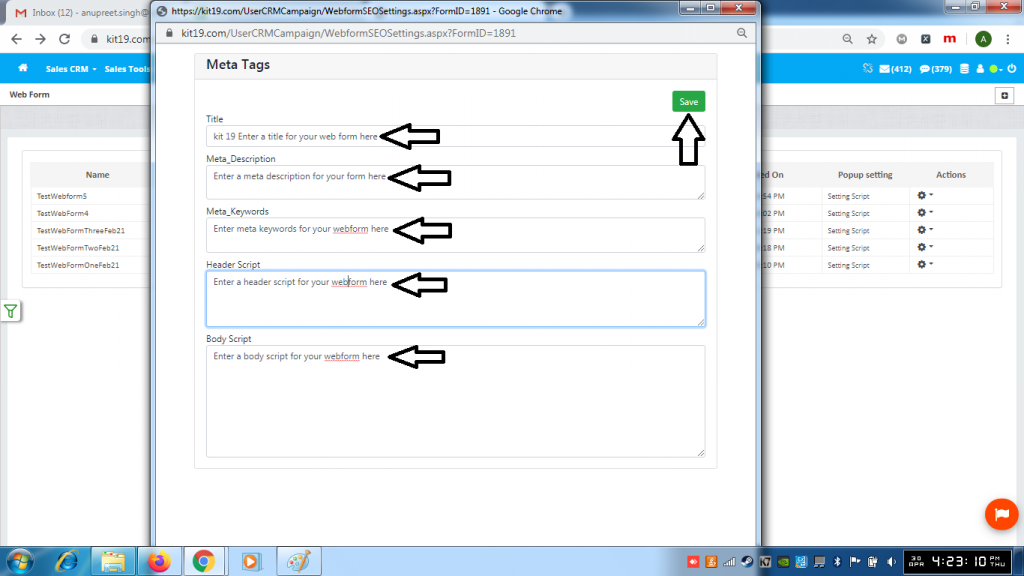
- Enter a Title for your webform
- Enter Meta_Description for your webform
- Enter Meta_Keywords for your webform
- Enter a Header Script for your webform
- Enter a Body Script for your webform
- Click Save
