 knowledge kit19
To create a user follow the steps mentioned below:
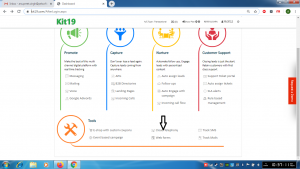
- Go the page https://kit19.com/AfterLogin.aspx
- Click Cloud Telephony
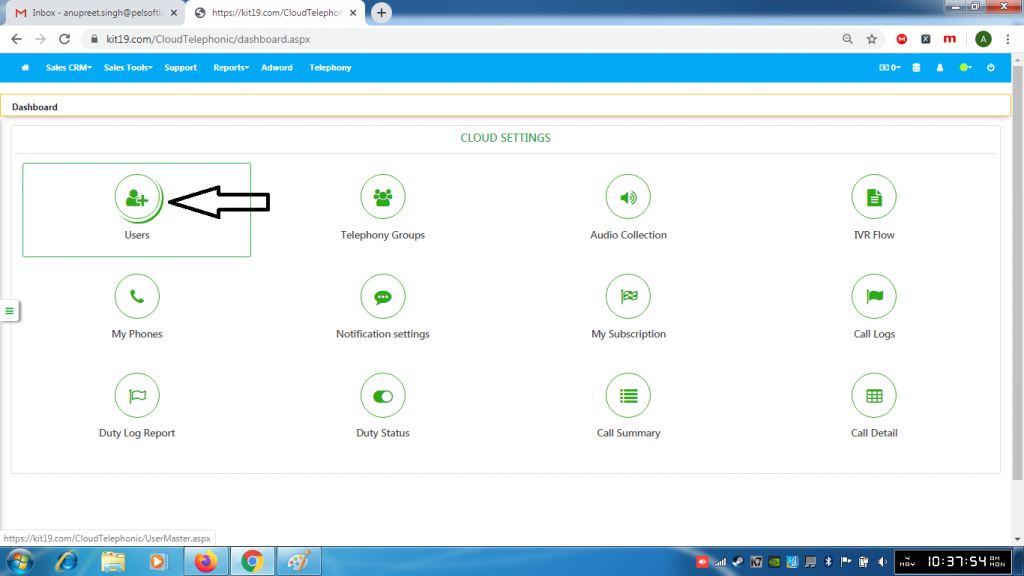
- Click Users
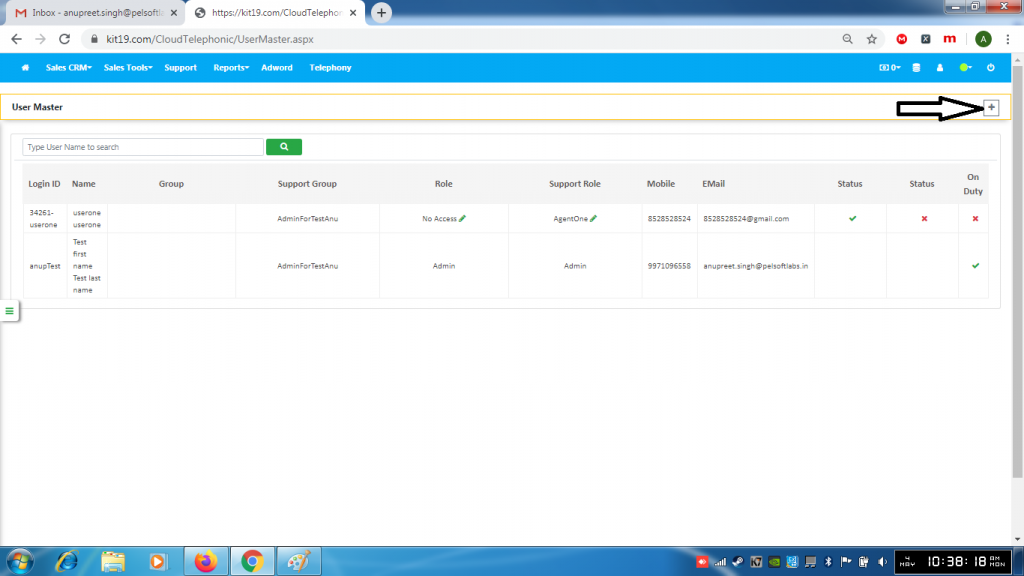
- Click the + (add user) button
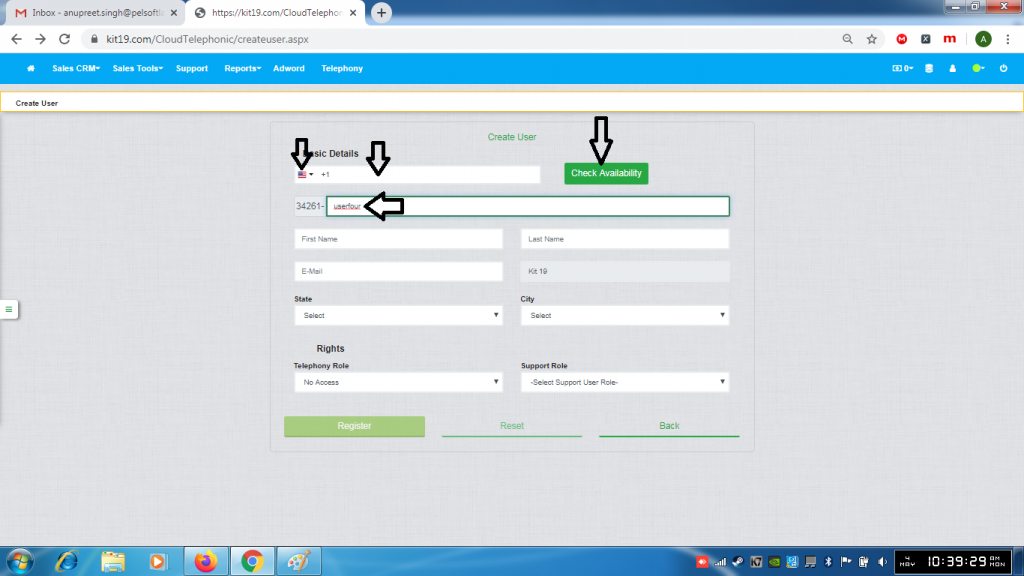
- Select country code
- Enter the phone number
- Enter the user name
- Click Check Availability
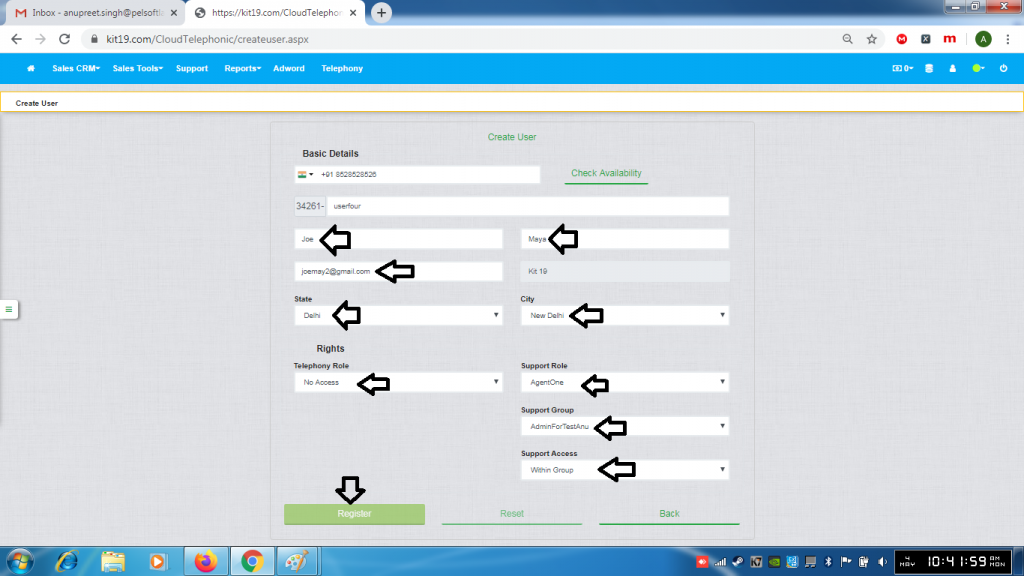
- Enter first name
- Enter last name
- Enter email address
- Select State
- Select City
- Select Telephony role
- Select Support Role
- Select Support Group
- Select Support Access
- Click Register
