 knowledge kit19
To view the duty log report follow the steps mentioned below:
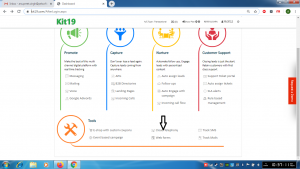
- Go the page https://kit19.com/AfterLogin.aspx
- Click Cloud Telephony
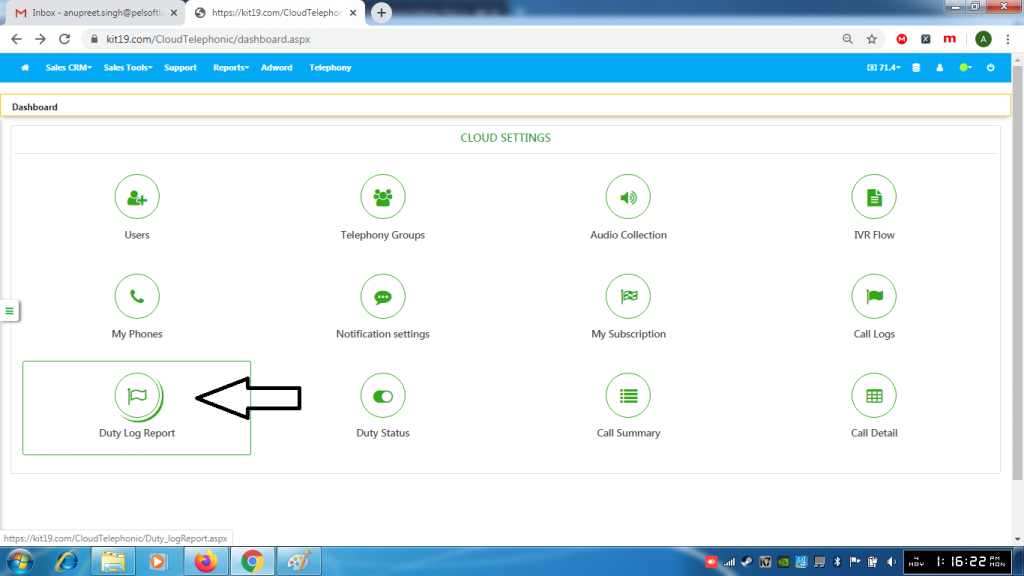
- Click Duty Log Report
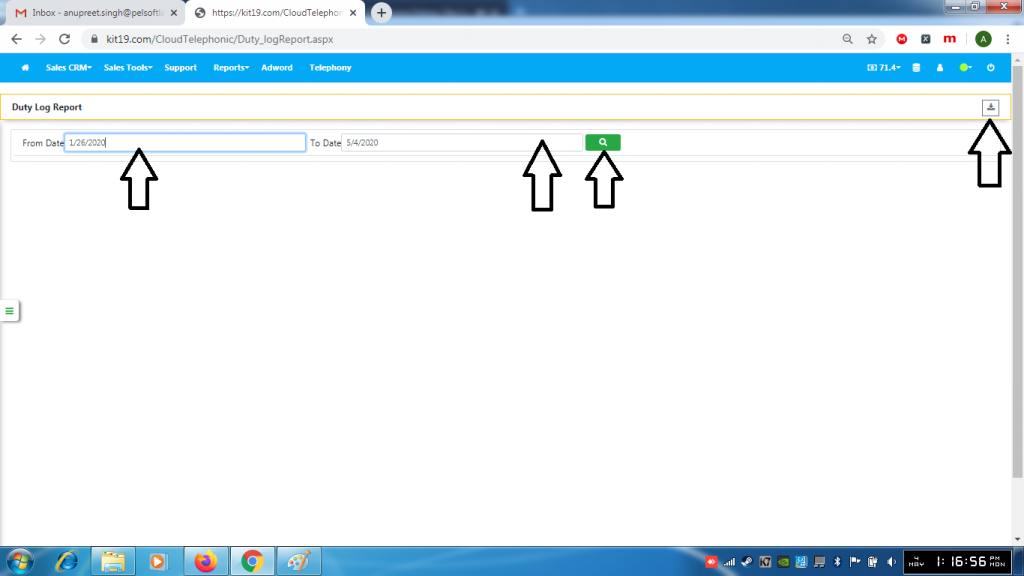
- Select From Date
- Select To Date
- Click the Search button
- Click the download button to download the log report (optional)
