 knowledge kit19
You can check the duty status of the user. To check or change the duty status of a user follow the steps mentioned below:
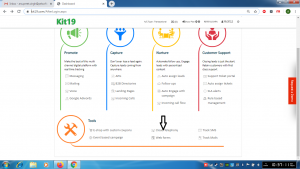
- Go to Page https://kit19.com/AfterLogin.aspx
- Click Cloud Telephony
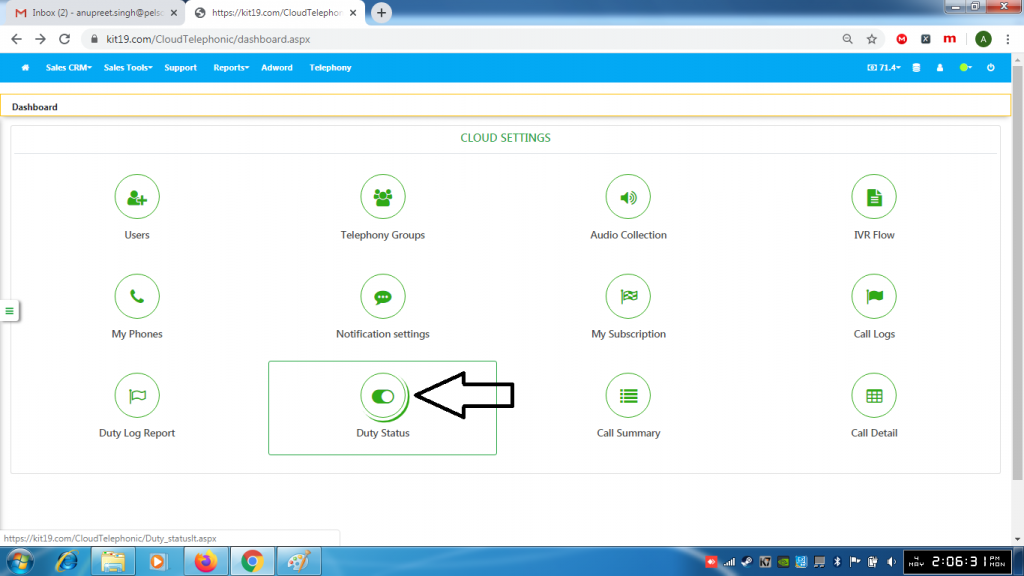
- Click Duty Status
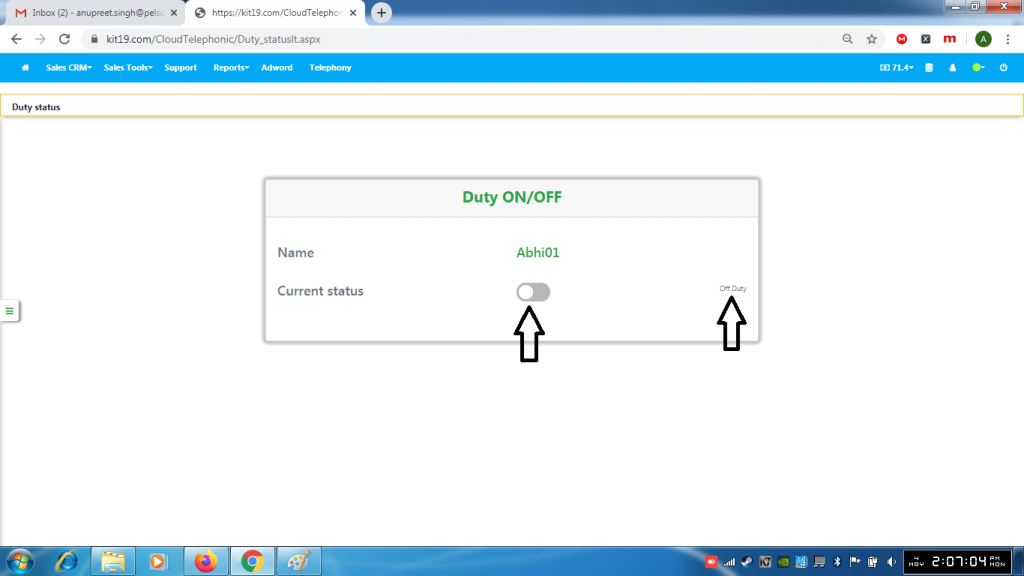
- On the right hand side the current duty status would be displayed
- To change the duty status click the slider
