 knowledge kit19
You can add audio files that can be used as caller tunes or can play a specific message when a customer calls you.
To add an audio file to your audio collection follow the steps mentioned below:
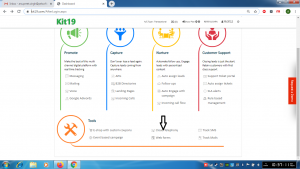
- Go to Page https://kit19.com/AfterLogin.aspx
- Click Cloud Telephony
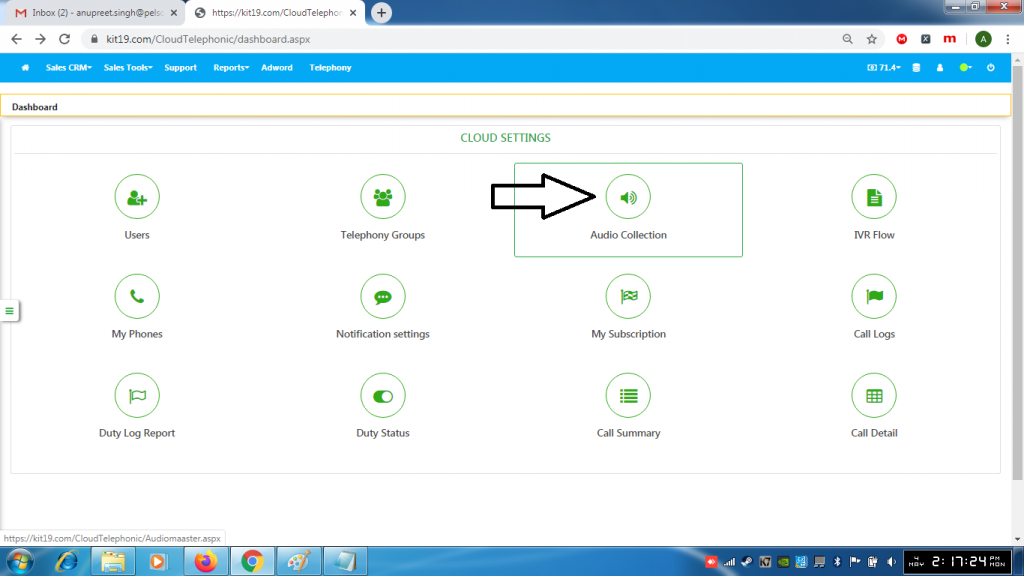
- Click Audio Collection
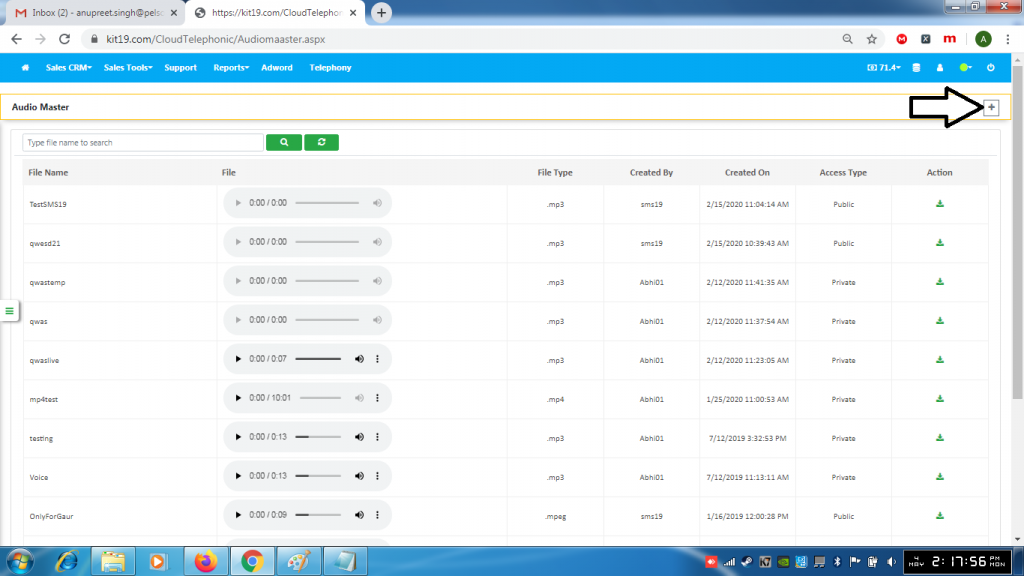
- Click the + (Add) button
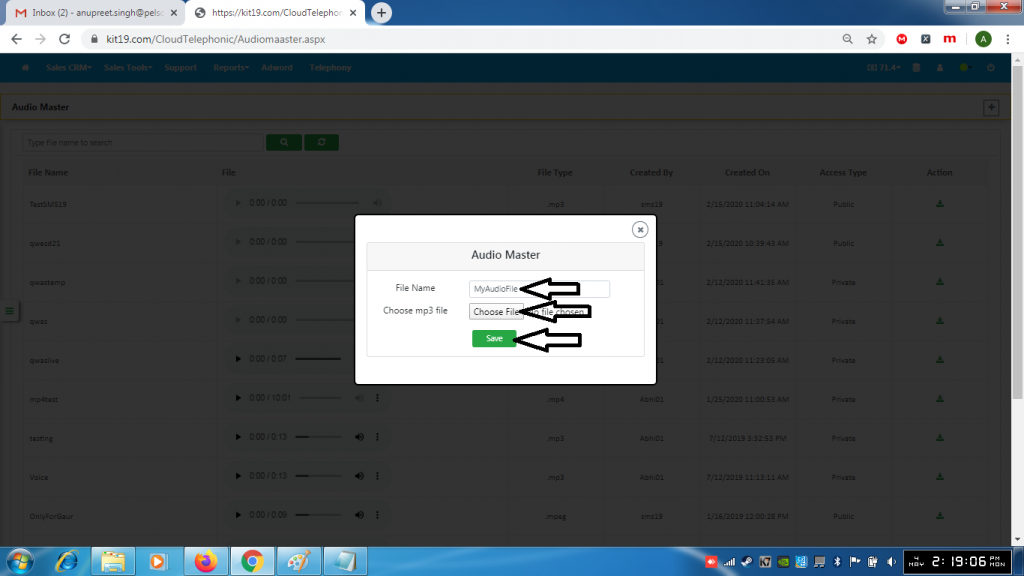
- Enter a name for the Audio file
- Select the file to upload
- Click Save
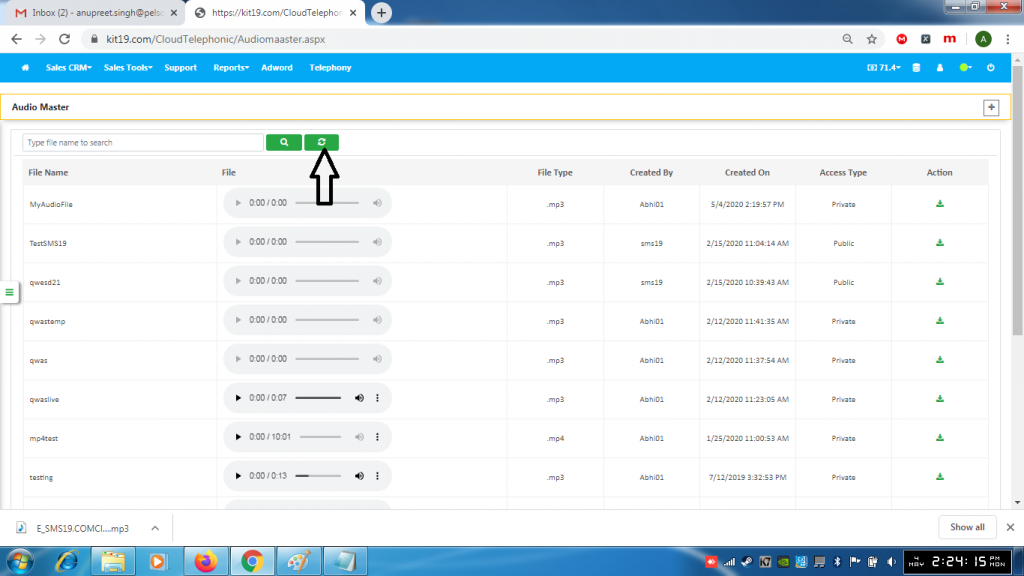
- Click the refresh button to update the list of audio files
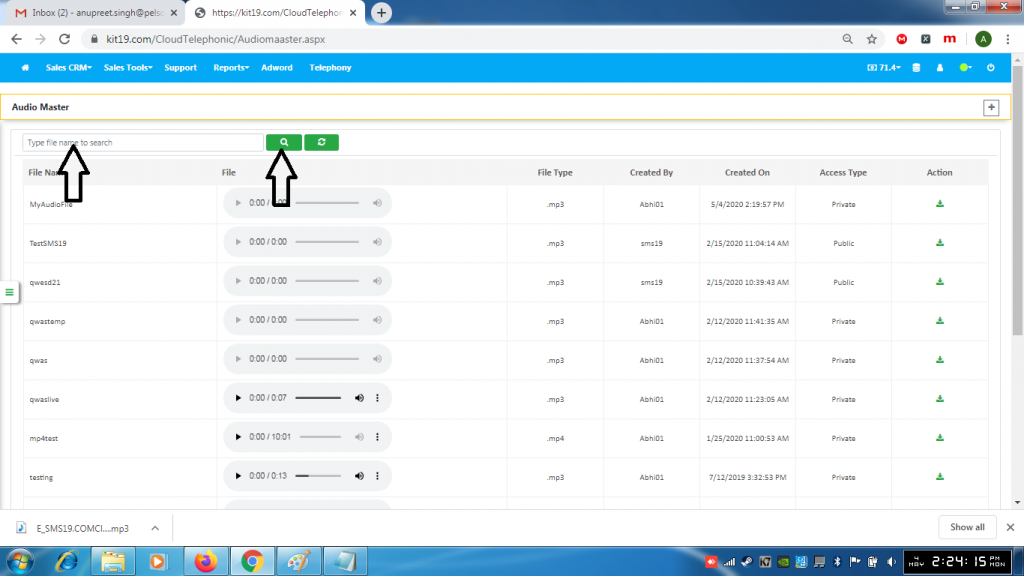
- Enter the name of a file
- Click the search button to search for the file
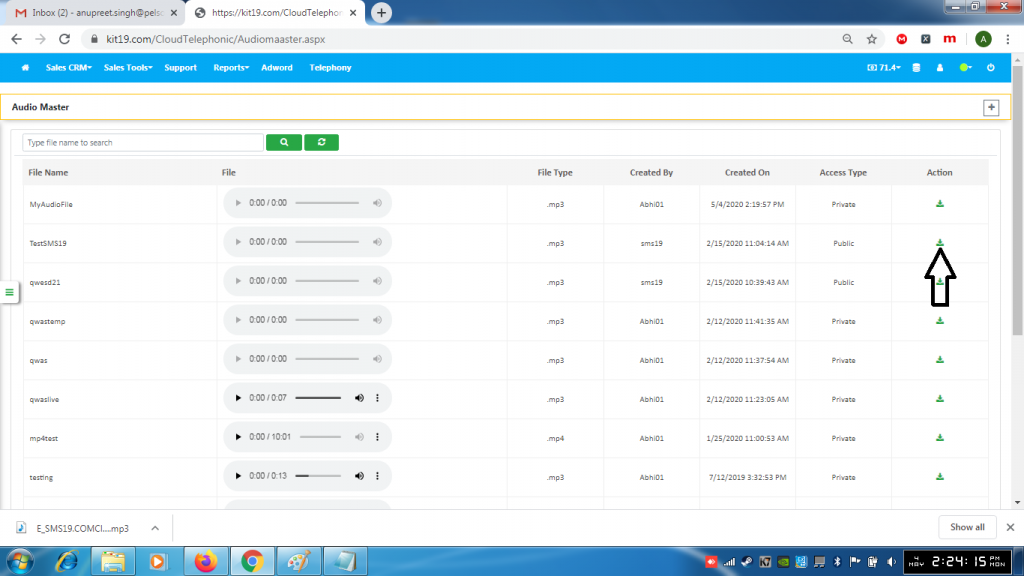
- Click the download button to download a file
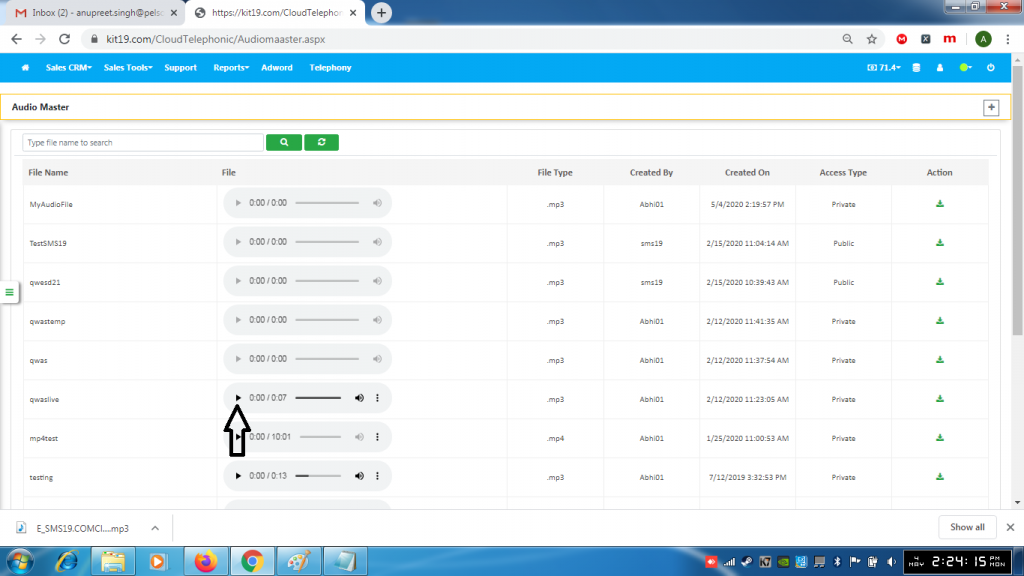
- Click the Play button to play an audio file
