 knowledge kit19
To add notes to a lead follow the steps mentioned below:
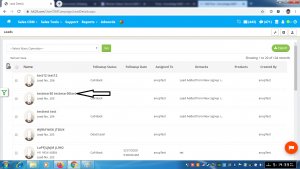
- Click on the name of the lead to which notes have to be added
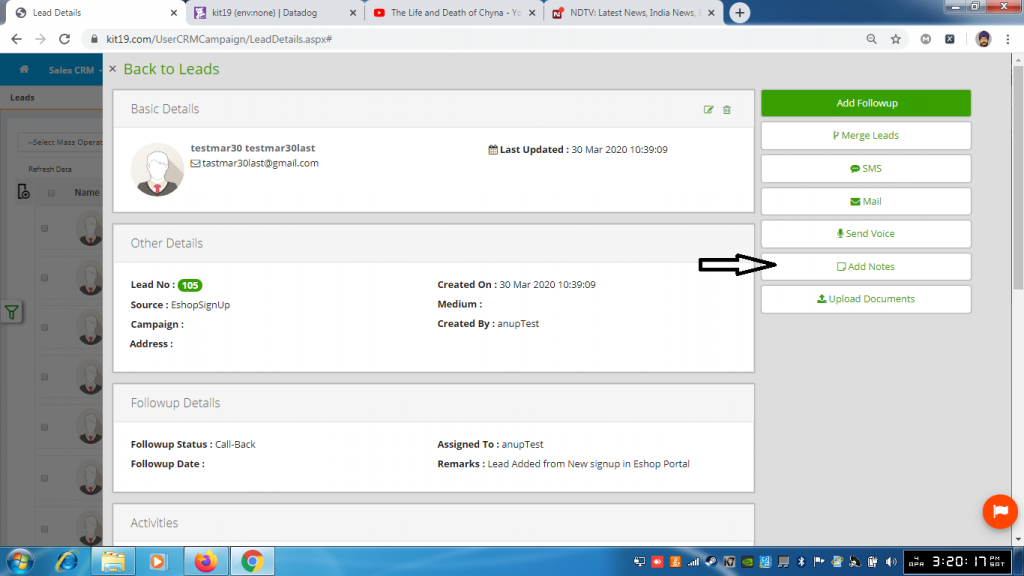
- Click the button Add Notes
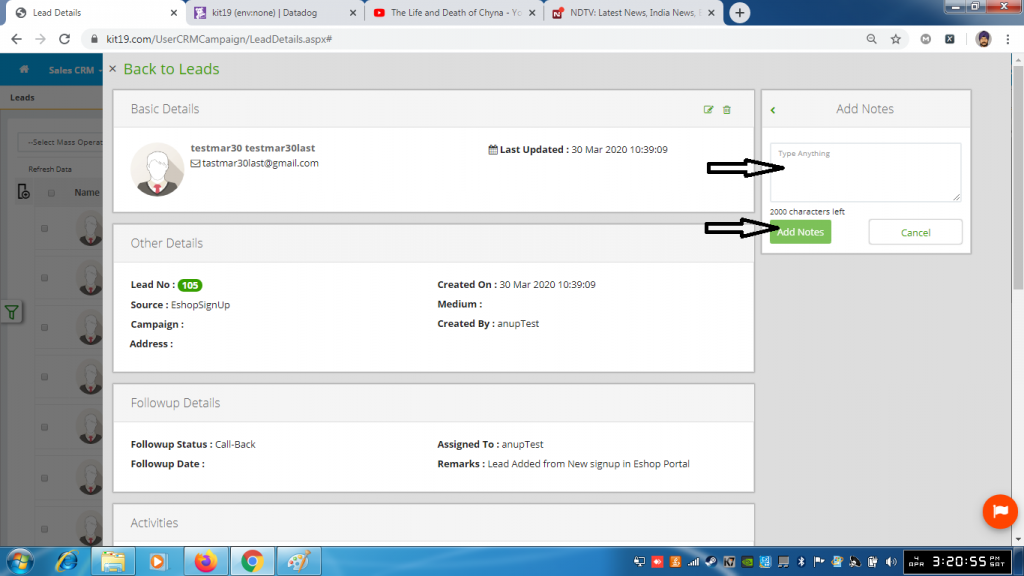
- Type the notes in the notes entry area
- Click the button Add Notes
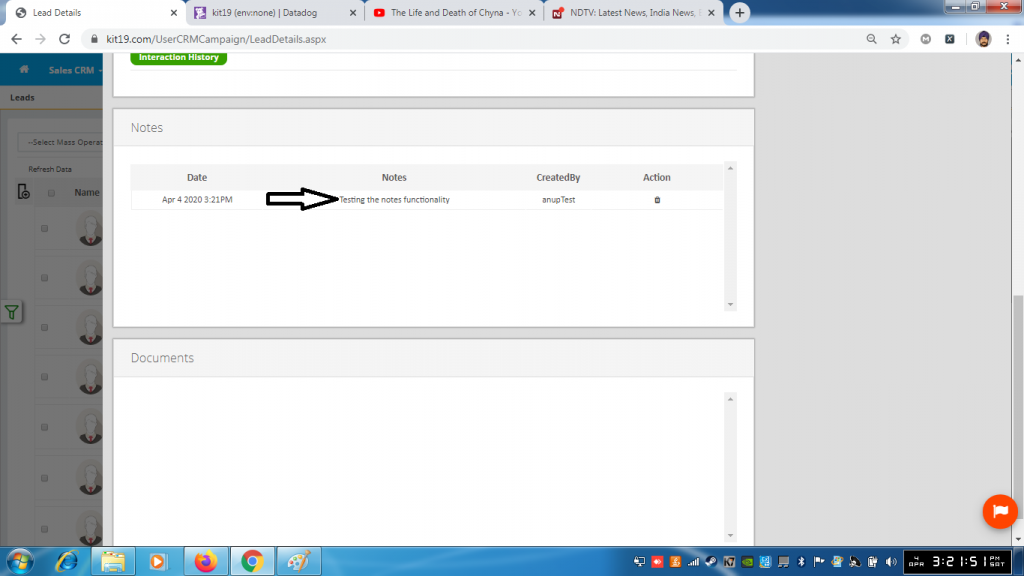
- The entered notes would be displayed under the notes section
