 knowledge kit19
To edit a lead follow the steps mentioned below:
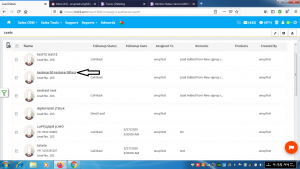
- Click on the name of the lead which has to be edited
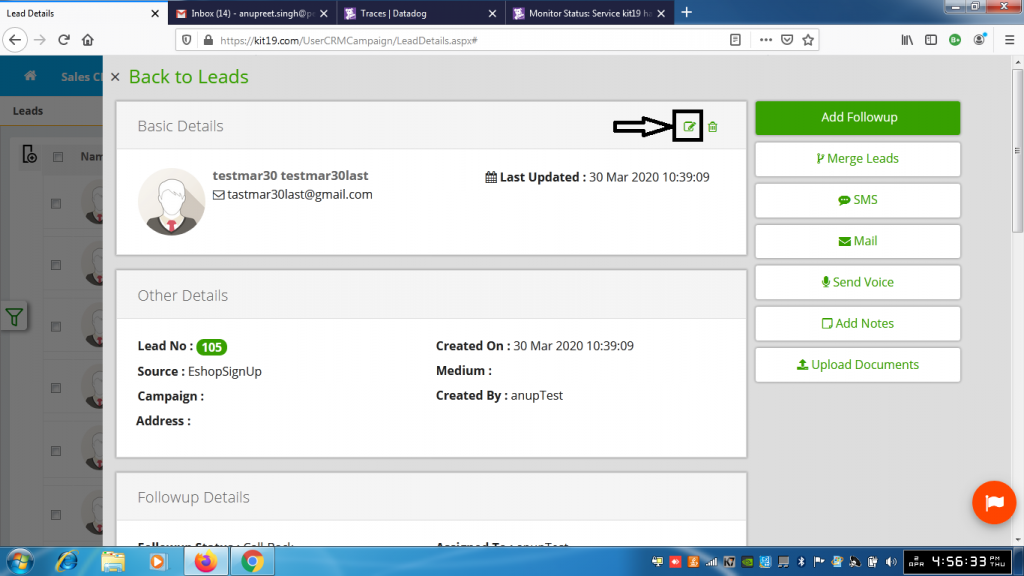
- Click the edit lead button
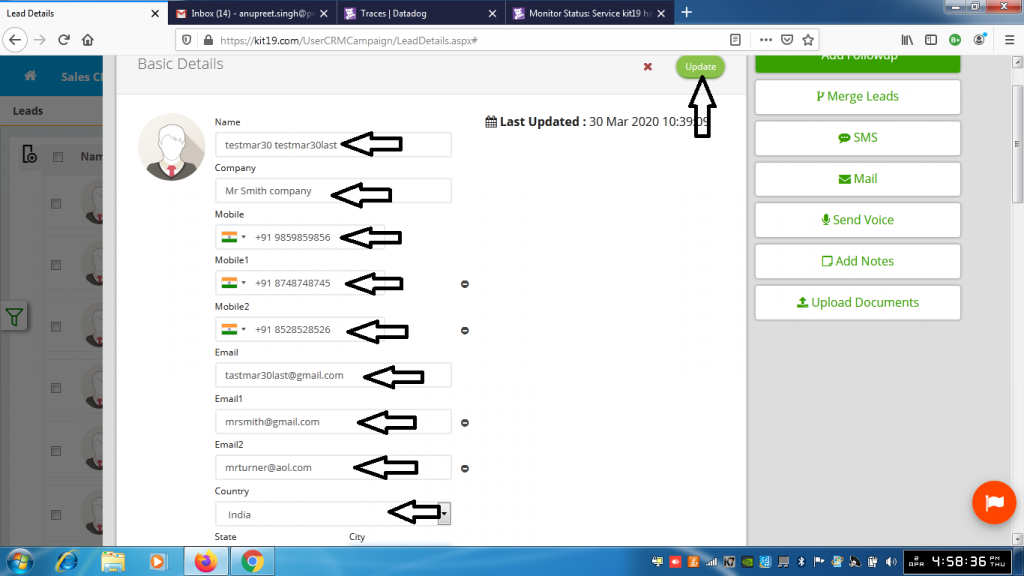
- Change the value(s) in the field(s) of your choice
- Click the Update button
The lead would be edited.
Note: It is not mandatory to change / edit all the fields.
