 knowledge kit19
To view the Call Details follow the steps mentioned below:
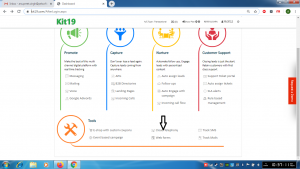
- Go the Page https://kit19.com/AfterLogin.aspx
- Click Cloud Telephony
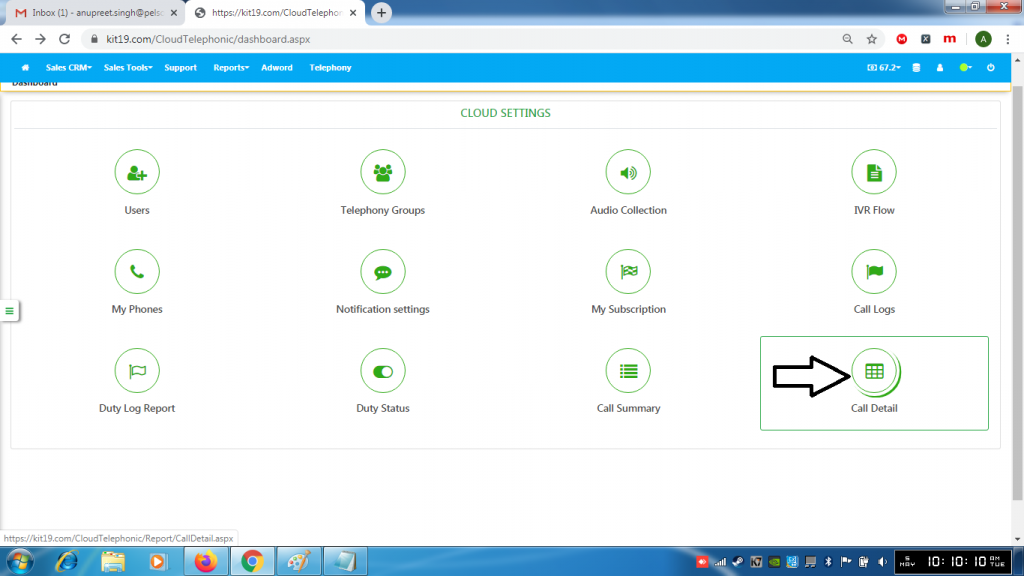
- Click Call Detail
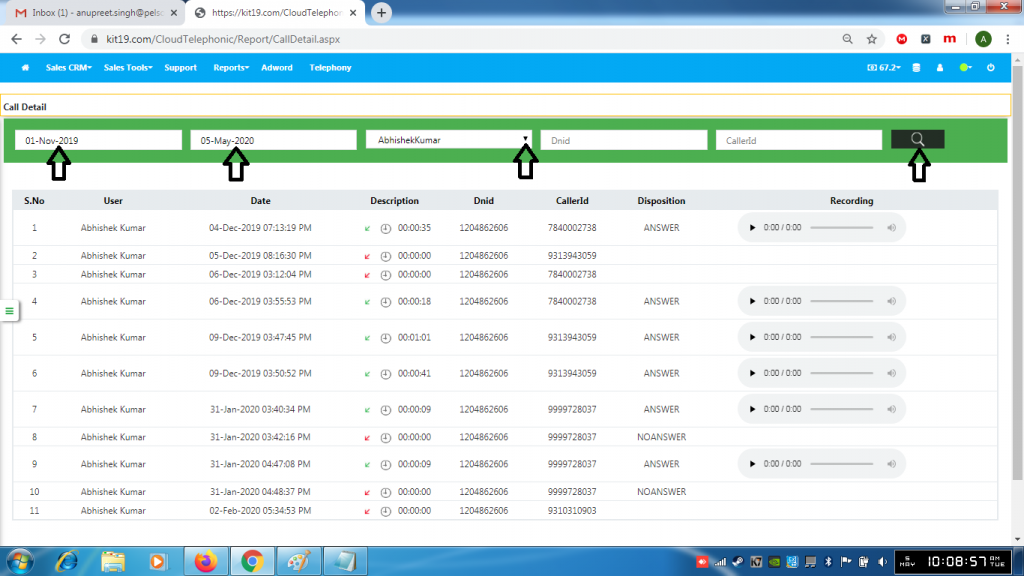
- Select a Start Date
- Select an End Date
- Select a User
- Click Search
To perform an advance search follow the steps mentioned below:
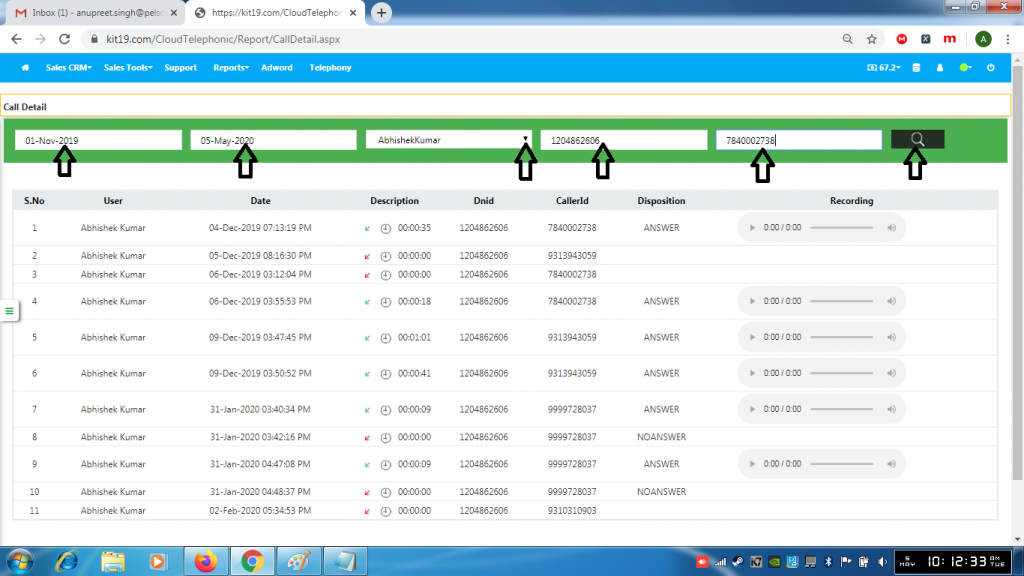
- Select a Start Date
- Select an End Date
- Select a User
- Enter a Dnid
- Enter CallerId
- Click Search
