 knowledge kit19
To delete a telephony group follow the steps mentioned below:
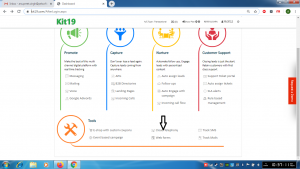
- Go to the page https://kit19.com/AfterLogin.aspx
- Click the Cloud Telephony
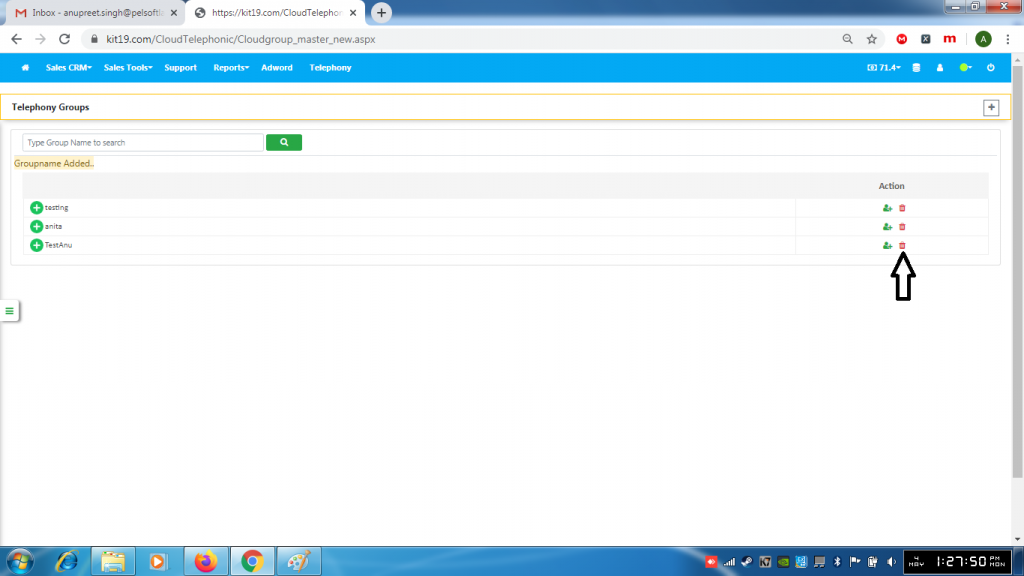
- Click the delete group button
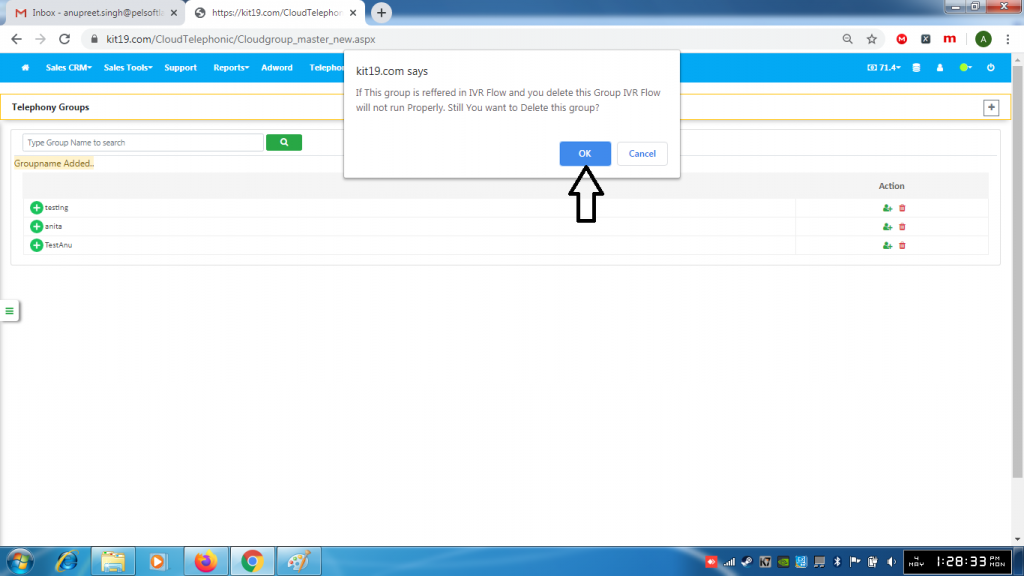
- Click the OK button on the modal popup
Caution: If there is an IVR flow that is associated with the group that IVR flow will not work properly after you delete the Telephony Group.
